Basically, all of the links on this page are affiliate links. I receive a commission (at no extra cost to you) if you make a purchase after clicking one of the affiliate links below. Read our Affiliate Link Policy for more information.
Parts I used
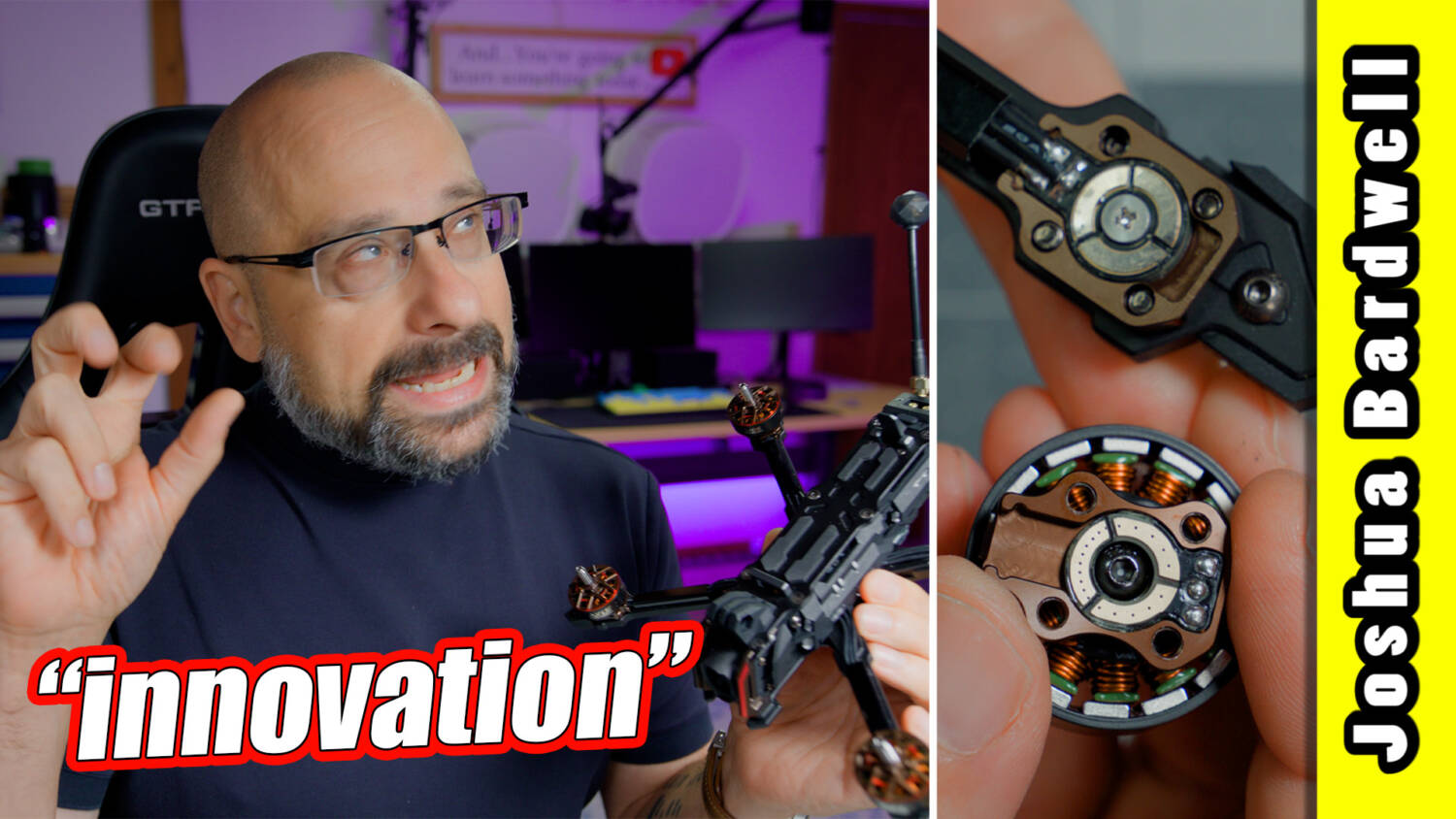
I hate innovation for the sake of innovation. When innovation truly makes something better, I’m all about it. But so often it’s really just about making something more expensive, more proprietary and more complicated. A lot of the time it works worse than the thing we’ve always done. It’s just something a manufacturer can put on the marketing sheet to convince you their product is worth your money.
That’s the attitude I brought to the AxisFlying Vertex 5. AxisFlying have two sincerely innovative features here. But are they actually a good idea? Are they better than what we do now? And are they worth your money?
Quick-release battery mount
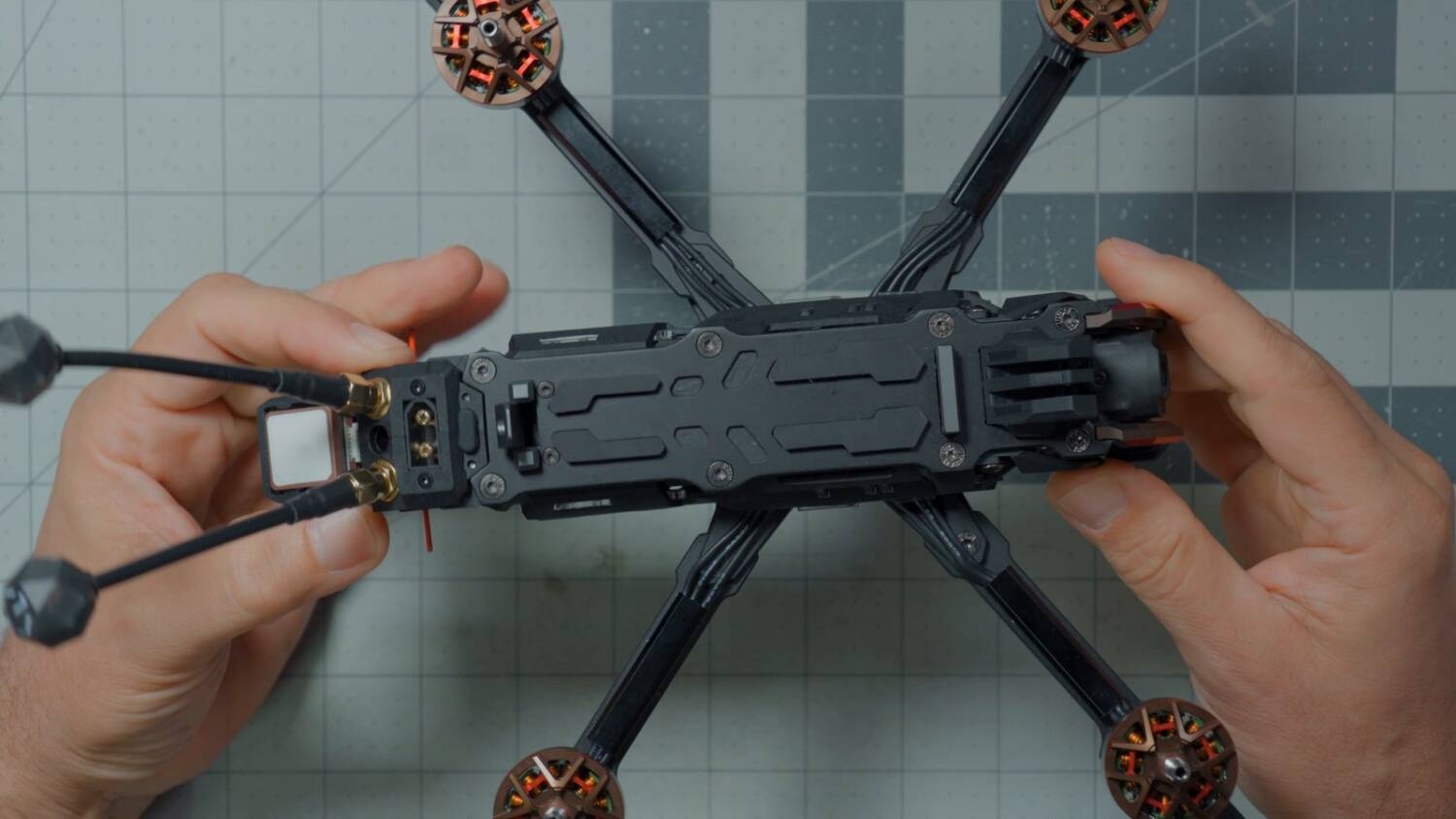
Two innovative features make the Vertex 5 not just another 5-inch drone. The first one relates to the battery. Normally we pass a battery strap through the frame, which alone is a pain in the butt on something tight like this. Sometimes you have to take the top plate off to get it through. Then we strap the battery down.
AxisFlying wants us to use a battery tray instead. At the front there’s a little metal piece.
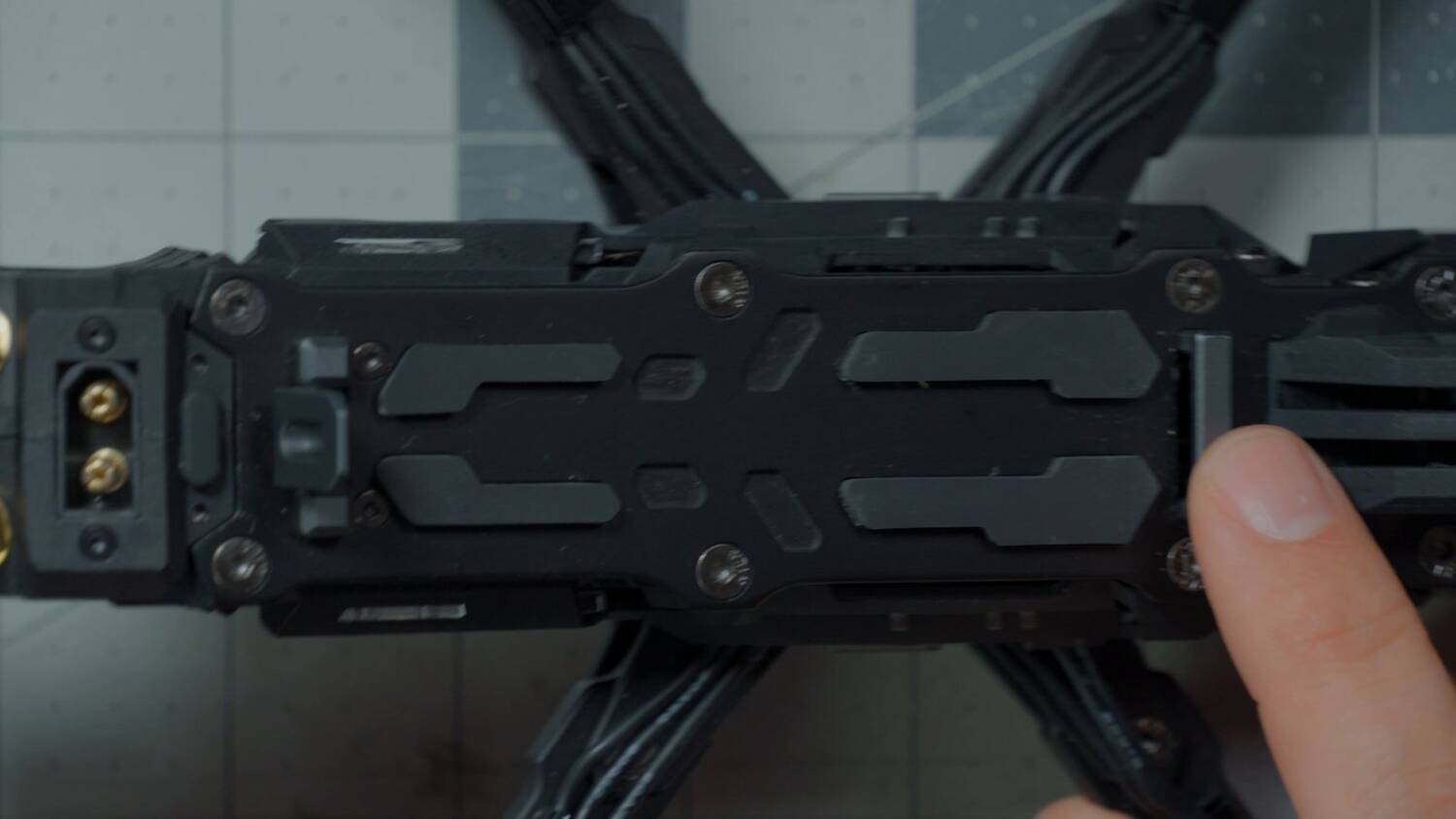
At the rear there’s a little spring-loaded tab.
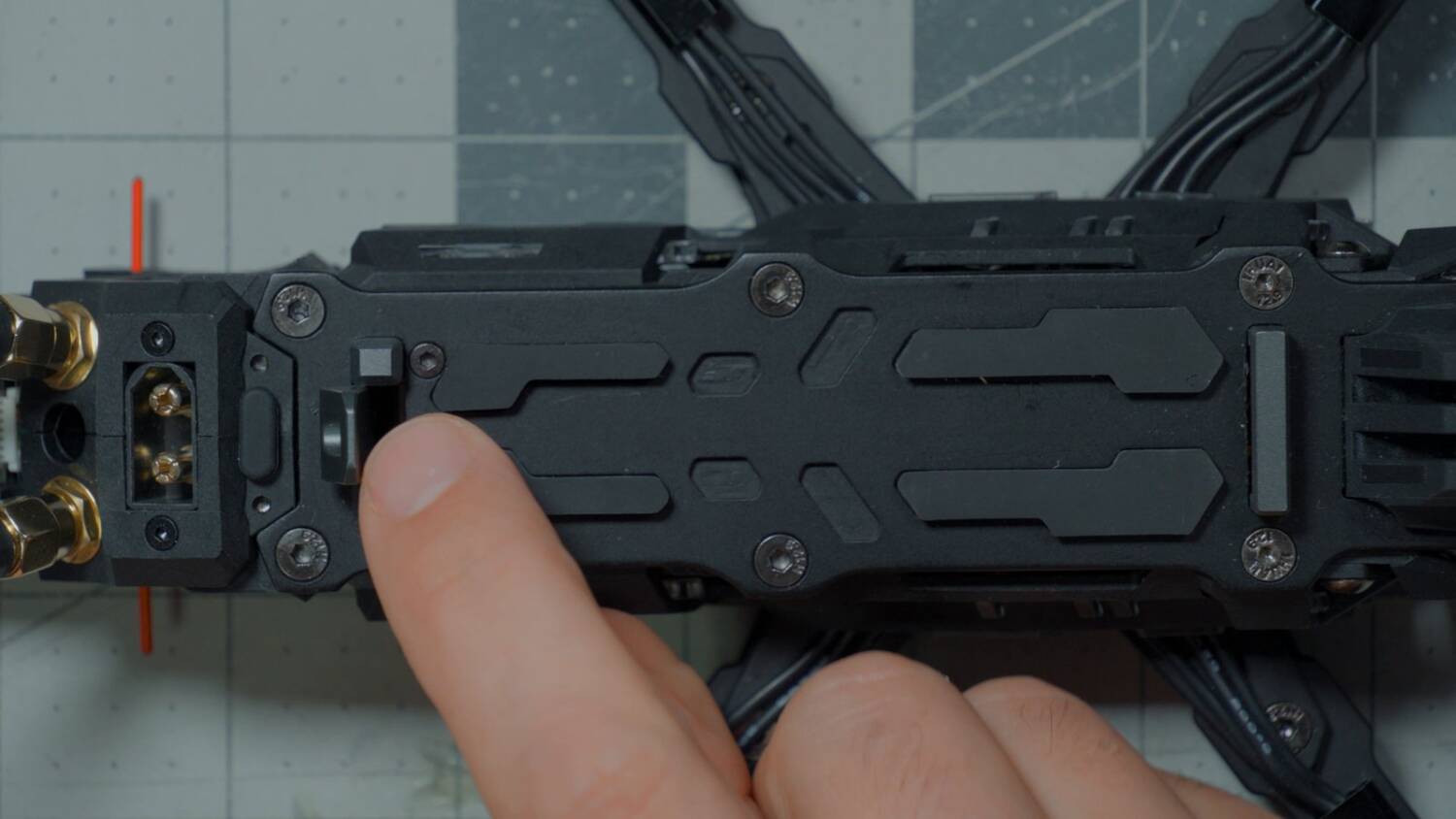
You put the front of the tray down in there and push the back down. It’s taken a little practice to get it lined up consistently: it has to be lined up correctly left to right, and I found it helps to push it forward a little and down. Boom, it locks in. To change the battery, you just pop it off.
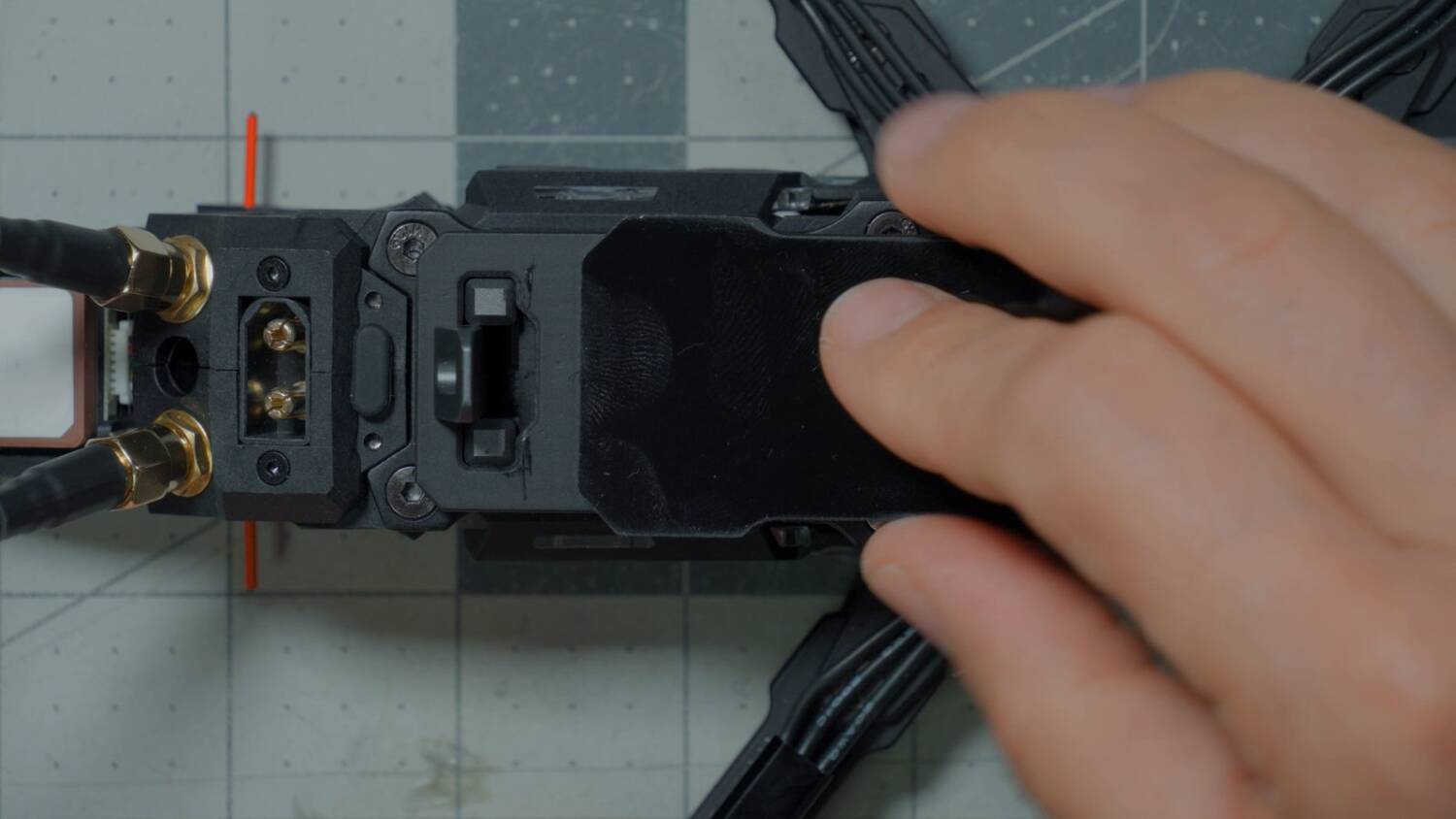
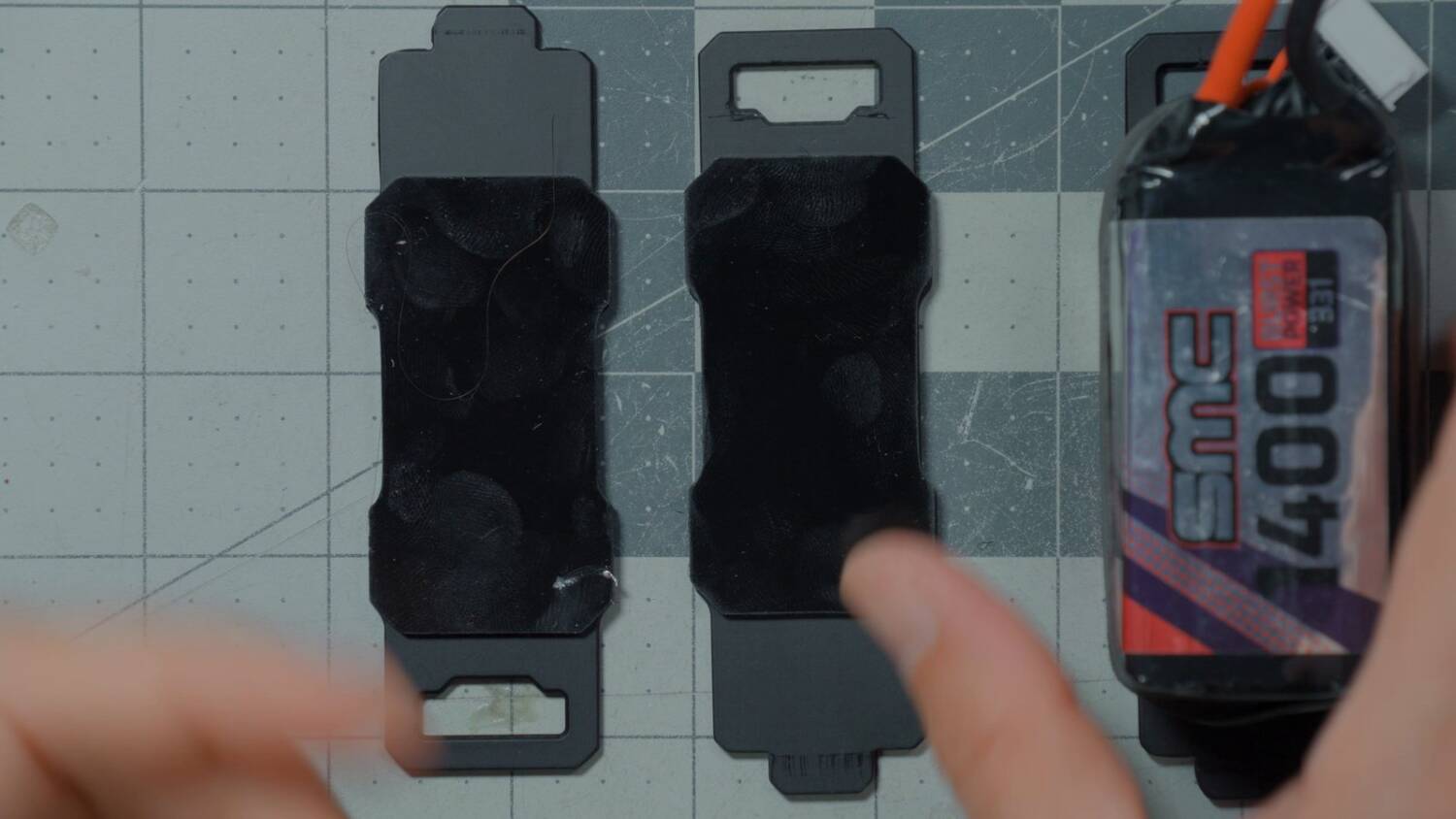
The drone comes with three battery trays and three battery pads. And the pads are — this is usually the opposite of what I say — properly sticky. I usually complain about battery pads not being sticky enough. These will get less sticky over time as they get dusty. That’s just a fact, and in some ways it’s a good thing, because it’s a little hard to get the battery off. You can usually restore them by running them under some water. And the nice thing is, you don’t have to run the whole drone underwater to rinse them off.
Quick-release… motors?
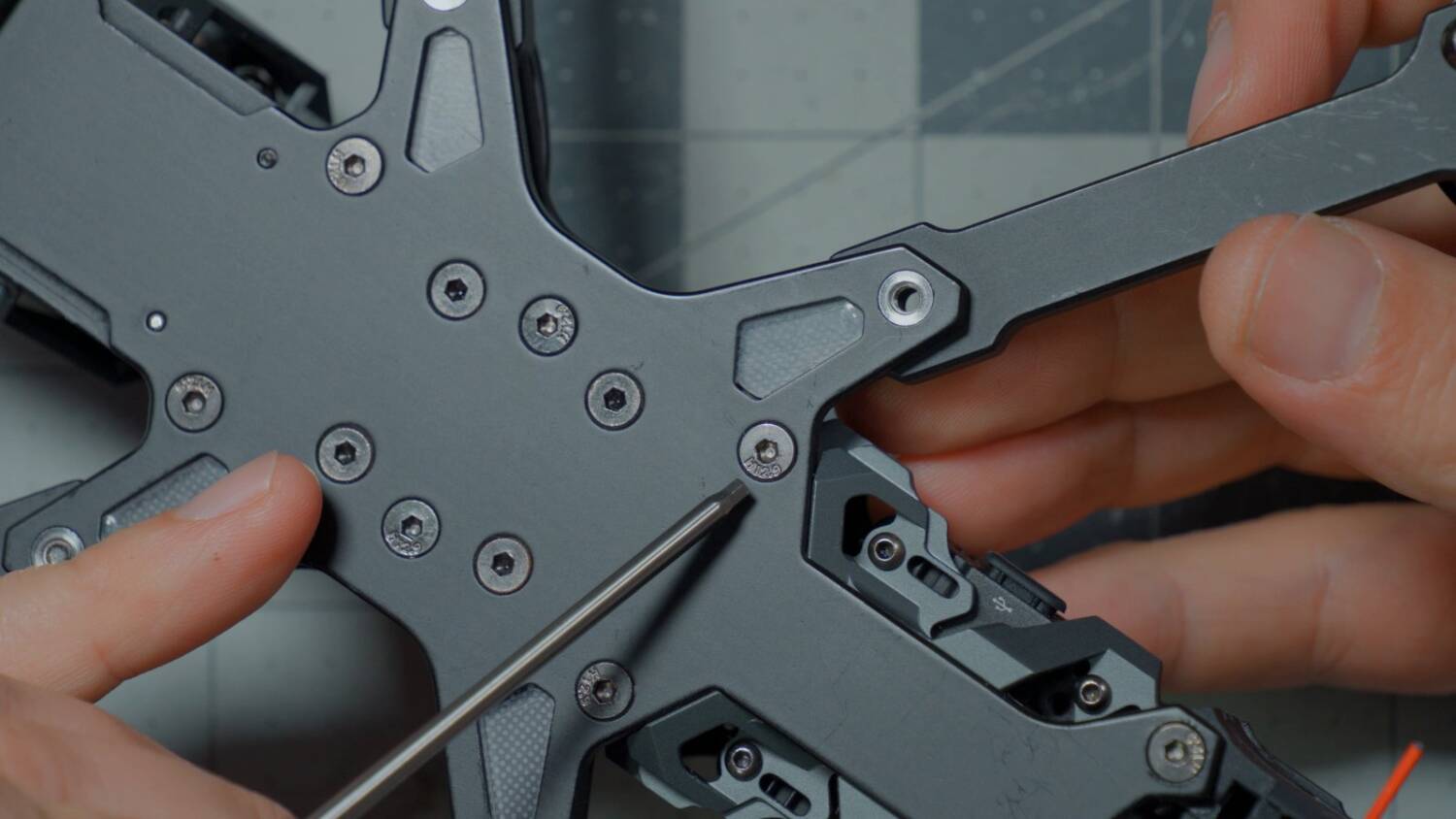
Innovation number two relates to the motors. At first glance, this looks like any other drone motor with a slightly thicker base. But take out the motor screws and you can see the real difference: the motor is in two separate parts, the top and the base. The idea is that if I fry a motor, I can change it out without redoing any soldering. All I need is a driver.
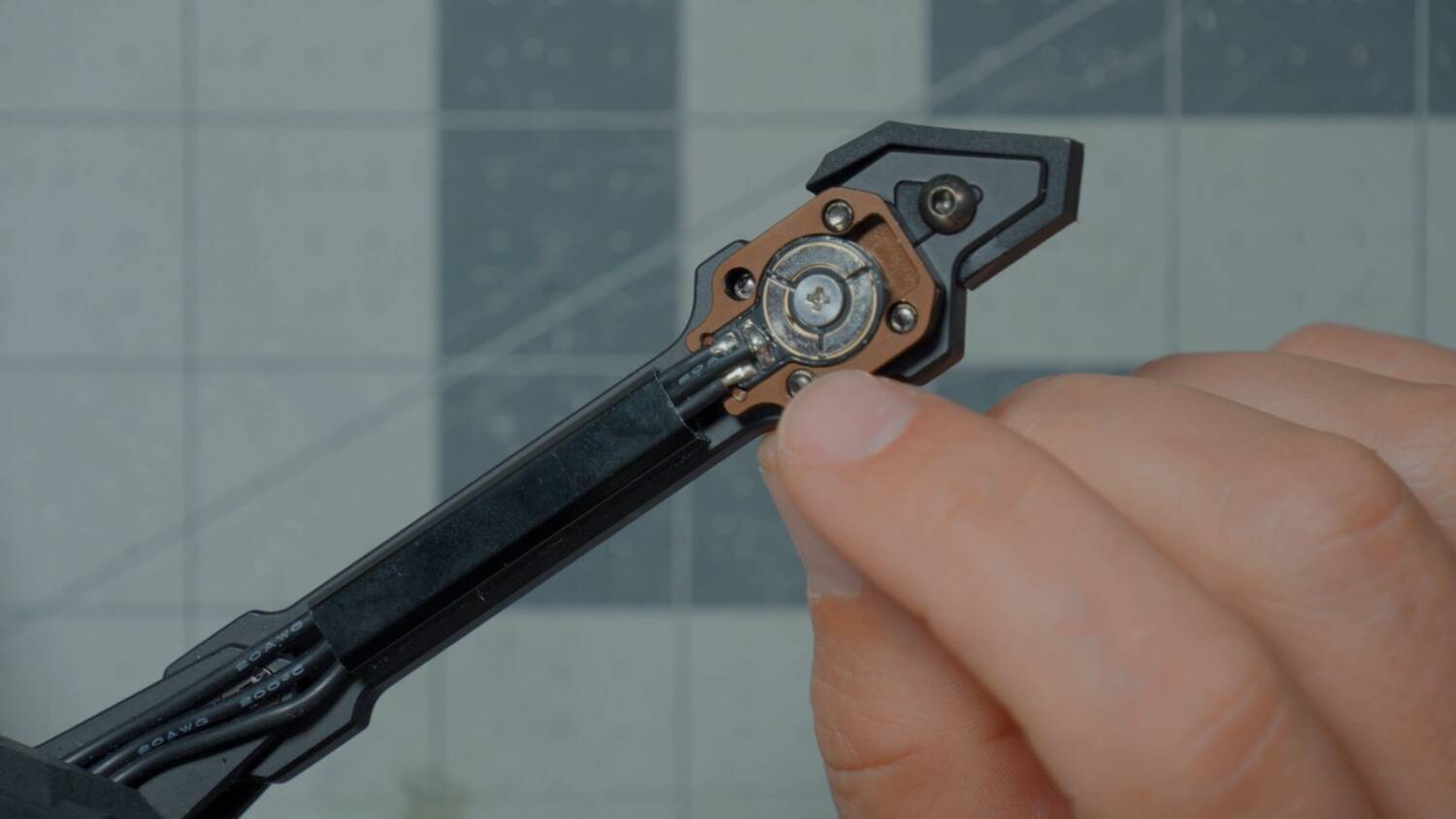
But the screws AxisFlying used are not long enough. A screw only goes about halfway up through the base. I’ve already stripped one motor base, because there wasn’t enough thread engagement. These are aluminum bases and steel screws, so we need all the thread engagement we can get. Crank it down like a gorilla and you’ll still strip it. But I wasn’t. I was tightening a normal amount, it wasn’t fully engaged, and it stripped.
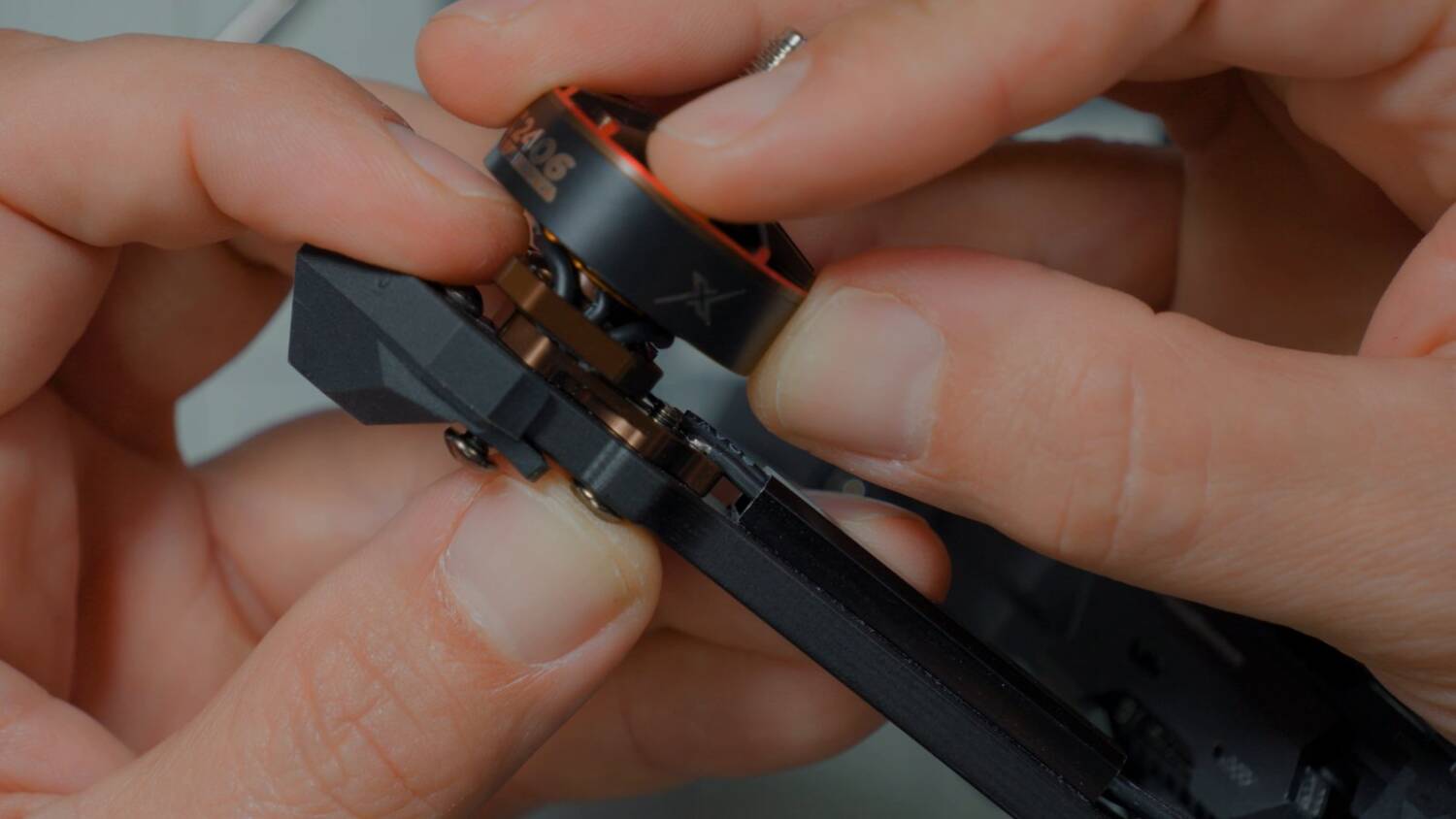
I’d prefer longer screws, for full thread engagement, because these have to be snug. It’s the pressure of the screws that forces those plates together and makes the electrical contact. That’s a lot of current: 30 or 40 amps sometimes, certainly at least 20 amps flowing through there. Without good contact, you get heat buildup and voltage drop.
The other thing that drives me crazy: there’s a plastic foot here. Great, I love it, it helps protect the motor. But the screw through it has to be tight, because it pulls the motor down against the base. And because the foot is plastic, tightening it just rips through. I’m not going to remove the feet, because it’s their bind-and-fly and I should review it as flown. If I killed a motor and complained, people would say, yeah, but you took the plastic off.
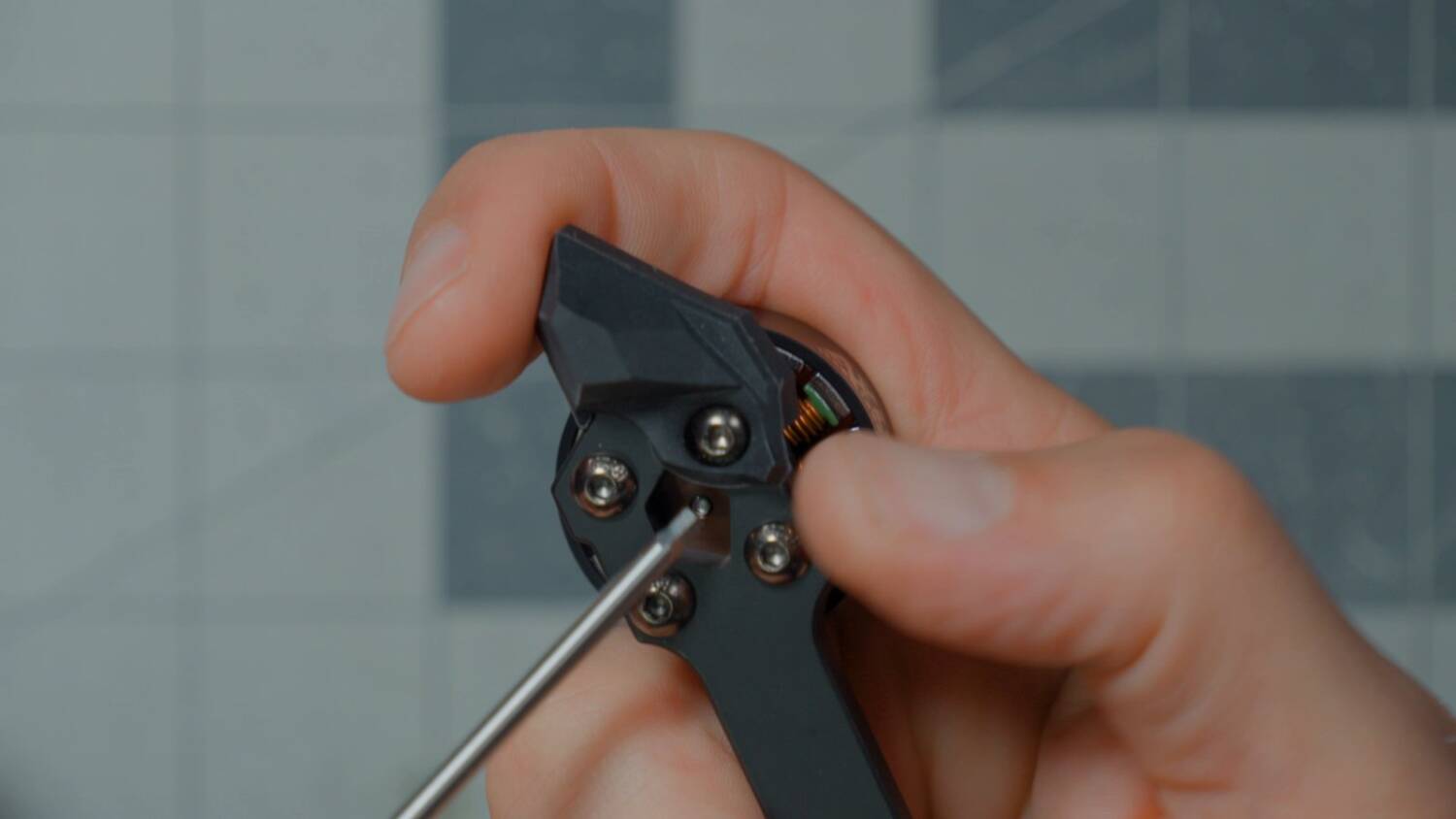
So what would I do? Take out the screw and take off the plastic foot. It just slides out.
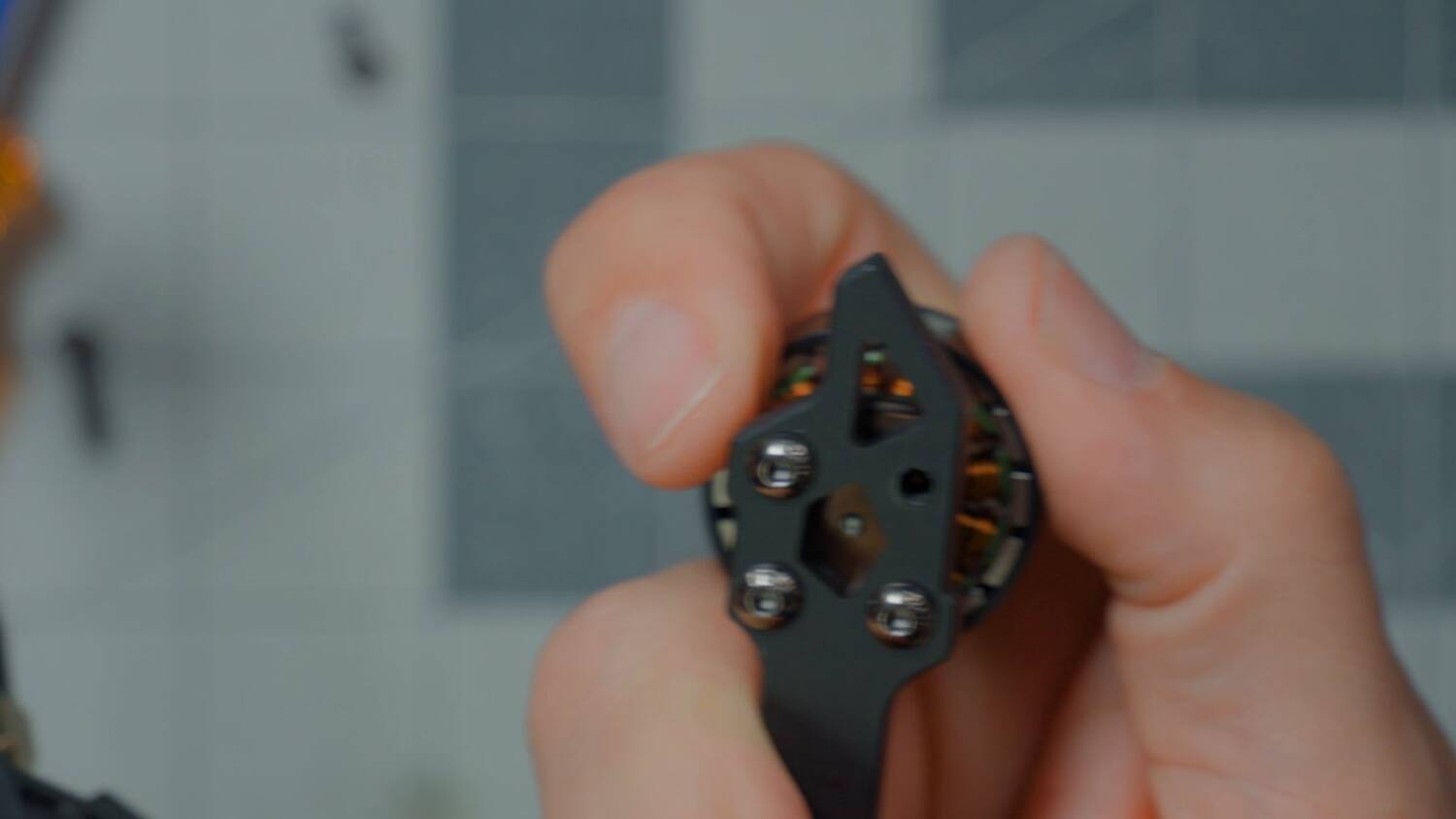
Then use one of the screws that came with the motor. Oh, AxisFlying, you put the correct screws with the motor! Why do you send the correct-length screws with the motor but not on your bind-and-fly?
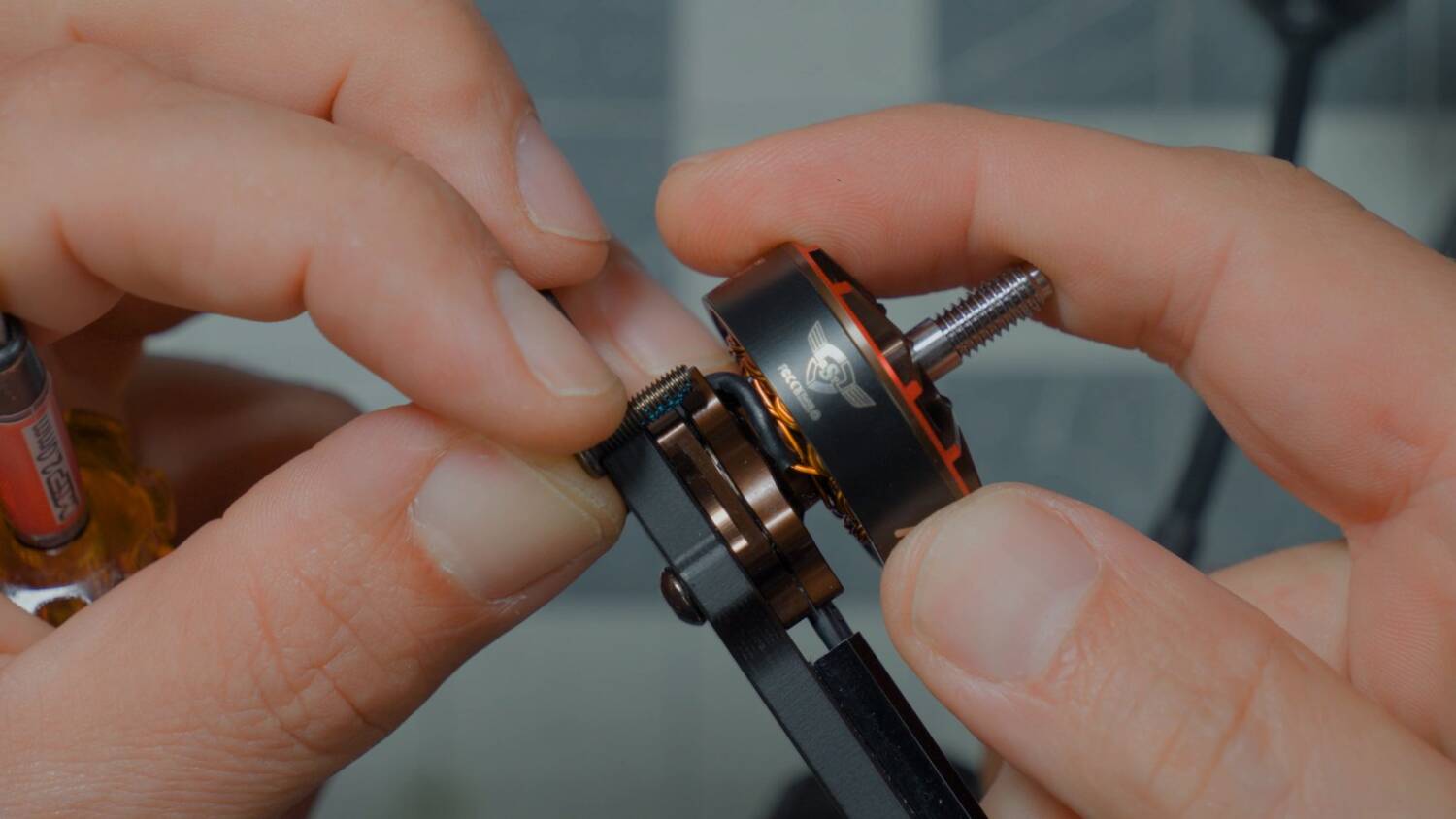
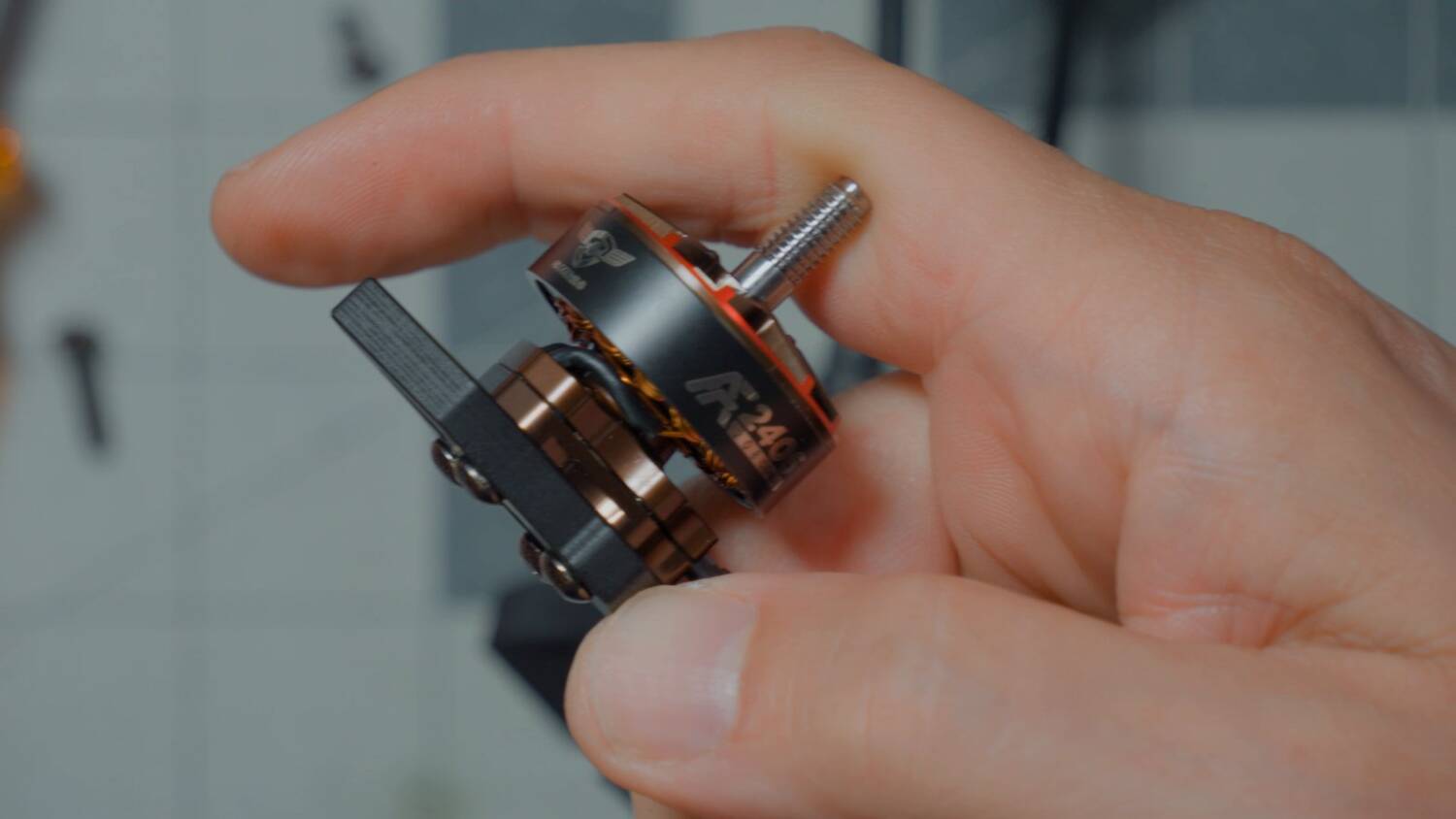
It gets about 3/4 of the way up the base instead of about half or a third. Now I have four snug screws, and everything is good to go. The downside is that the screw head will wear sooner if I’m flying somewhere abrasive like concrete or asphalt. But personally, I like my motor screws tight.
I hate LED light-up side plates
As for the rest of the drone, it’s a 5-inch freestyle drone with an X-style plate. It’s a more integrated style of drone, with LED light-up side plates.
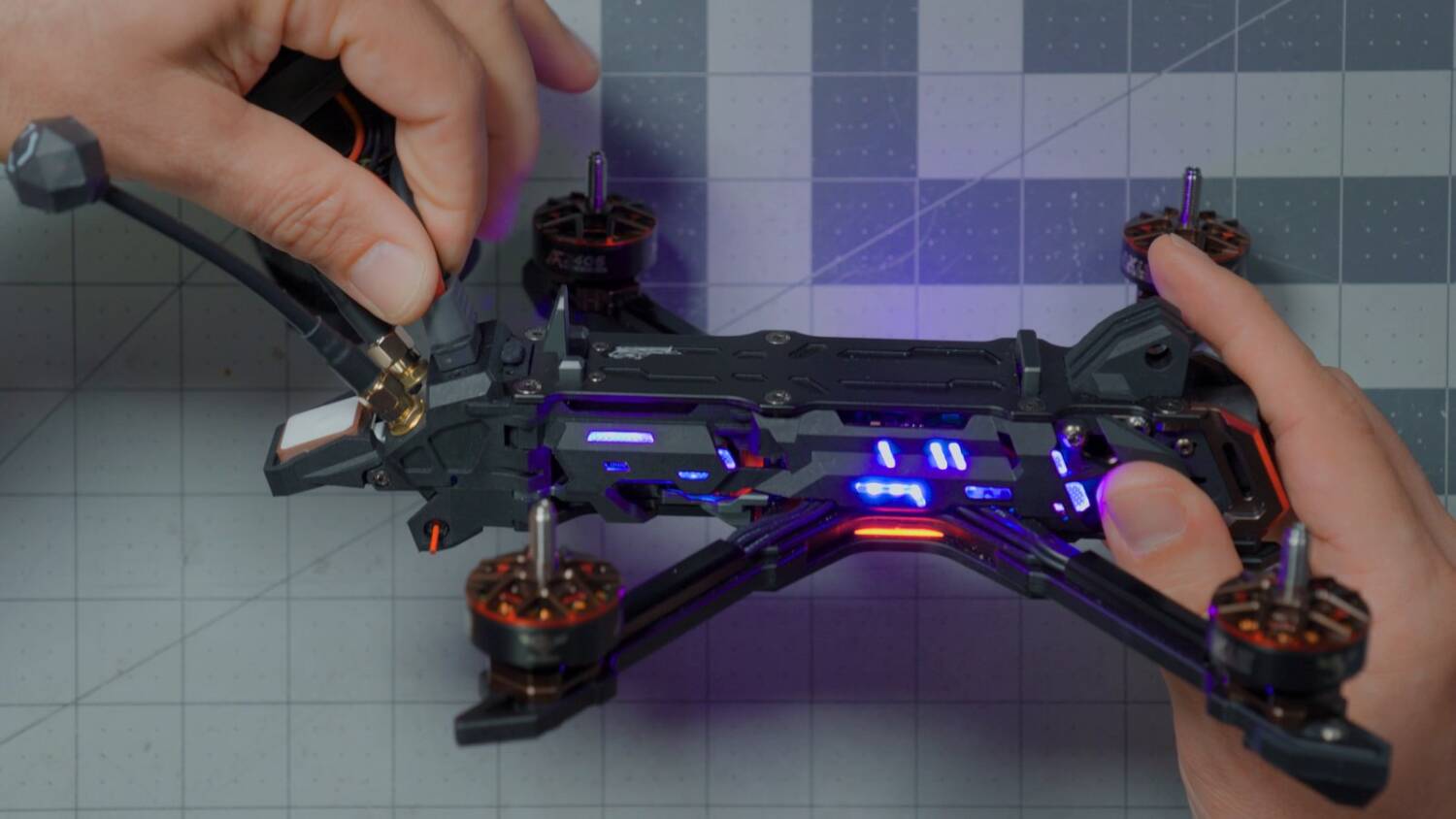
Plug in a battery and — big pop. I guess there’s no spark arrestor. And it’s got a beeper. Oh my god. The color LEDs are presumably programmable in Betaflight.
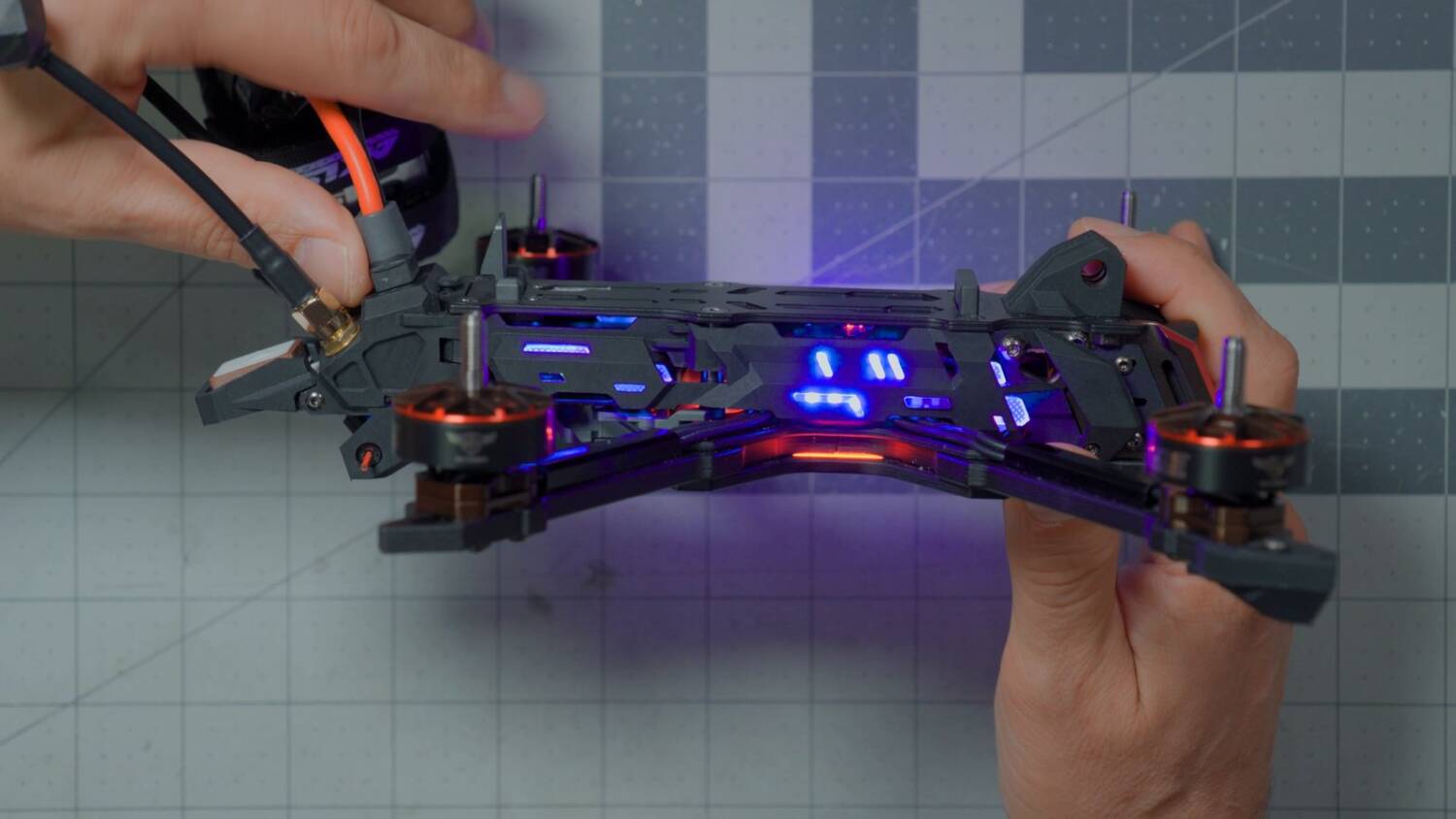
I’m famously critical of side plates like this. Yes, they keep the drone clean. But they get in the way of doing maintenance, and they’re just another piece to break. It is nice that AxisFlying made these easily removable: a single screw, and it pops off. (The screw goes through two plates, so you have to fully remove it, or it snags.)
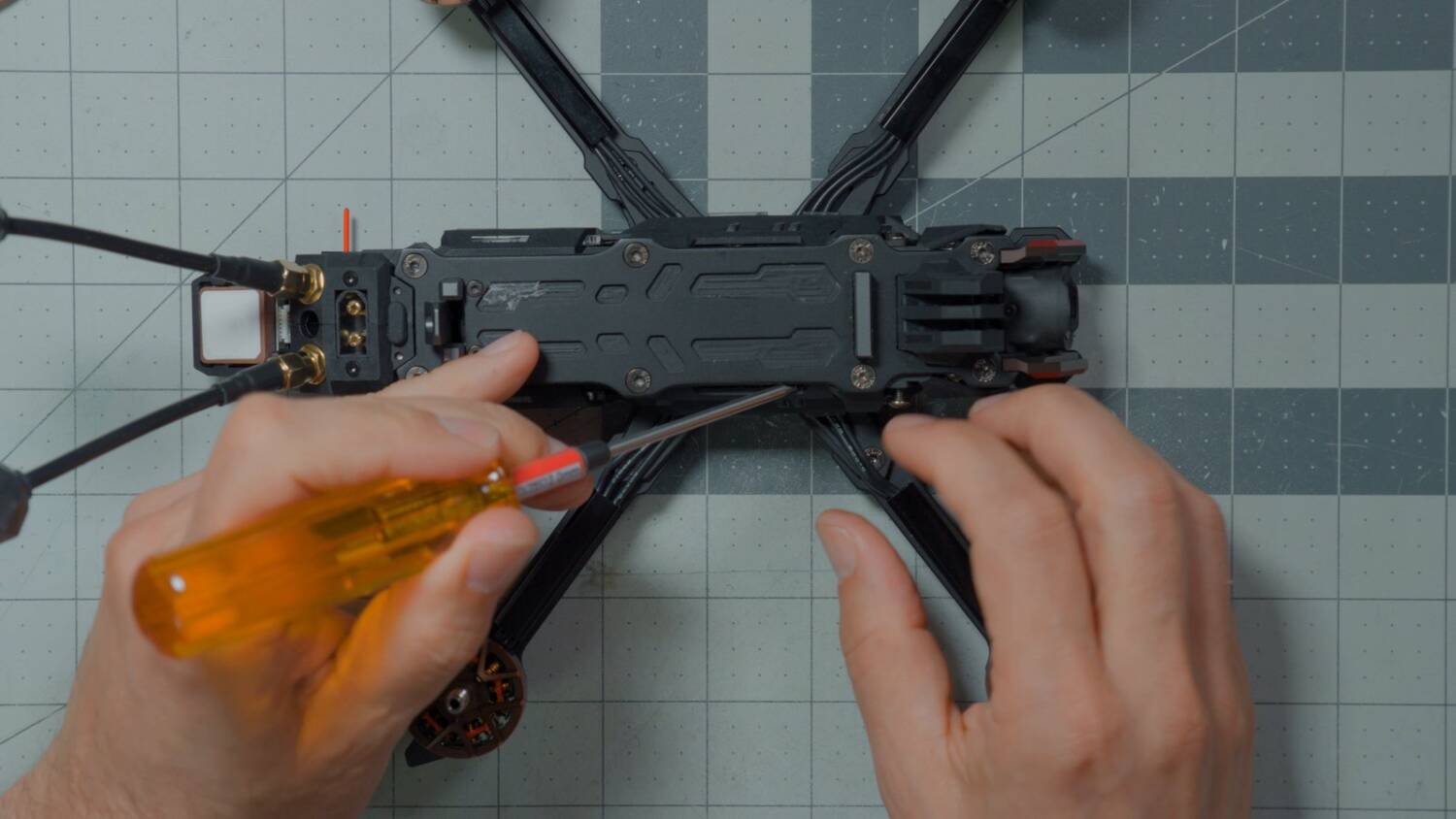
There are little clips, and a plug at the front for the LEDs, so don’t just yank it off. But it’s relatively easy to remove for maintenance, or if you just like the more wide-open look. That’s what I’m used to seeing, baby.
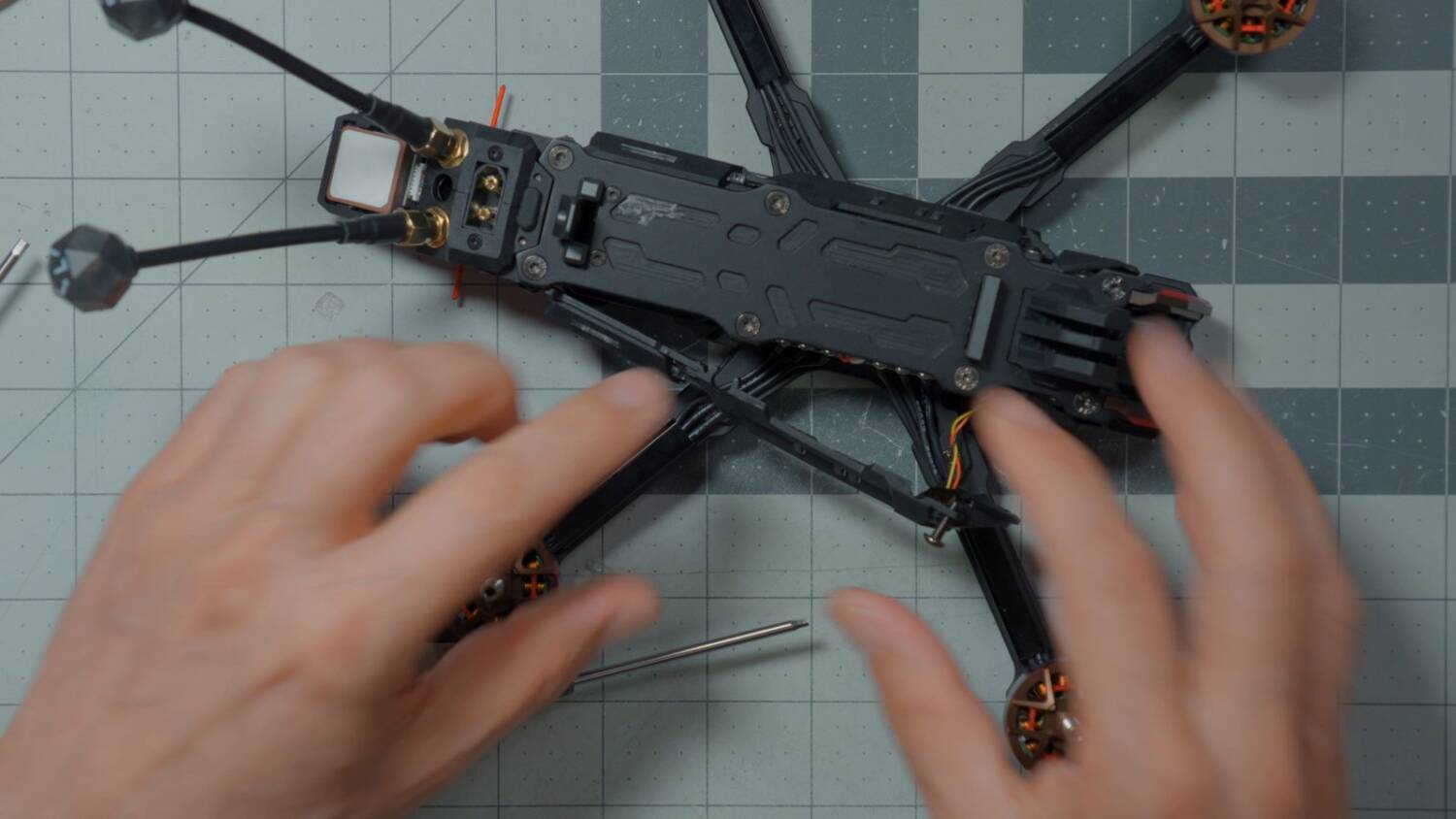
Teeny tiny FC. Giant ESC.
Now we can actually see the electronics. This is an impressive-looking ESC — big and beefy, close to the 30mm standard size, though it technically has 20mm (or even 16mm?) mounting. The flight controller is microscopic. And the USB port is covered by wires.
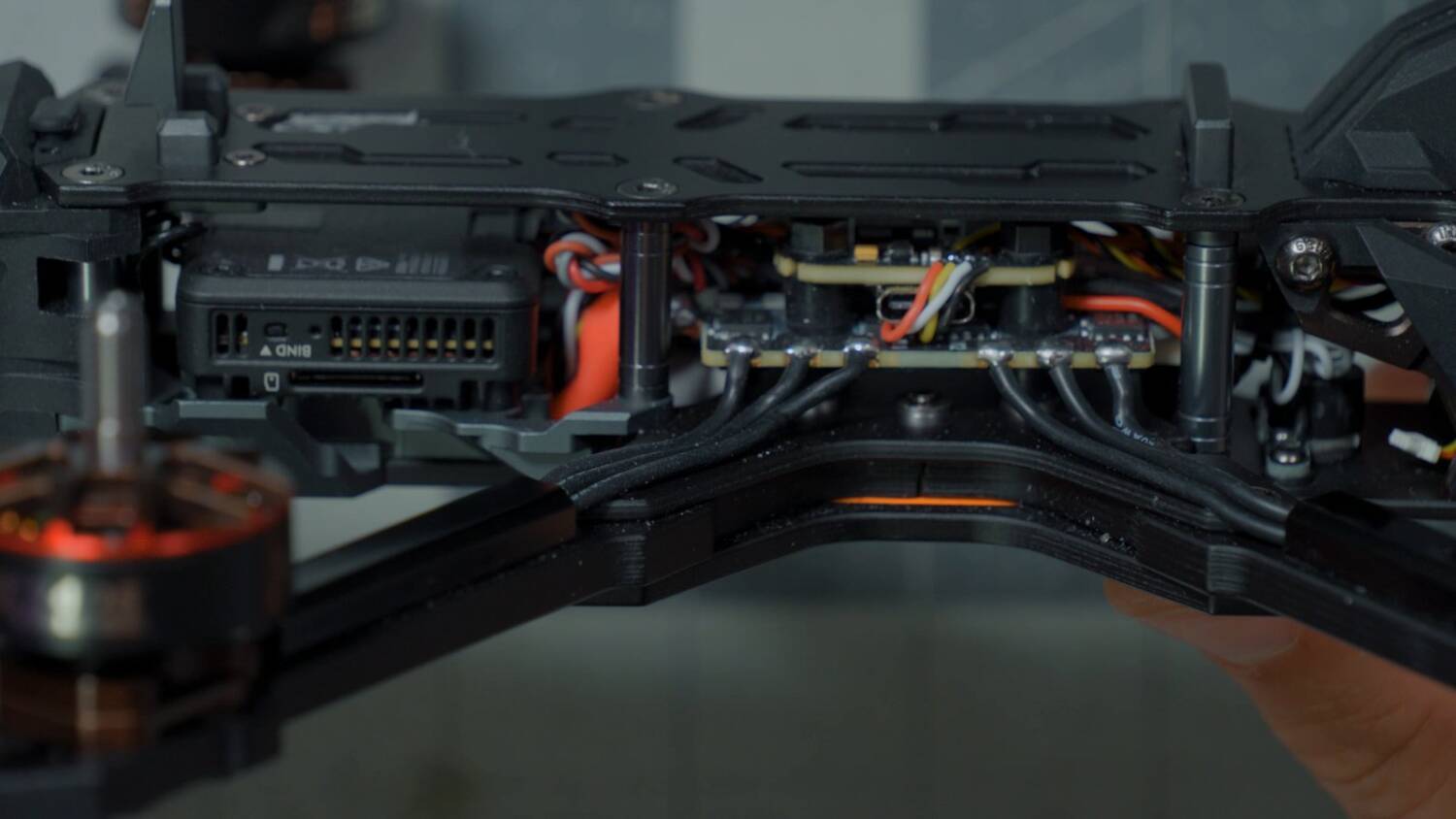
How am I supposed to plug this into Betaflight? Oh. So clever. They’ve remote-mounted the USB port. If you’re going to bury the flight controller up inside the drone, I like the idea of an accessible USB port. You’re off the hook for that one, AxisFlying.
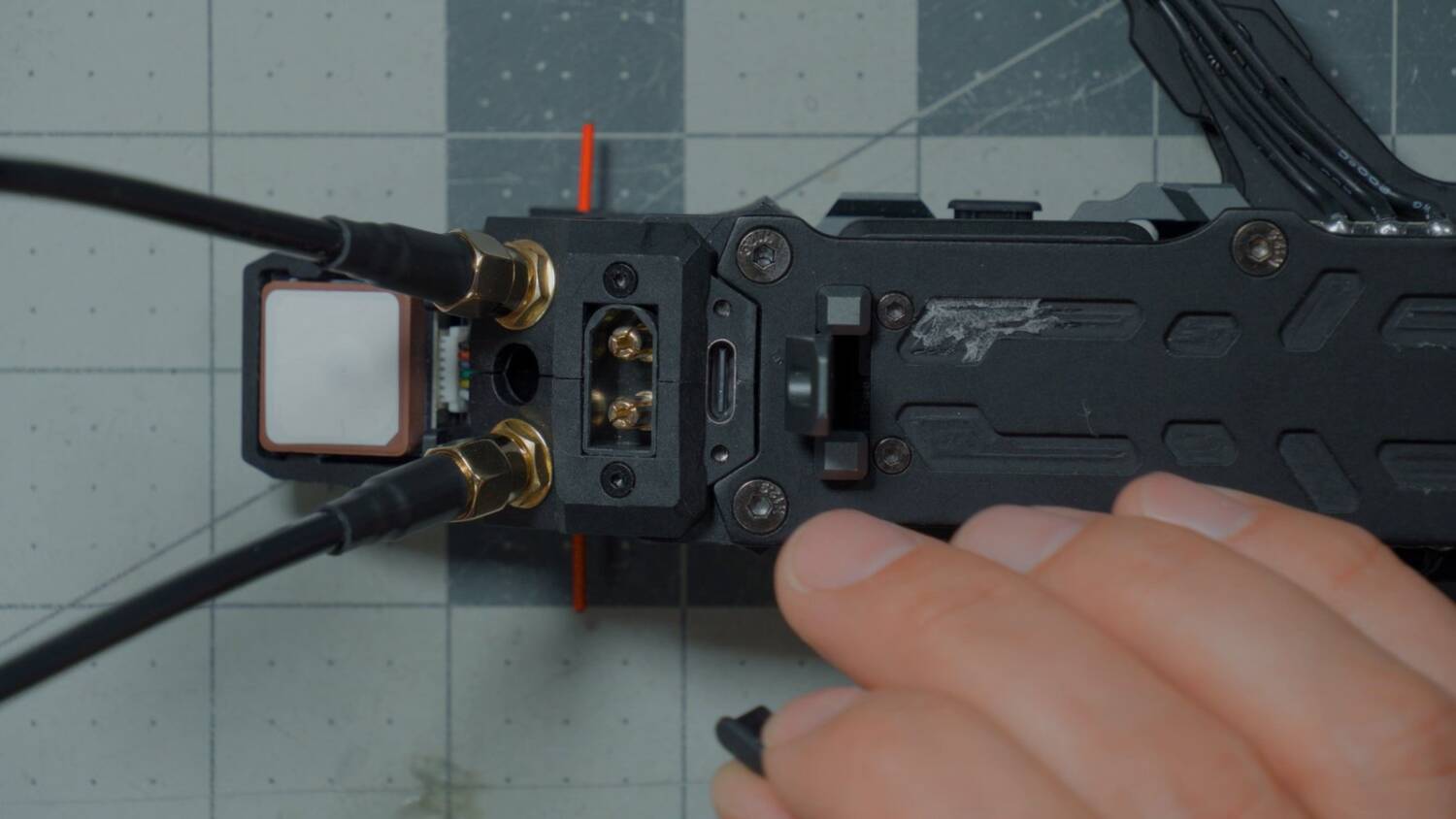
A flight controller that tiny likely means there’s not much opportunity to expand on what it’s doing. This is a bind-and-fly drone intended to be used as delivered. That being said, it comes with most of what you’d ask for: a digital video transmitter (in my case the DJI O4), an ExpressLRS 2.4 GHz receiver mounted at the back, and a GPS. What are you going to add, a head tracker? No. It’s designed to be flown as is.
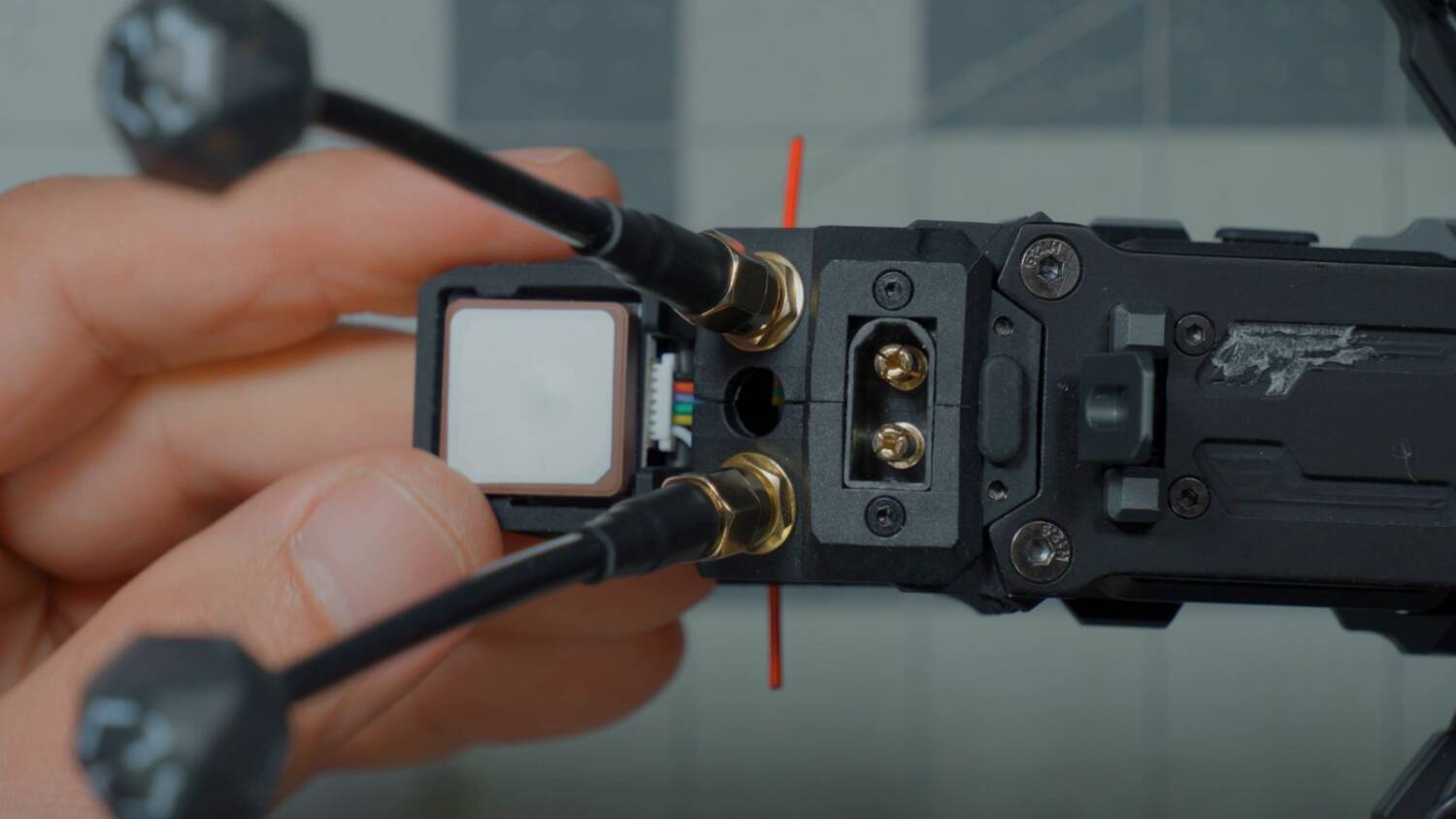
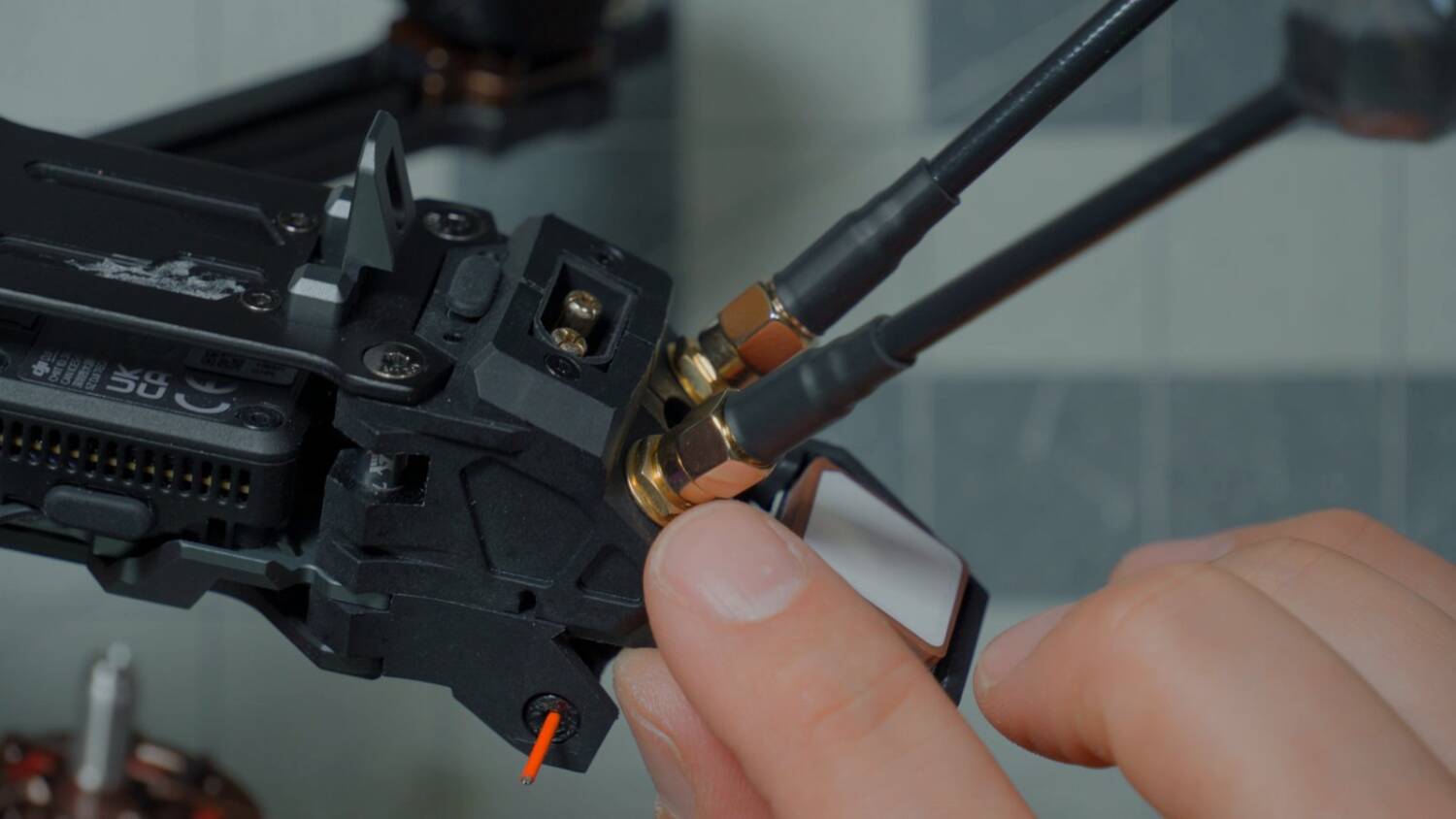
I also noticed that the plastic parts aren’t TPU. They’re a rigid plastic, which really calls into question how durable they’ll be. Like the antenna mount: surely either the plastic piece breaks off, or it stays rigid and the antennas themselves break. I’ve seen so many SMAs break. With TPU, it flexes. Sometimes the SMA rips out, but generally the whole thing survives. I feel like that’s going to happen here.
I ripped off the motor wires
The other question is how you change an arm if one breaks. Good news: you don’t have to remove a stack screw. The stack screw goes into a slit in the arm.
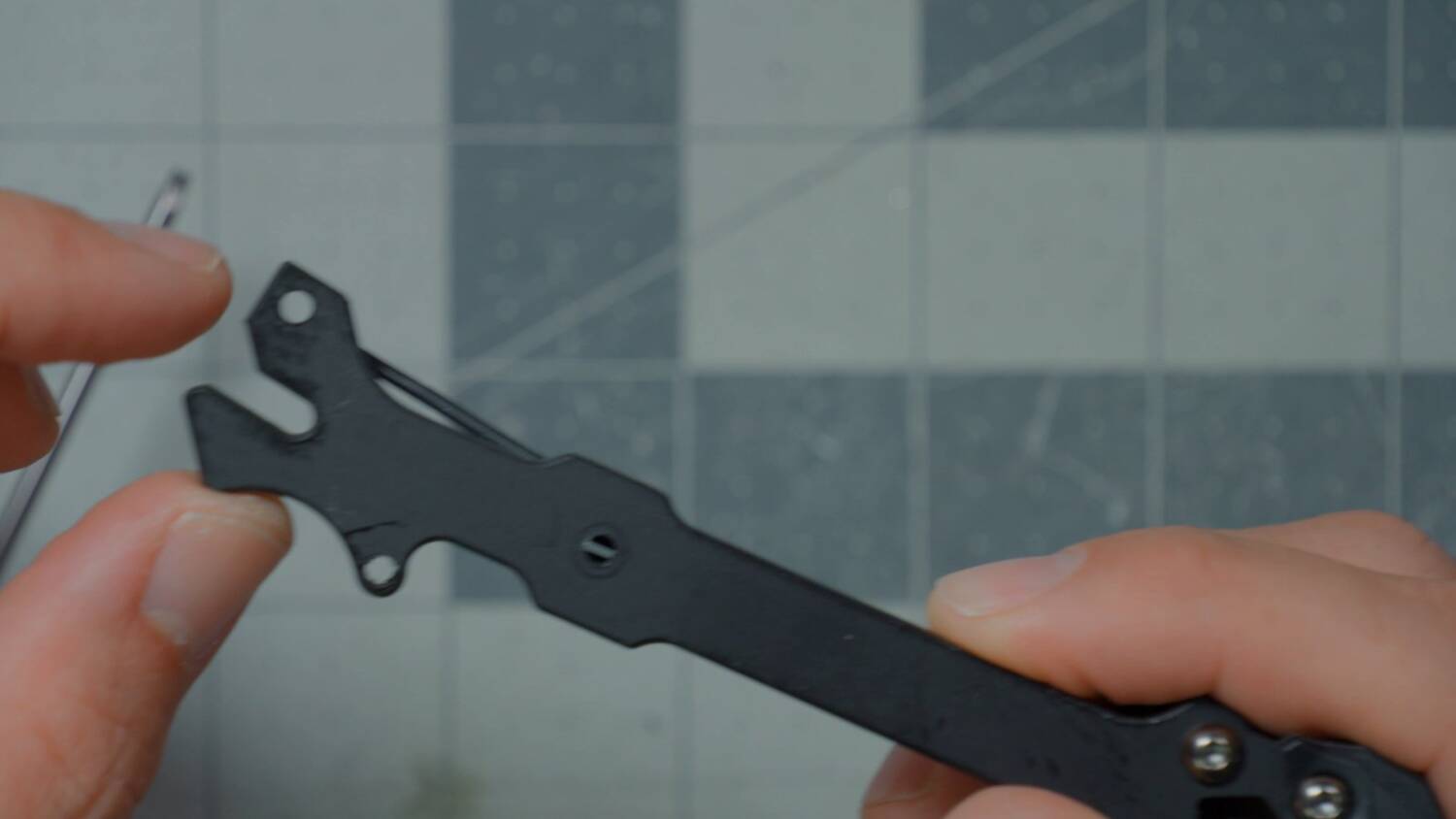
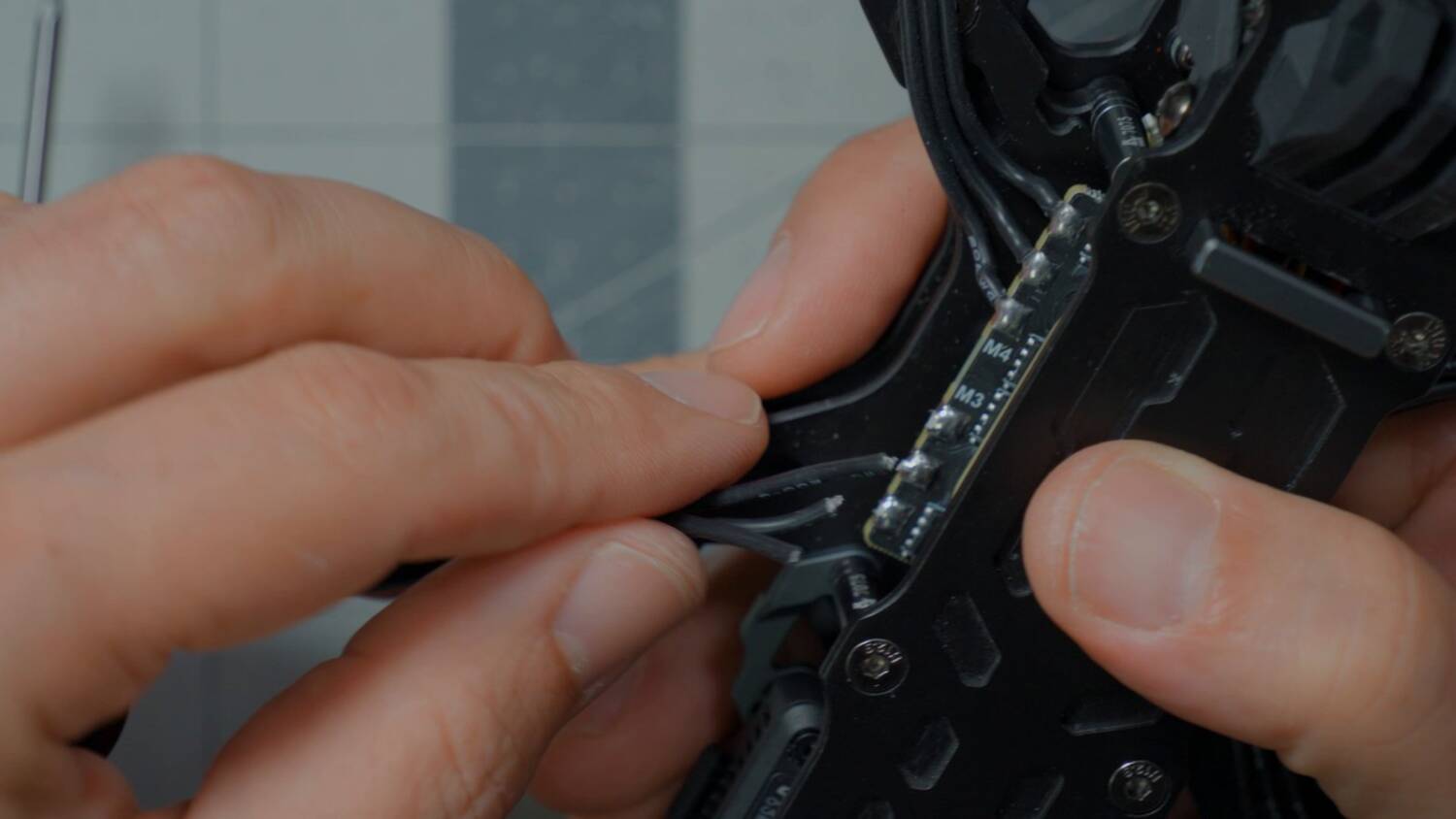
However, the motor solder joints just ripped off. Well, Bardwell, you were tugging on them. I wasn’t tugging that hard.
I’m surprised at how easily those motor wires ripped off. If an arm broke in a crash and yanked, it would definitely pull harder than I did. I’ve crashed a lot of drones where the arm broke but the motor stayed soldered on, and you just replace the arm. That was not going to happen here. Also, after putting the arm screw back in, you have to tighten the stack nut again. That’s annoying. We invented a whole new kind of motor to make maintenance easier, and changing an arm is still a pain.
Let’s check out Betaflight
People think that when you buy a bind-and-fly, you just bind it and fly it. That’s never been the case. You have to hook it up to the computer, connect your controller, set up your aux modes and other things. So as long as I had to do that anyway, I looked at how AxisFlying shipped the Betaflight configuration.
First, they shipped it with Betaflight 2025.12.5. That’s a very recent version. Many manufacturers still ship even older versions than that, so good for them. The main thing 2025.12 added was enhanced GPS rescue, altitude hold and position hold.
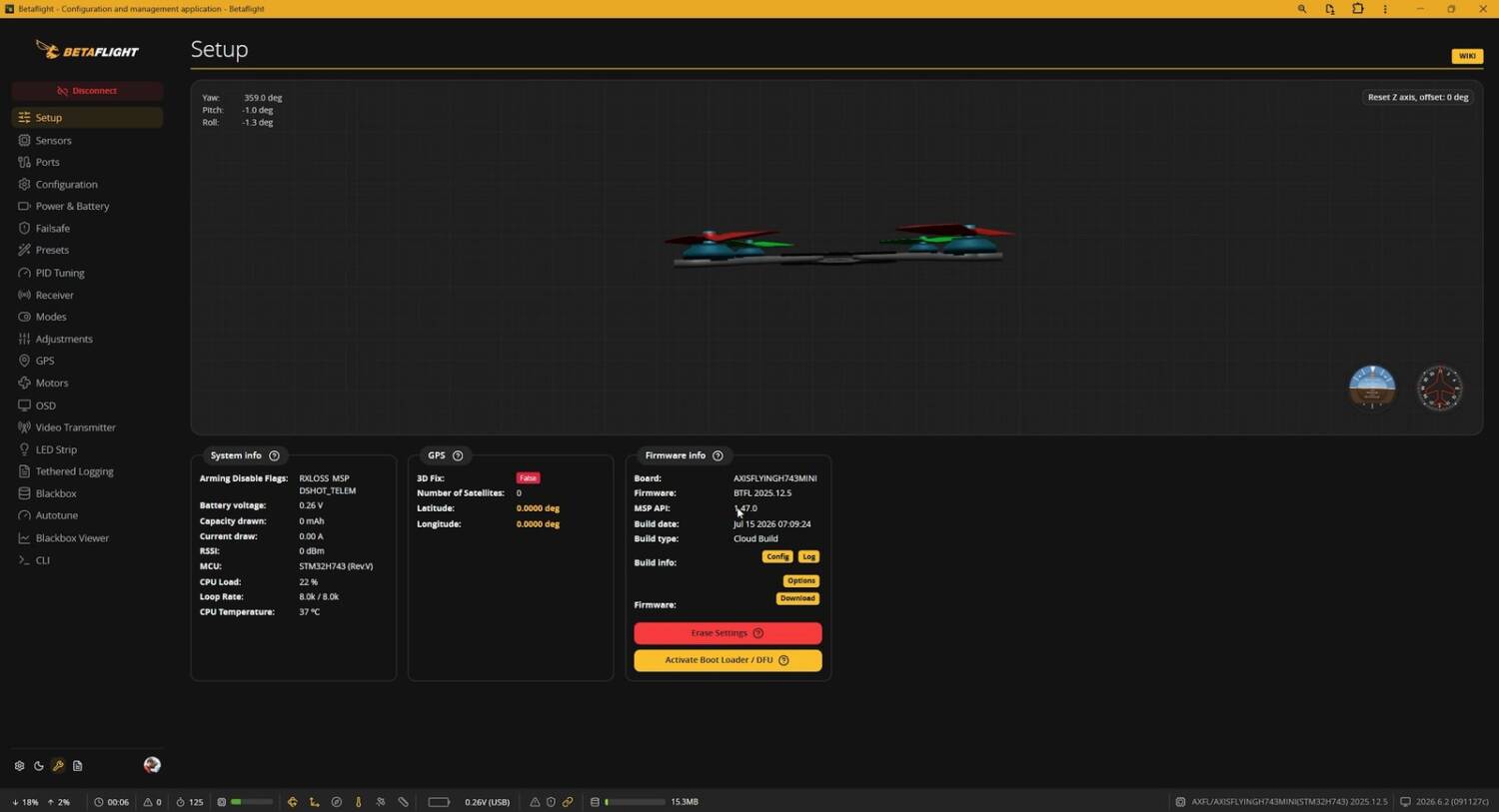
And yes, they shipped it with altitude hold and position hold support built in. Many manufacturers wouldn’t have. That’s fantastic.
But they didn’t set up altitude hold and position hold in the aux modes. You’ll need to do that. I’m not even mad about it, though. The basic configuration they shipped (arm, angle, beeper and flip over after crash) is actually my base set of aux modes on all my drones.

The GPS doesn’t work
Next I noticed that the GPS and magnetometer weren’t lit up, which means the flight controller isn’t talking to them. Part of the reason: in the Sensors tab, the magnetometer (the compass, which makes position hold work better) is disabled.
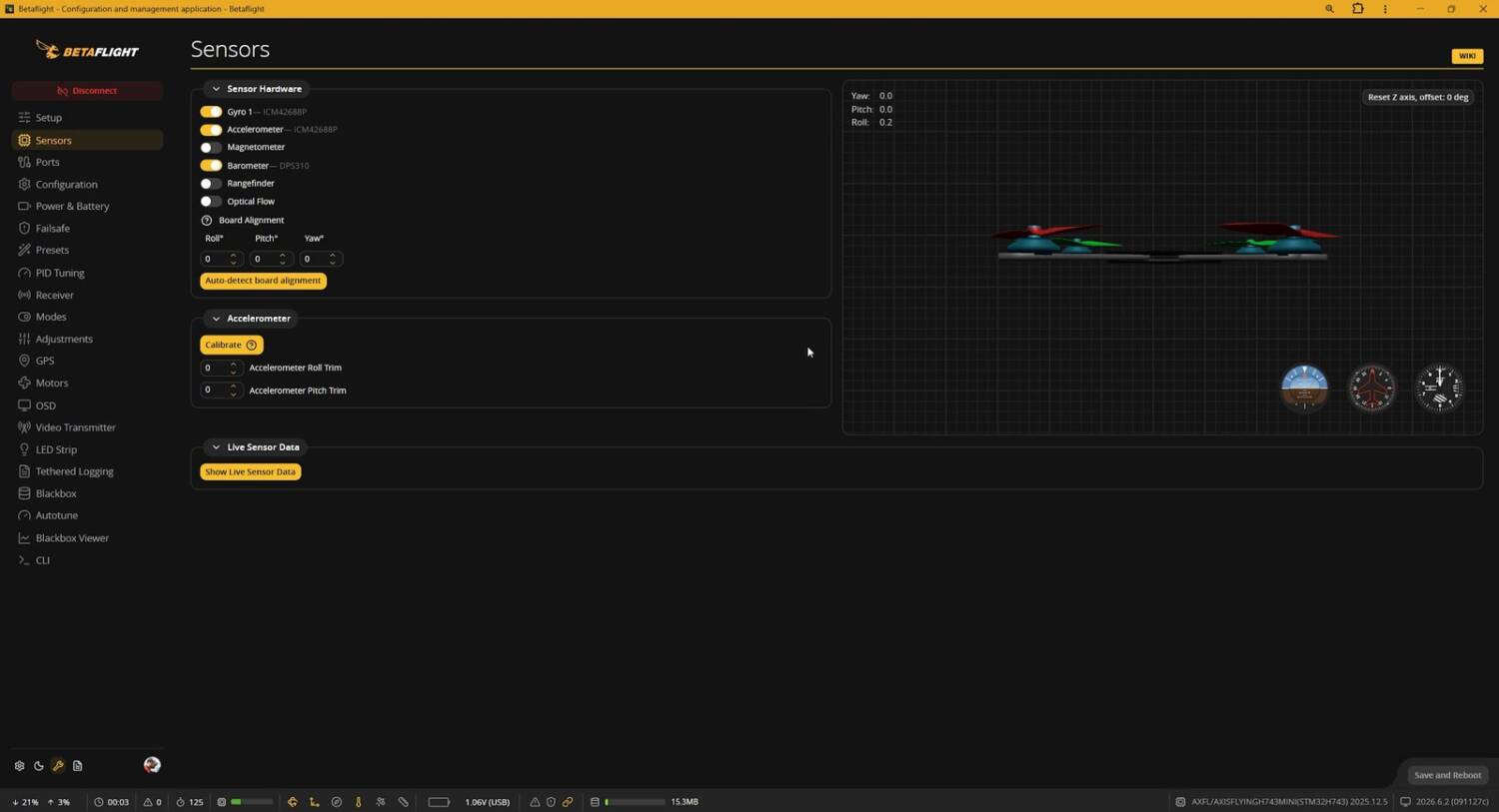
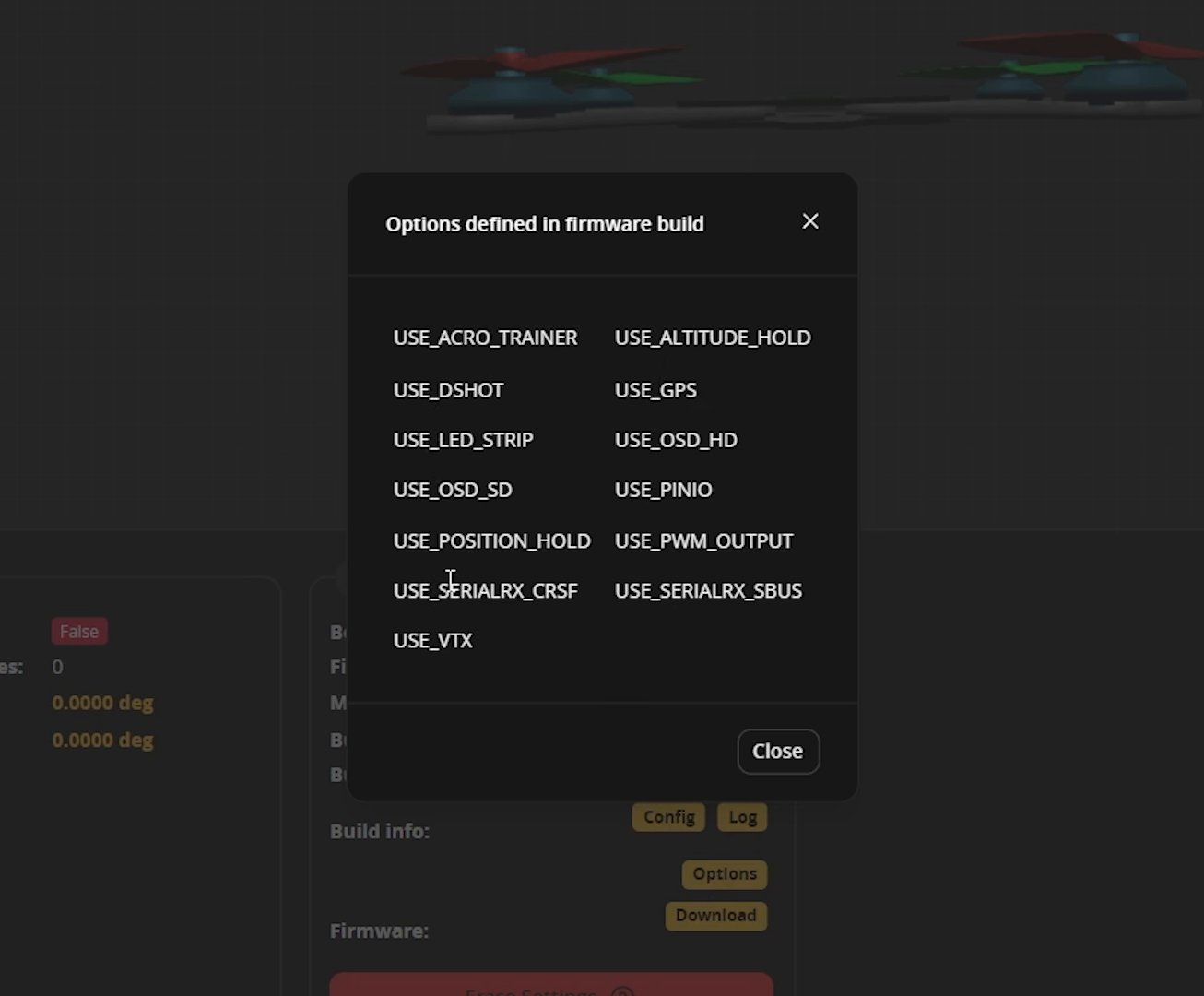
If I enable it and save, it turns off again, because the firmware they shipped doesn’t include magnetometer support. You can see that under Options on the Setup tab.
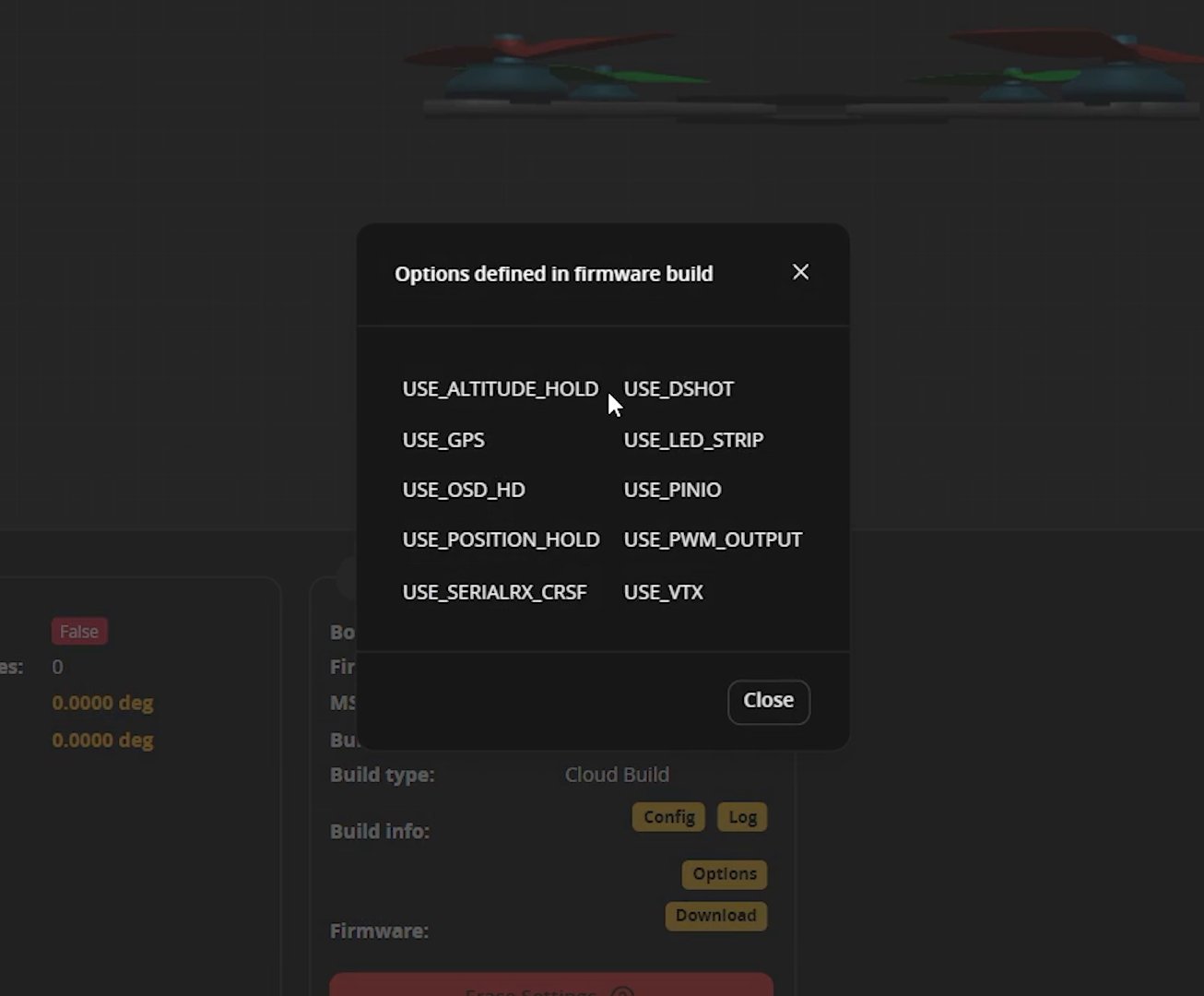
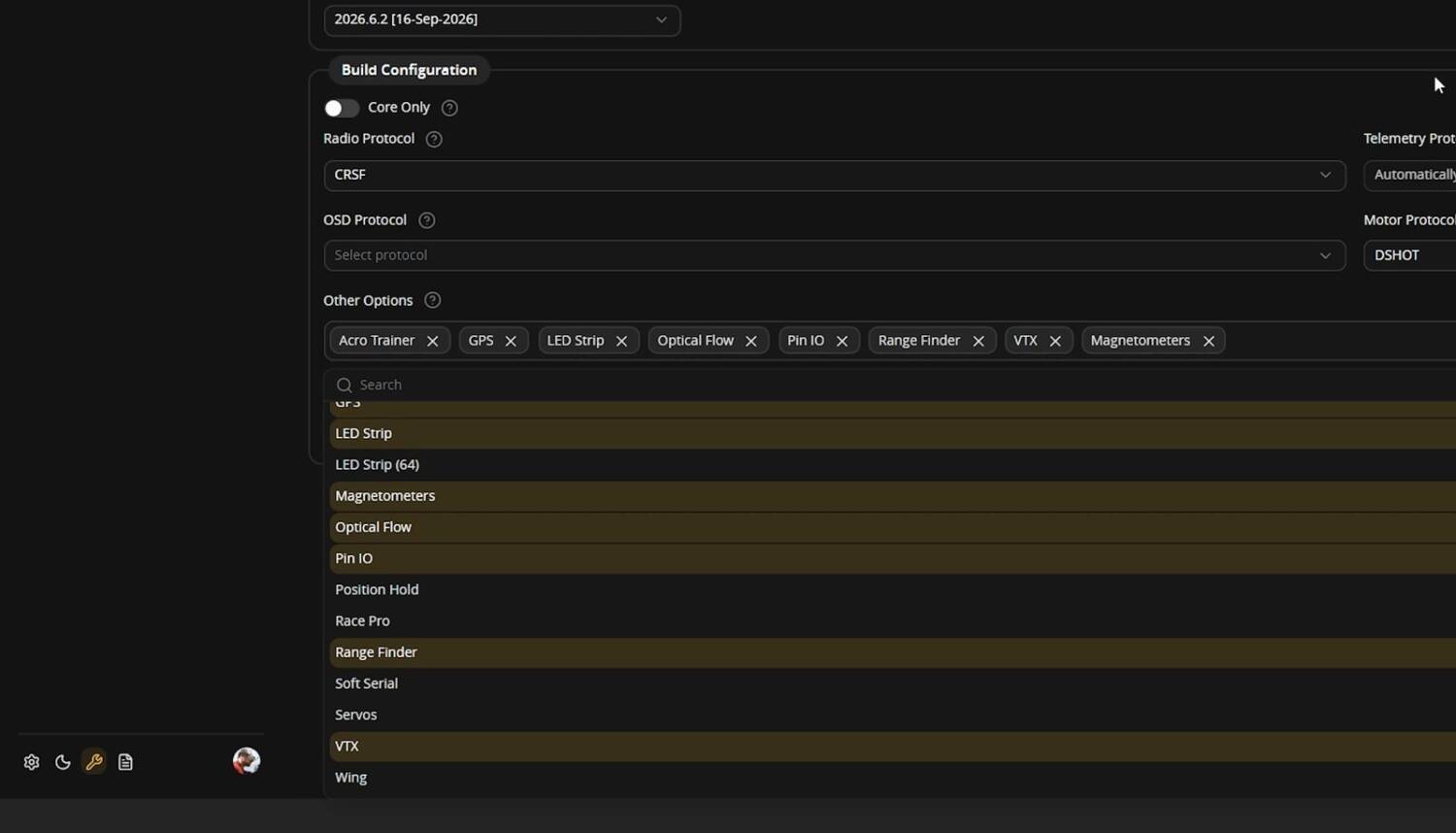
The hardware does have a magnetometer on board. My opinion is that if you have one, you should at least try to use it. But I don’t blame them for assuming you wouldn’t, because getting it calibrated and aligned correctly is sometimes complicated. And having it so close to the vTX and receiver sometimes makes it not work — which begs the question of why they put it there. Betaflight can still do position hold and return to home without a magnetometer. It just doesn’t do it quite as well. If you did want it, you’d reflash in the firmware flasher and choose magnetometers under Other Options.
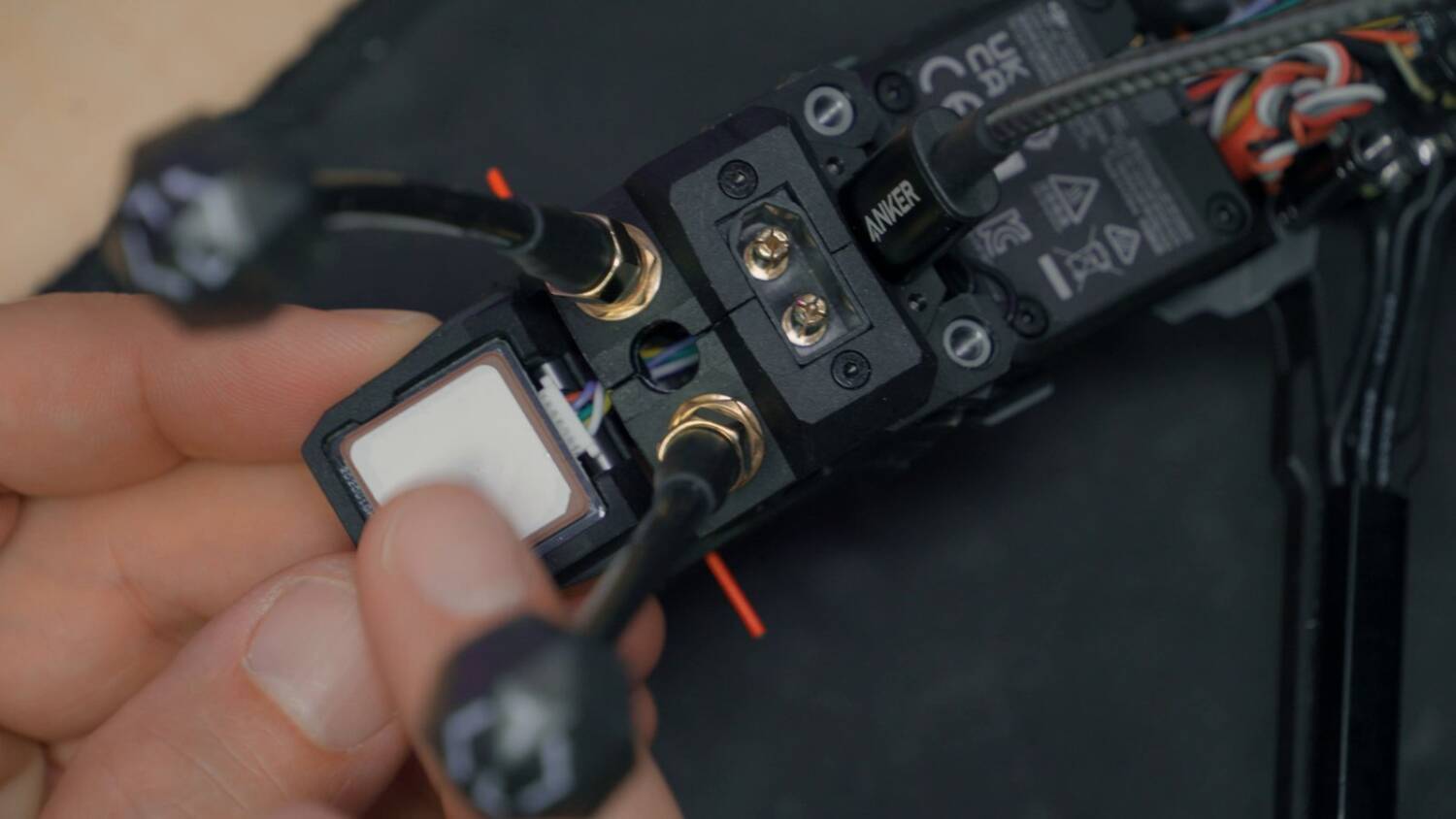
But there’s a bigger problem: the GPS doesn’t work either. I dug into it for about half an hour. The GPS is getting power. Its LED blinks one time at power-up and then never again. As far as I can tell, the GPS just isn’t alive. If you bought a bind-and-fly and had to spend an hour trying to make the GPS work, they basically shipped it without a working GPS. I don’t know what the deal is, so I moved on.
The PID loop should be 4K
My next complaint is that they shipped it at 8K/8K. The gyro update frequency is locked at 8K, but the PID loop frequency needs to be 4K. Betaflight recommends running 8K/4K on most flight controllers, and 100% of the time if you’re using GPS rescue. This ships with a GPS and the ability to do GPS rescue.
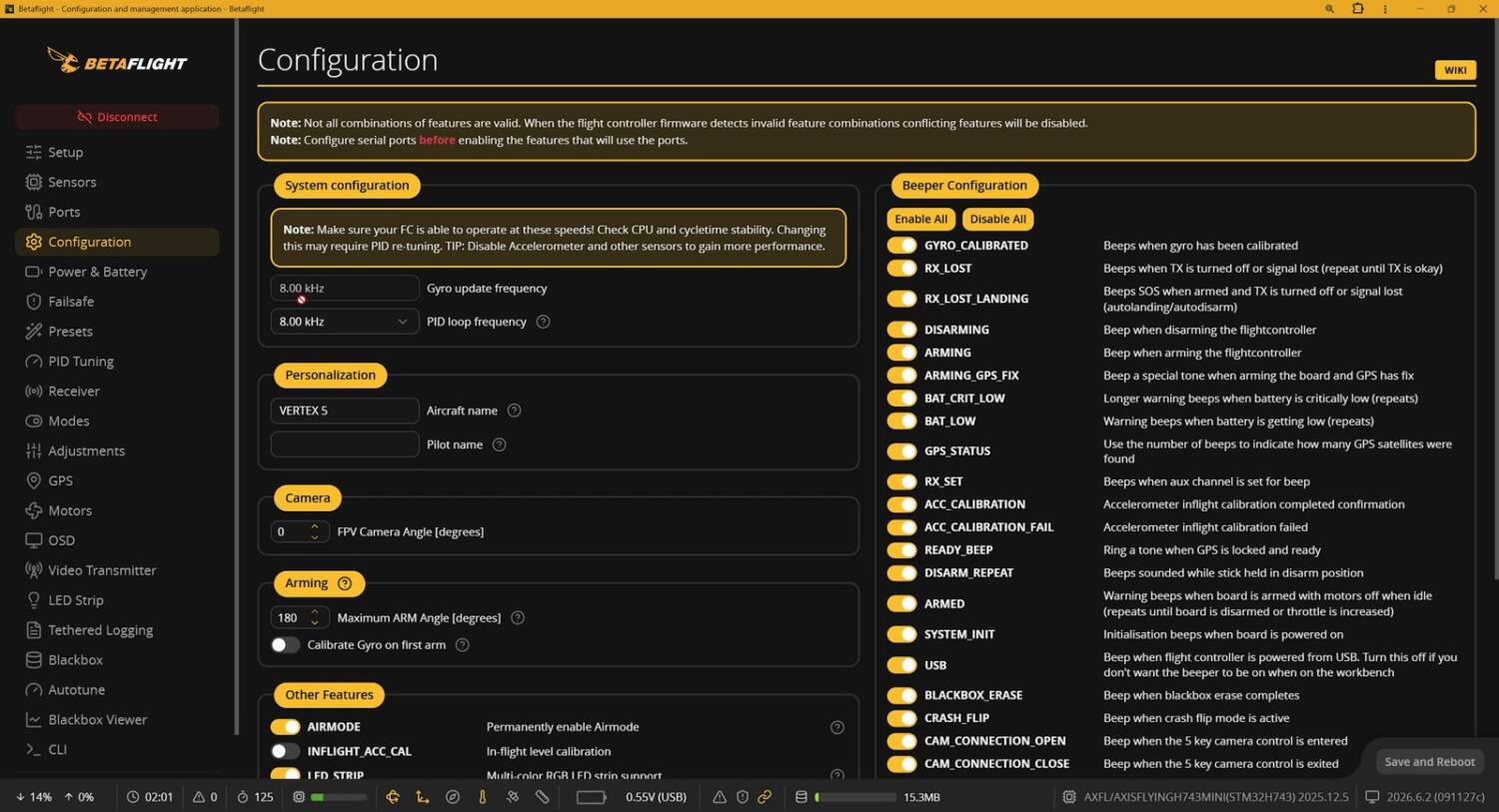
The bottom line is that the processor might get overloaded, and some things will stop working. Not flight-critical things — your drone won’t fall out of the air. Some things will just stutter and not work. You should run 4K pretty much all the time, because you’ll never notice a difference in how it flies. If you have this drone, I’d make that change.
It flies amazing
I didn’t worry about the O4 Air Unit. It’s a known quantity: either you want it or you don’t. Same with the ExpressLRS receiver. I assumed it wasn’t defective in some way that would show up in my testing. Instead, I focused on how it flies.
It’s smooth. The motors sound really smooth. Zero prop wash through the turns. Absolutely no oscillation. The tune is good. This thing flies so good. It’s so smooth. So responsive. It just gets on it.
Crash test
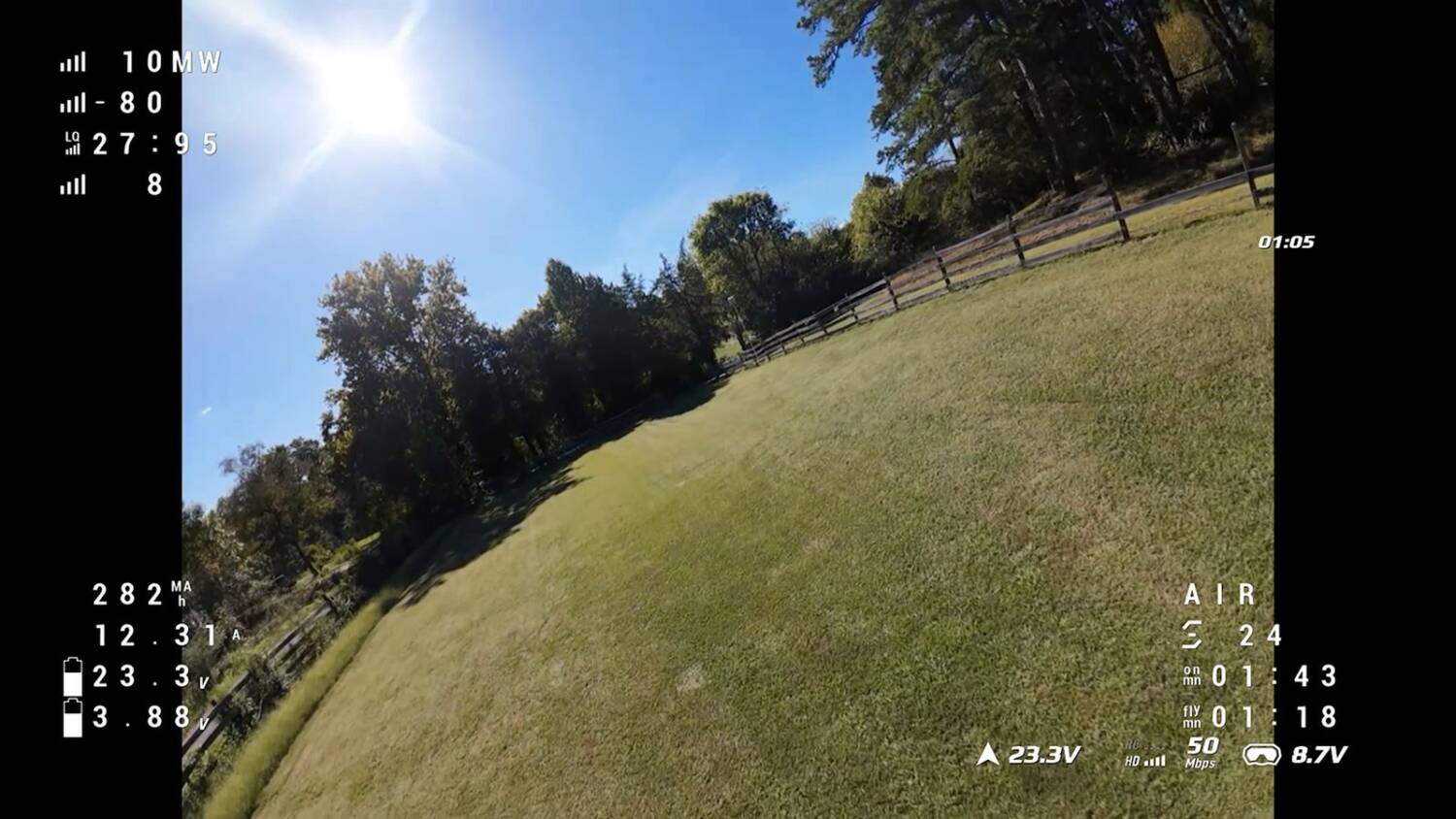
After one hit, the battery didn’t come off. Then something was up, and I’d called it: the antennas are going to be a weak spot. They were okay for now, but how many more hits like that will they take? If the mount had just a little give, they might survive better. (It turned out my balance plug was what got scraped up.)
I was kind of impressed that the battery didn’t move. Later it did shift forward a little, enough that the plug nearly came unplugged.
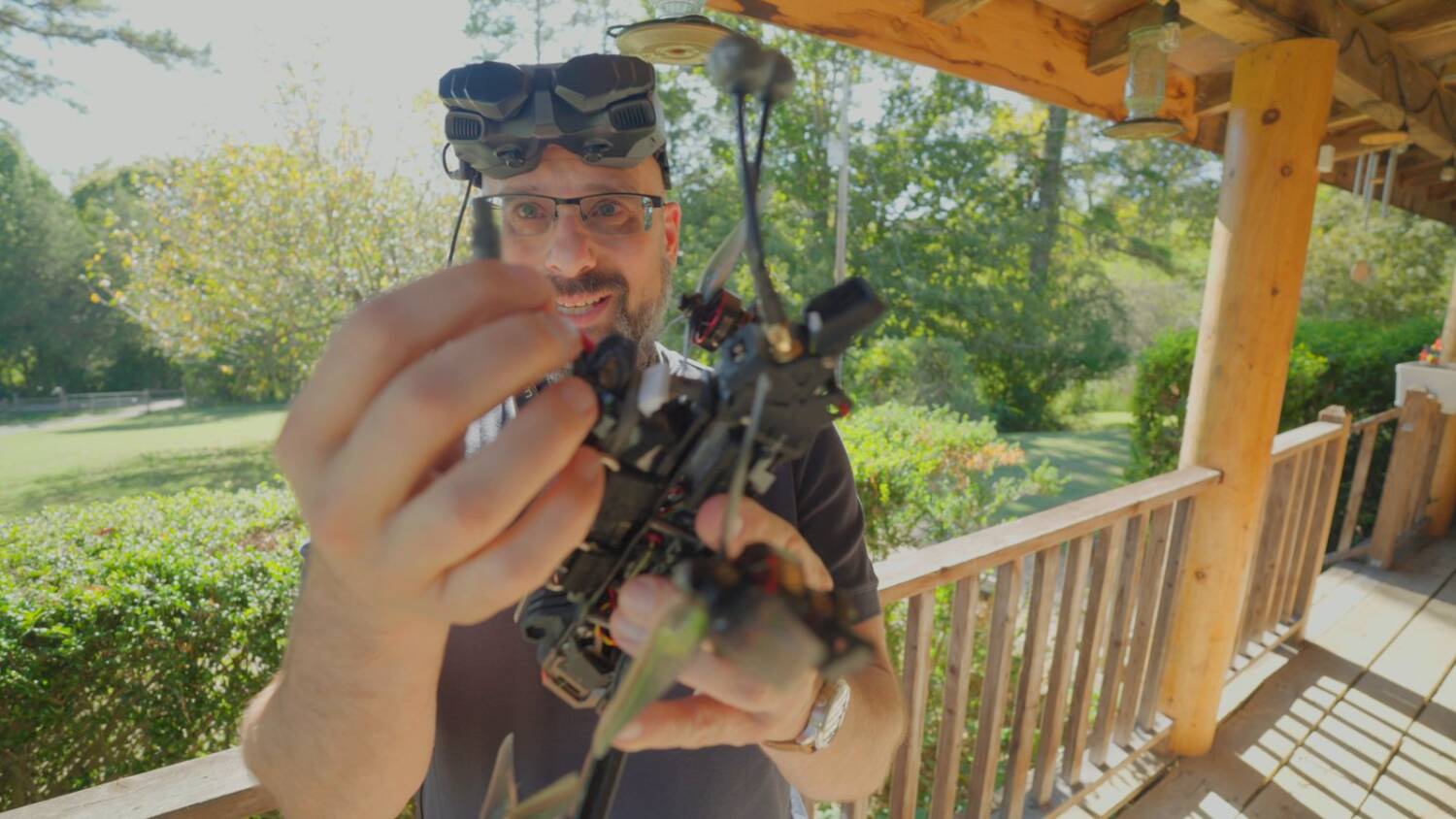
And the antennas were messed up again, which I think wouldn’t happen if the mount were TPU instead of rigid plastic.
I was going to do a crash test of the battery mechanism, but I feel like I already did. Those were nonzero hits, one of them right on the battery, and it didn’t even act like it was thinking about coming out. Hit anything hard enough and eventually it’ll break. You can look at the design and see it’s not the most durable. But it didn’t fall apart in the crashes I gave it. So I’m willing to give it at least a five or six out of 10 for durability.
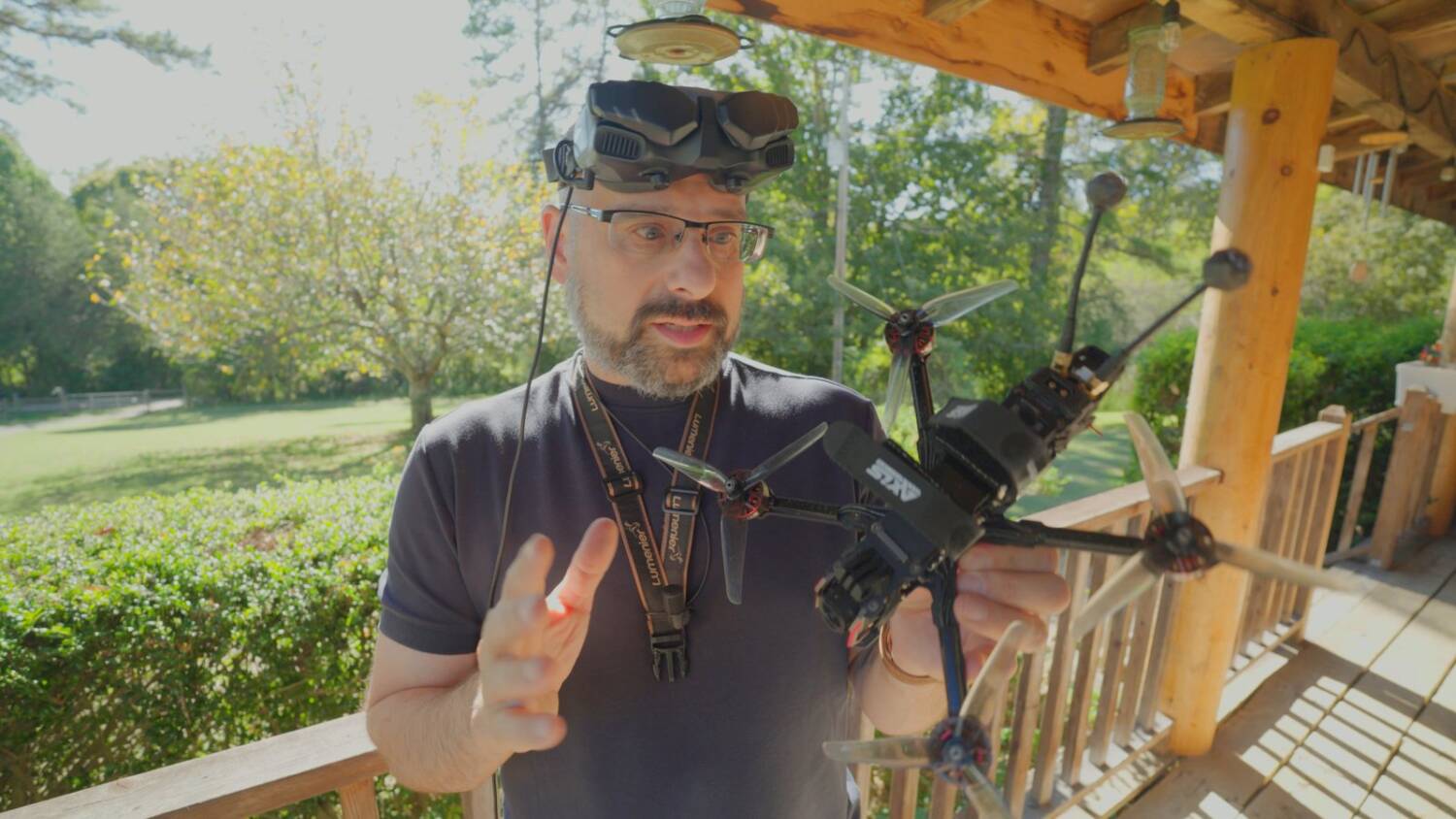
Is it worth the asking price?
And I’m incredibly impressed with how it flies. I don’t know what the formula is, but it flies good. The PID tune is good. It’s responsive. It’s fast. But is it $600 good?
It costs $589 with a DJI O4 Air Unit, an ExpressLRS receiver and a GPS, as you saw me fly it. Or $370 with a 1.6W analog video transmitter and the same rest of the configuration. $500 for an O4 Air Unit drone is pretty typical. $600 is certainly on the high end, and the same goes for the analog price. This is the premium end of pricing.
So ask yourself hard whether you watched this and thought, “I love the innovation of the motors and the battery tray, and it flies good.” Or whether you’re thinking: bare bones, for 25% less. Also, they ship DHL. Depending on how it ships, if you’re in the US, I’d guess you’d pay another $50 or $60 in tariffs, maybe more.
If this isn’t the one for you, my current go-to for a relatively budget but still very good quality 5-inch is the GEPRC Vapor 5. They’ve updated it slightly since my review (GEPRC Vapor 5″ vs. 6″). I also have more AxisFlying drones, including the Bando 5, their solid aluminum frame, “ultra durable.”
The full review, with flight footage, is on my YouTube channel.