
Basically, all of the links on this page are affiliate links. I receive a commission (at no extra cost to you) if you make a purchase after clicking one of the affiliate links below. Read our Affiliate Link Policy for more information.
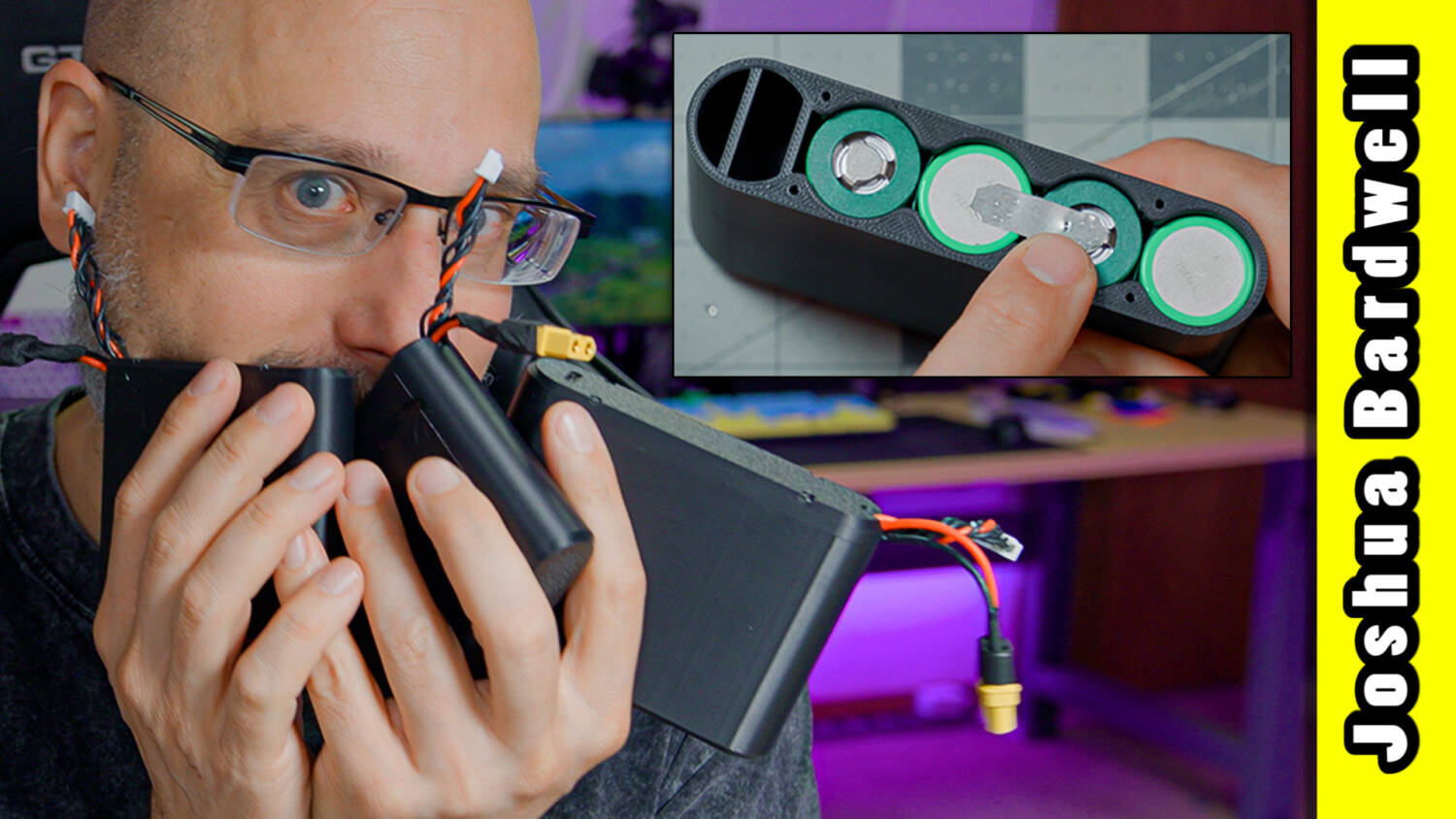
This is a 4S1P battery pack with 21700 lithium-ion cells in it, and I use it all the time. It goes in my chest rig or my pocket, with a cable up to my goggles. On the bench, it powers up a drone real quick when I don’t want to go grab a flight pack.
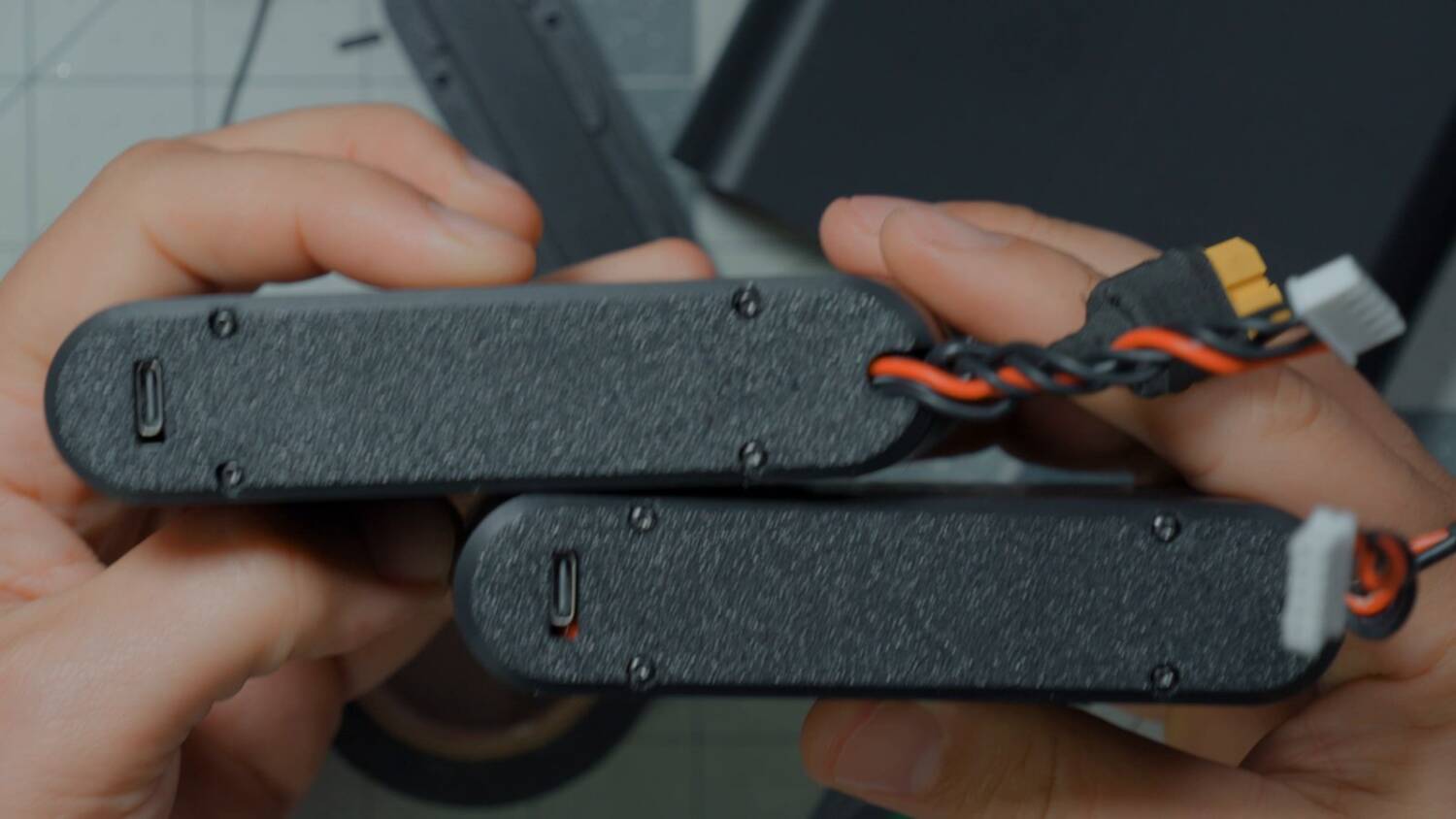
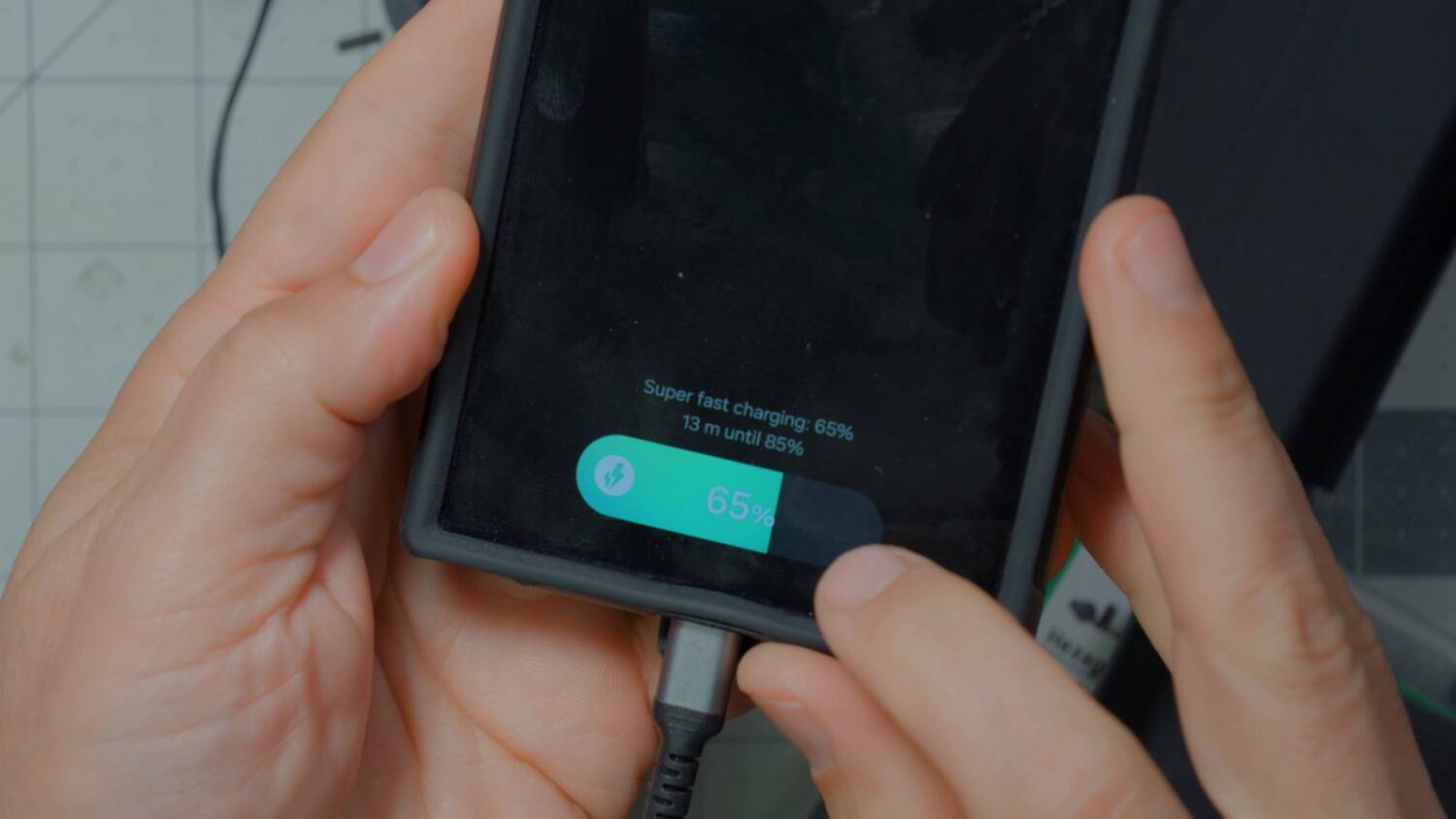
And there’s one other surprise inside: a 65W USB PD power board. Plug in a phone and you get not just fast charging, but super fast charging. That’s handy on an airplane, or any time your phone might run out. Here’s how to build one from scratch.
You want this. Don’t you?
I’ll be honest. One of the main reasons I built these is that I saw this 3D printed case and thought, I want that. I want to hold it. Maybe it’s because it reminds me of an old NES cartridge. My other 4S1P packs are wrapped in heat shrink. They work fine, but they look like garbage.
If you’re after pure value, I don’t know if this is cheaper than a USB power bank off Amazon. It might be. Power banks quote their milliamp hours at 1S voltage, and this pack has four 5000mAh cells in series at 4S. So I think it’s comparable to a 20,000mAh power bank. I’m not actually sure about that, though.
Caveats
This pack is output only. It can’t charge from the USB port. We could have used a bidirectional board, but as an FPV hobbyist I already have LiPo chargers. I don’t mind charging it through the XT60.
It’s also not a high-discharge pack, and it’s not designed to be. You’re not going to fly your drone on it. It’s for all the other little things where you just need a nice compact battery.
Stuff you need
- The 3D printed case (my remix of someone else’s design)
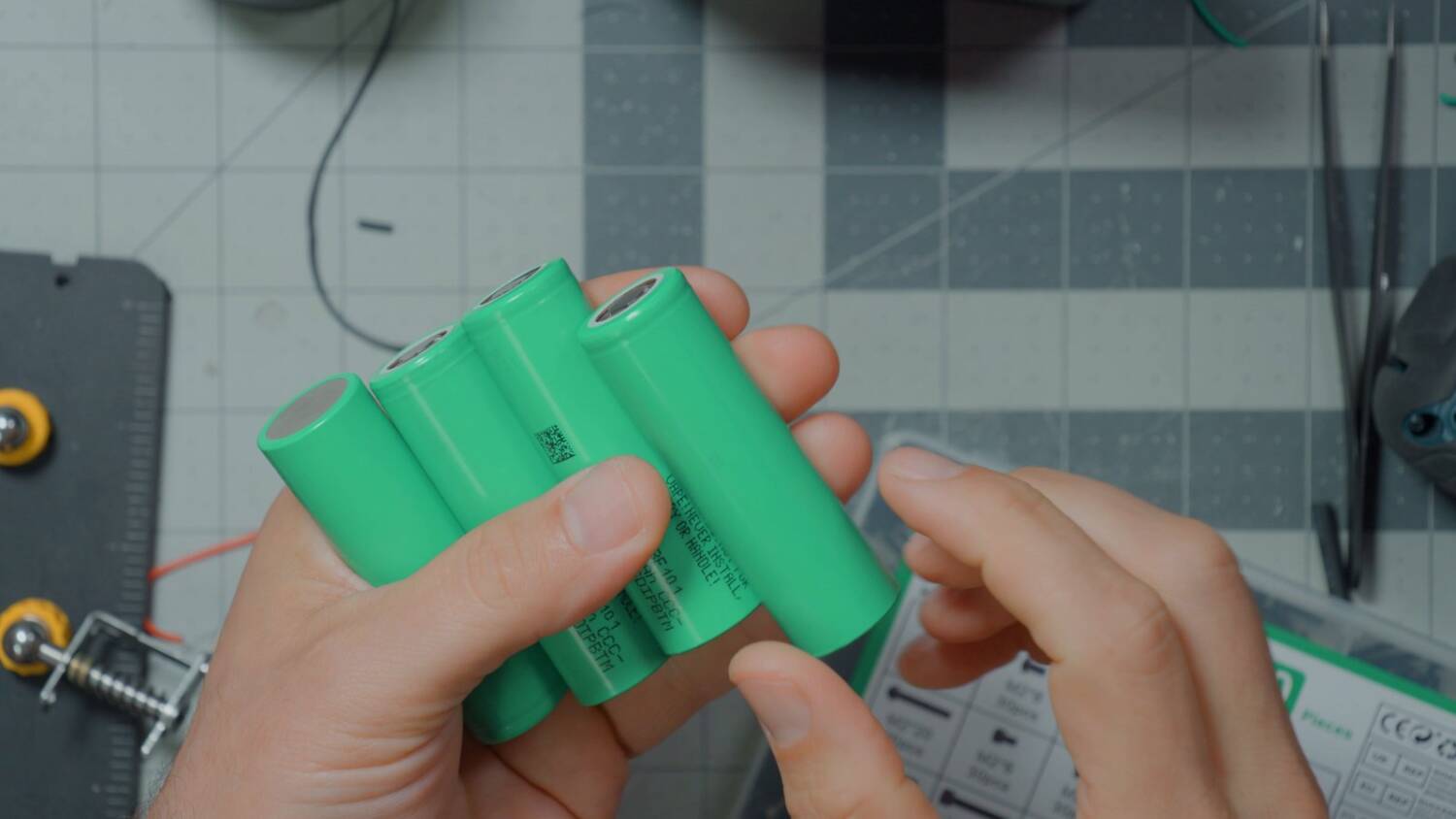
- Four 21700 cells. I used Samsung 58E cells, about $5 or $6 each.
- 0.10mm nickel strip
- A spot welder
- Fish paper: rings sized for 21700 cells and adhesive-backed sheet
- A pre-made 4S balance lead
- 18 gauge silicone wire, red and black, and an XT60
- A 65W USB PD power board
- Ceramic scissors or tweezers (optional, but they don’t conduct)
- Heat shrink
- A zip tie
- A cell checker
- Four M2 x 12mm screws for the lid
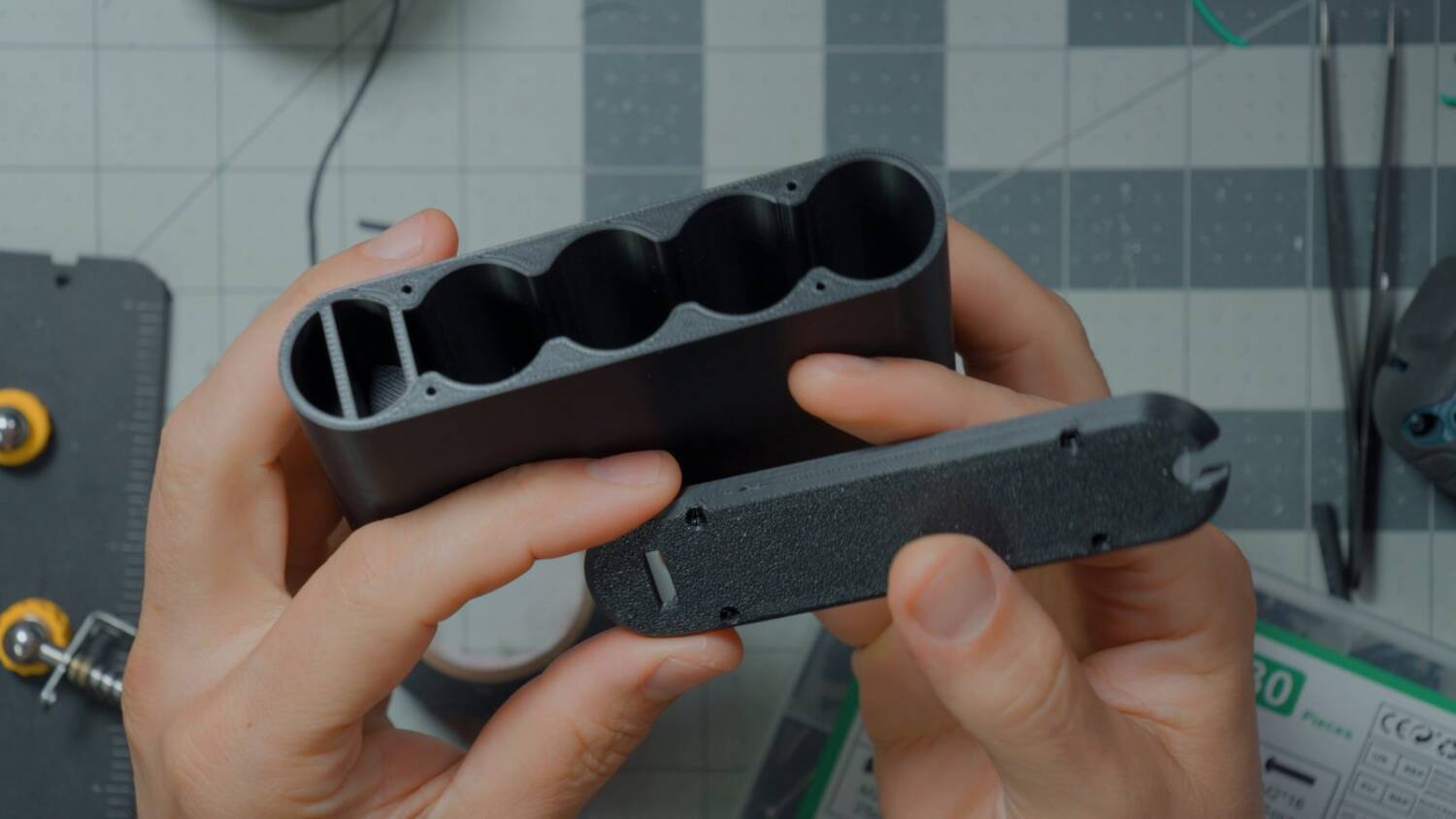
The original case design came off the internet, and it only had four bays. I spent two or three days refining it. I added a fifth bay and spaced the walls out so the USB power board fits. The Thingiverse page credits the original creator, as of course it should.
Why spot weld? You certainly could solder wires straight onto the cells, but that can overheat them. Some people do it and get away with it. In other cases it degrades the cell or even kills it. The longer you heat the cell, the more likely the damage.
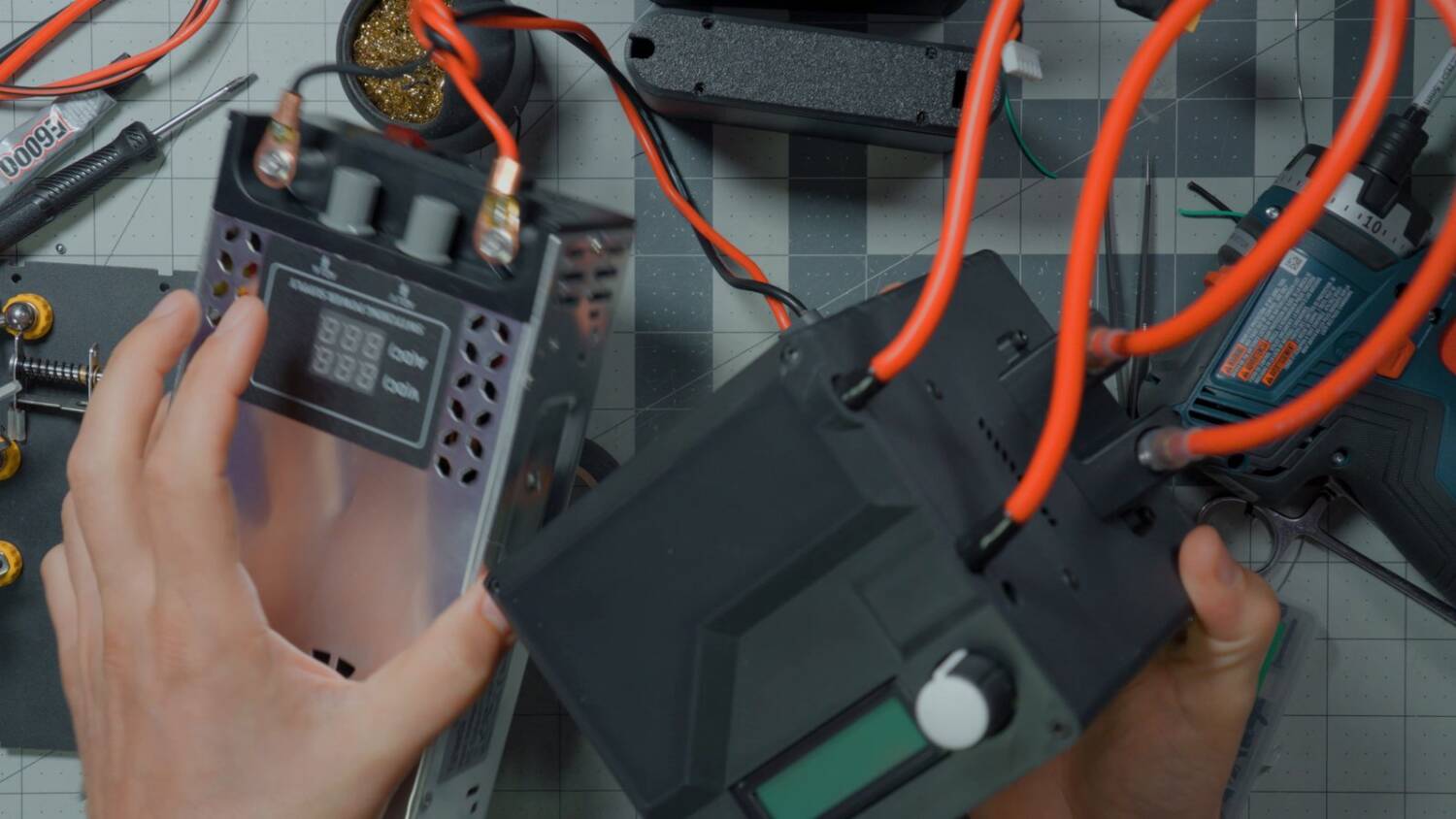
My kWeld is absolute overkill. I’ve probably got about $450 in this stupid thing by now, since I upgraded it with the kCap power supply. People in the comments said their $60 welder worked fine. Well, I got a $60 one too, and it didn’t work fine. So I stopped rolling the dice. My first battery build video introduced the kWeld, but don’t follow its procedure. I’ve learned a lot since then.
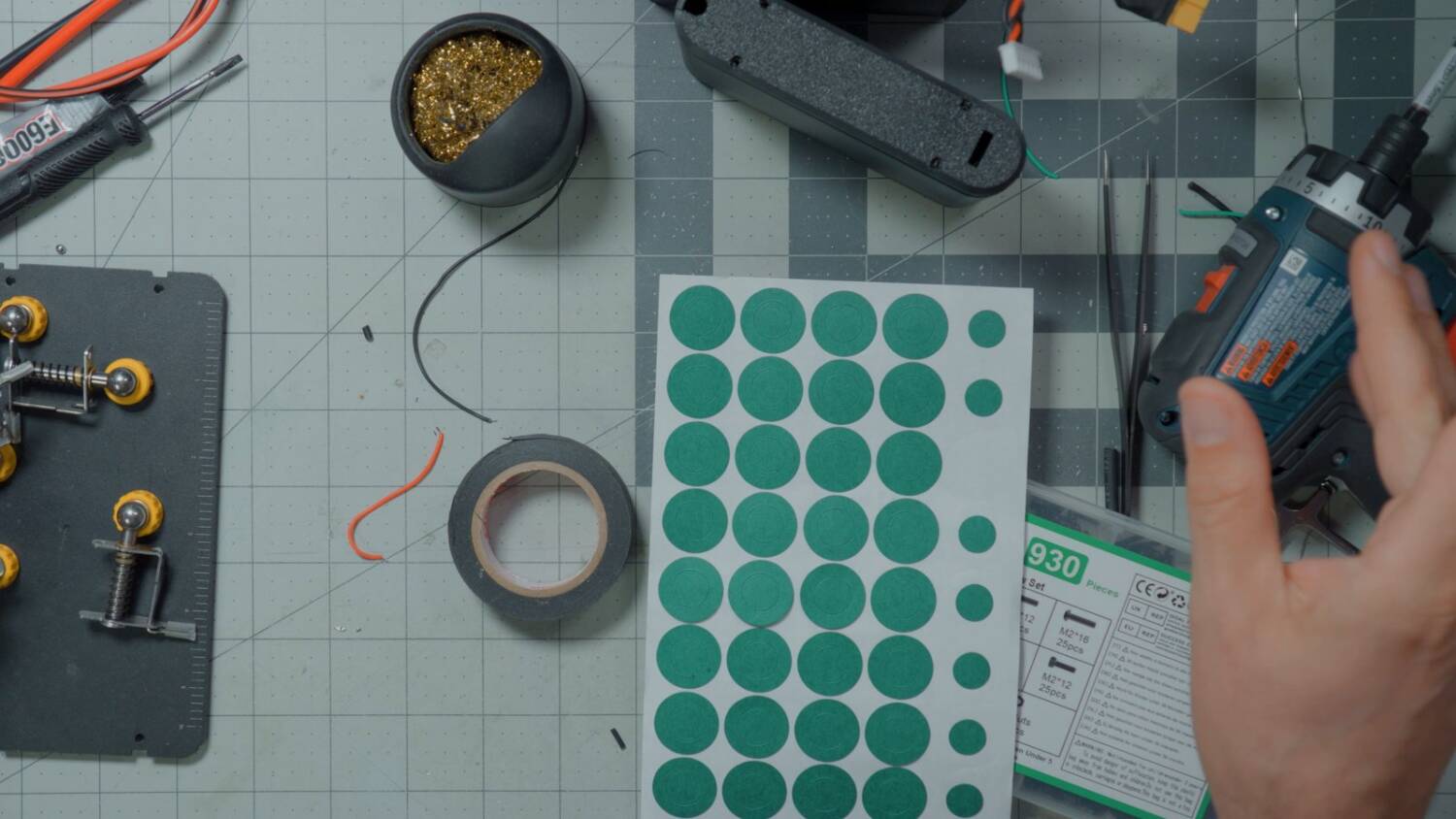
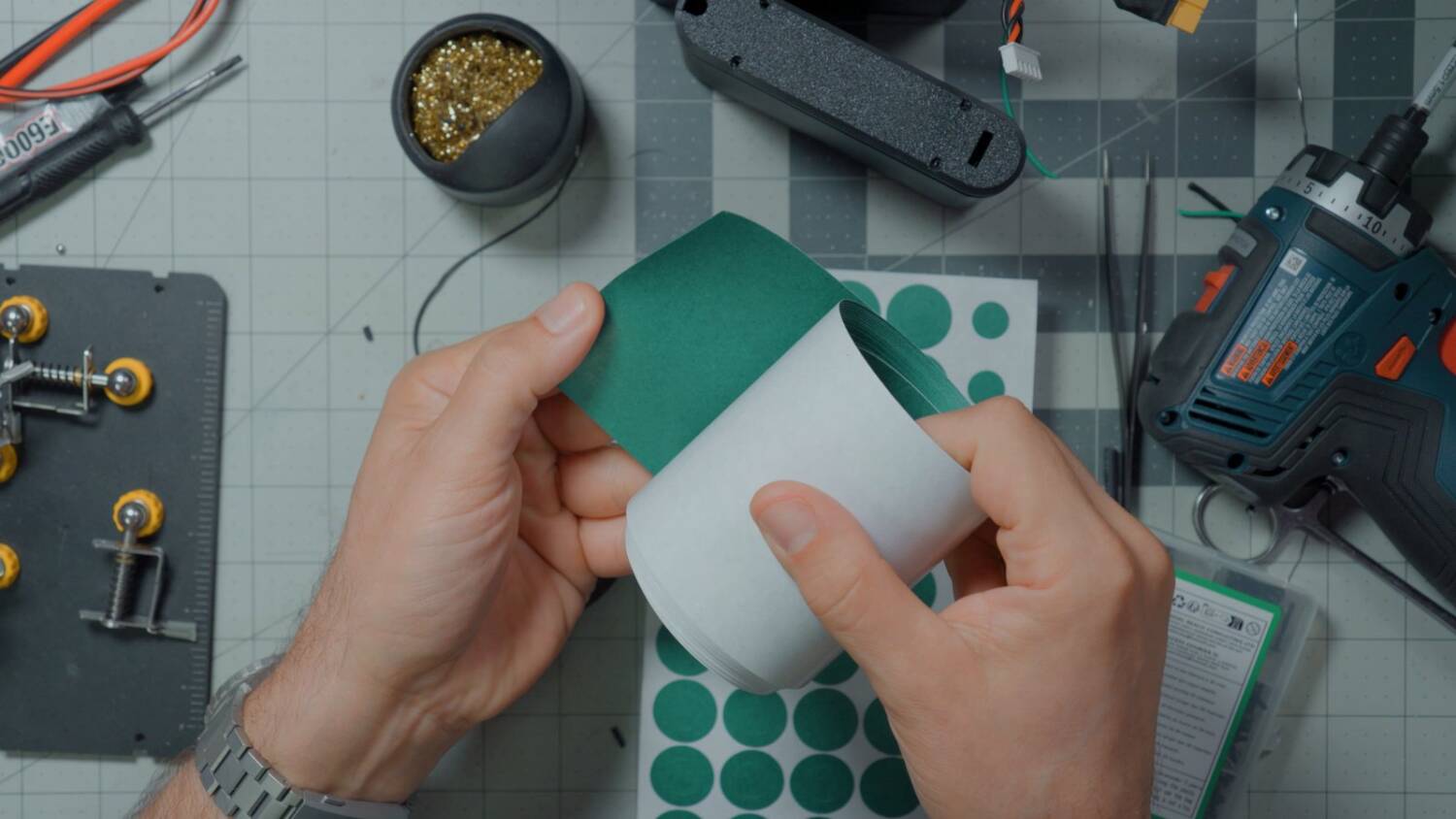
Fish paper is an abrasion-resistant, sticky paper. It goes anywhere you don’t want metal touching metal and causing a short circuit.
The 0.10mm nickel should be good for 5 to 7 amps, which is about what I’d rate this pack for. In reality it’ll usually run at less than 2 amps. The biggest load is charging my phone, and that goes through separate wires to the USB board.
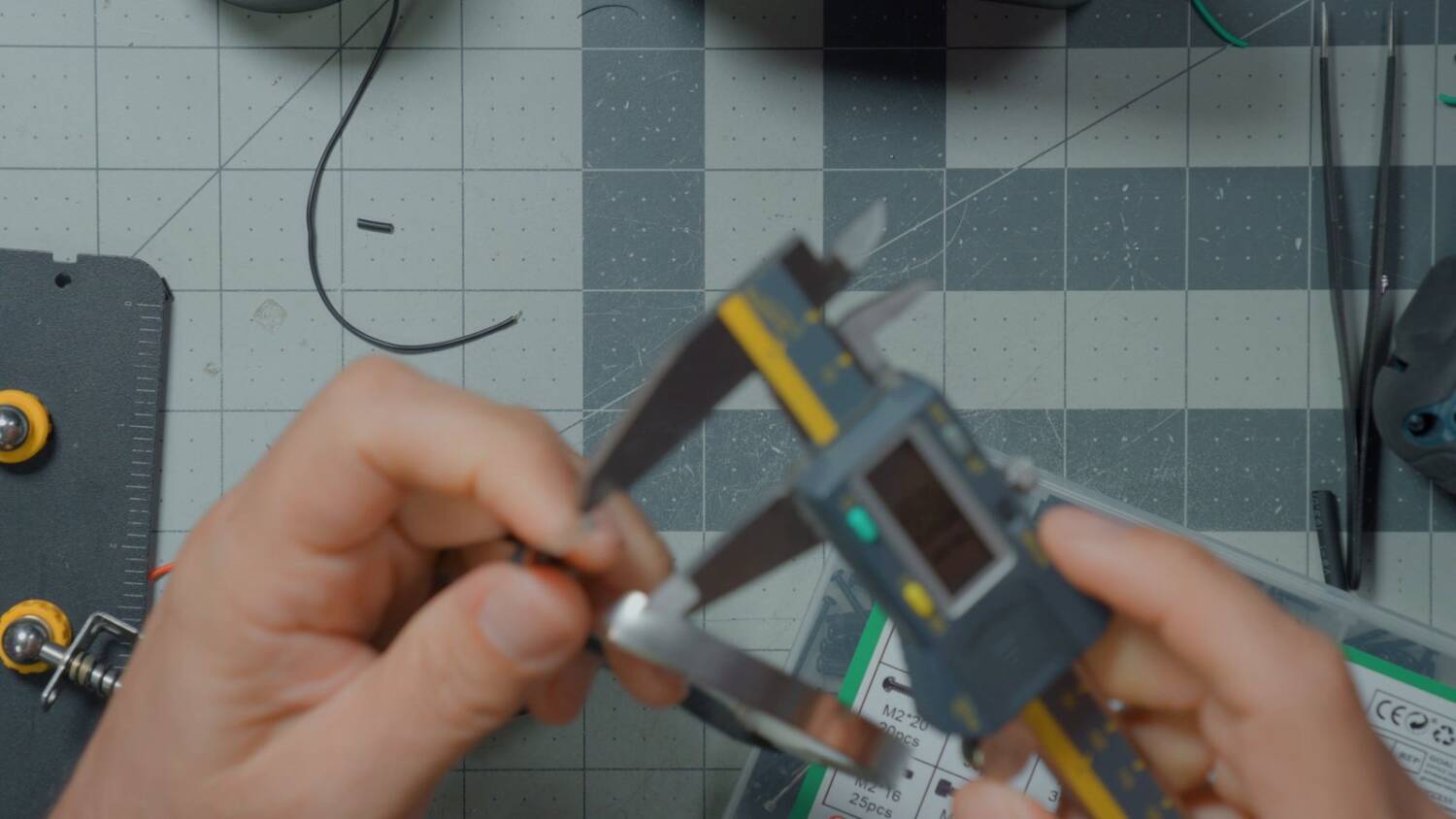
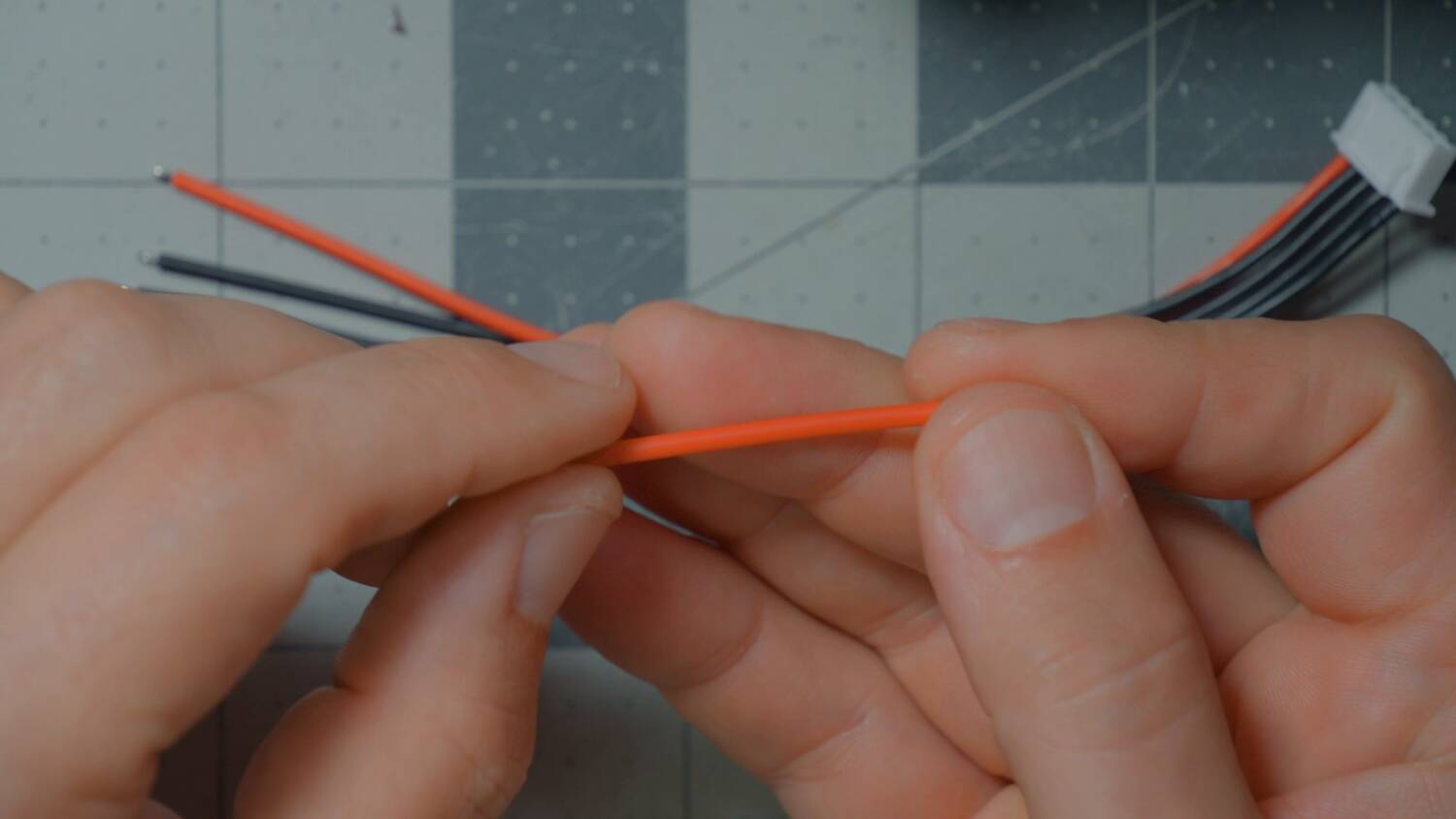
Those power wires do need to be 18 gauge. The XT60 should pull about 5 to 7 amps. The USB board is rated for 65W, which also works out to about 5 to 7 amps at 4S. That surprised me. It’s just USB — how much power could it pull?
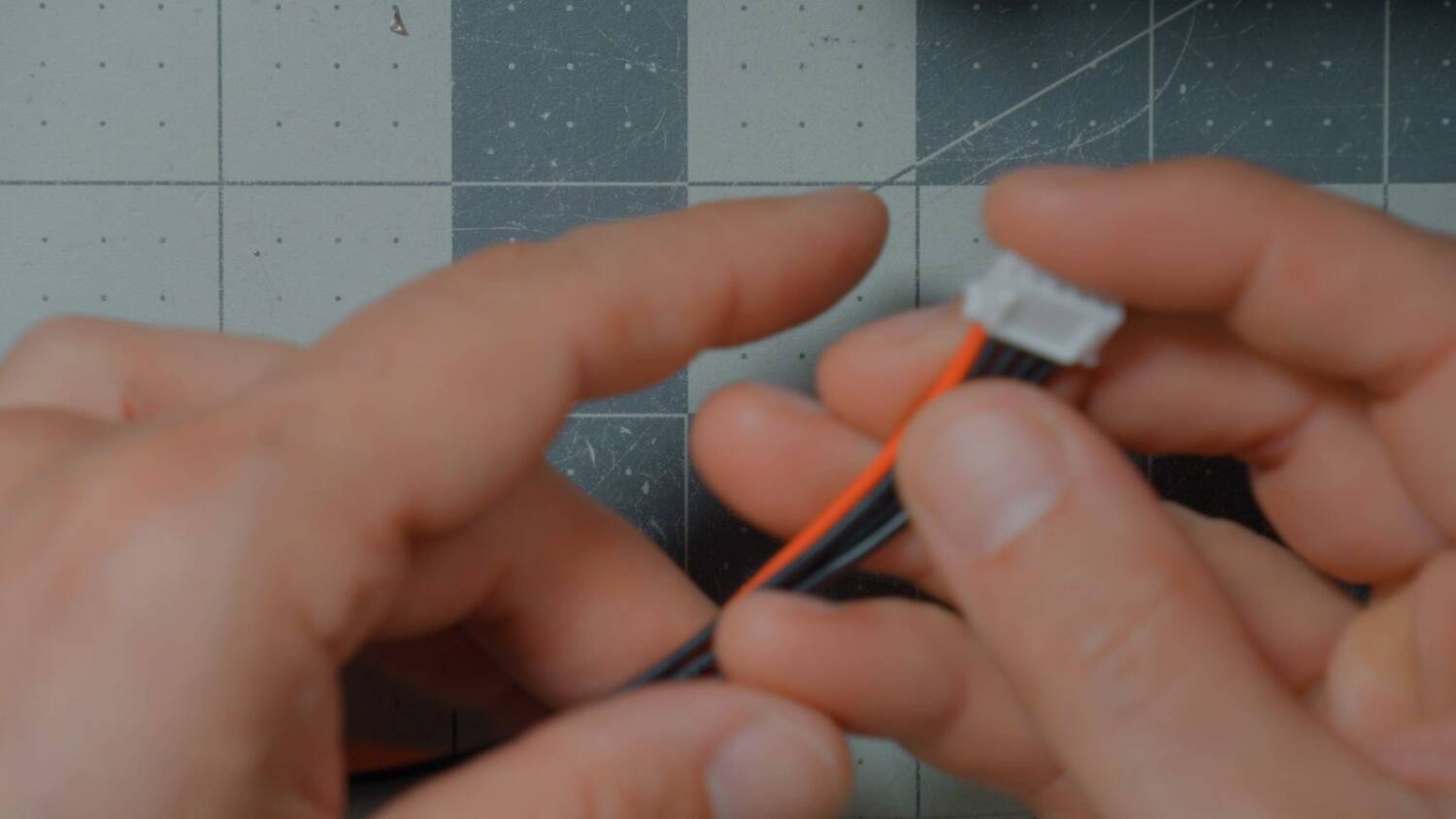
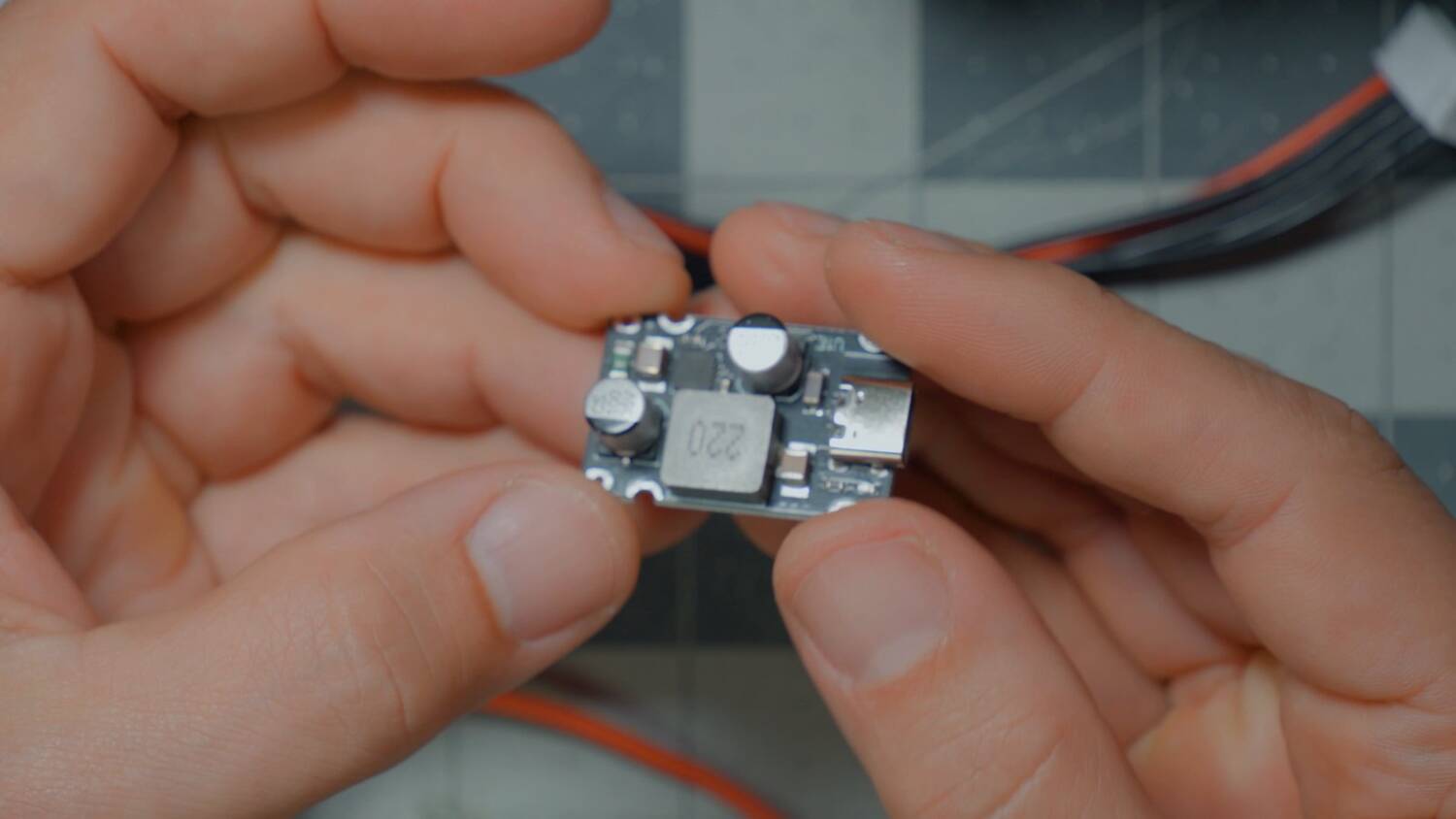
The case is sized so the USB board slides in with no slop at all, so you don’t need double-sided tape. But a few months earlier I bought the same product listing, and it came with a slightly different inductor that didn’t fit. If yours doesn’t fit, download the STL and modify it. I used Claude for mine: give it the STL, ask it to move a part, and it does.
3D print the case
I printed mine in PETG, and I recommend you do the same. PLA is weaker and softens at a lower temperature — leave it in a hot car and it’ll soften. ABS or nylon is fine too, but the price really goes up, and I couldn’t bring myself to do it.
If you do use an engineering filament, don’t use a carbon fiber one like PAHT-CF. Those filaments are nominally insulators, but carbon fiber is a conductor. I just don’t feel great about putting a battery pack inside something that could be conductive.
Apply the fish paper
Put a fish paper ring on the positive end of each cell. The rim around the positive terminal is part of the can, and the can is negative. A nickel strip running across the top could touch both and short the cell.
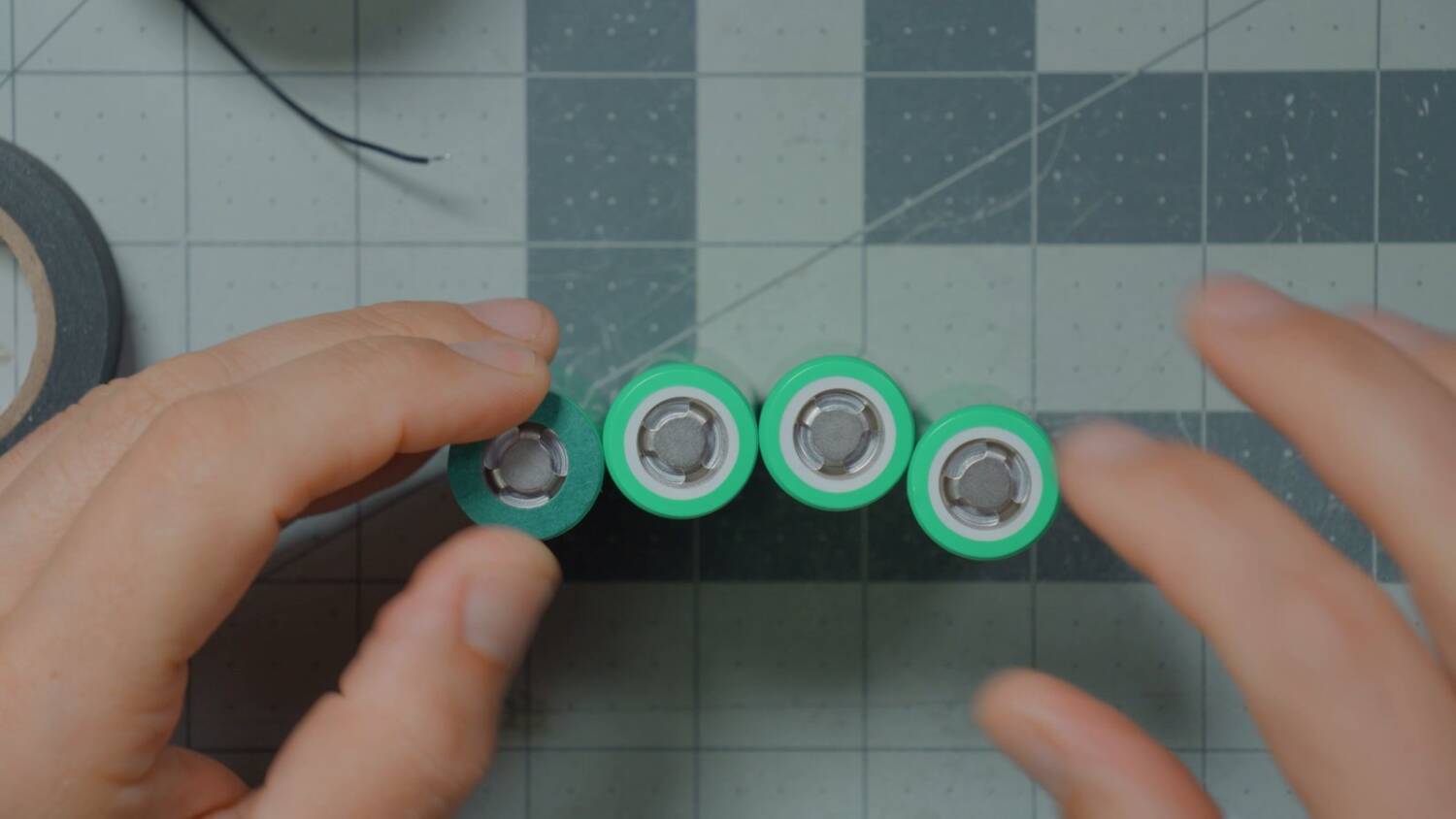
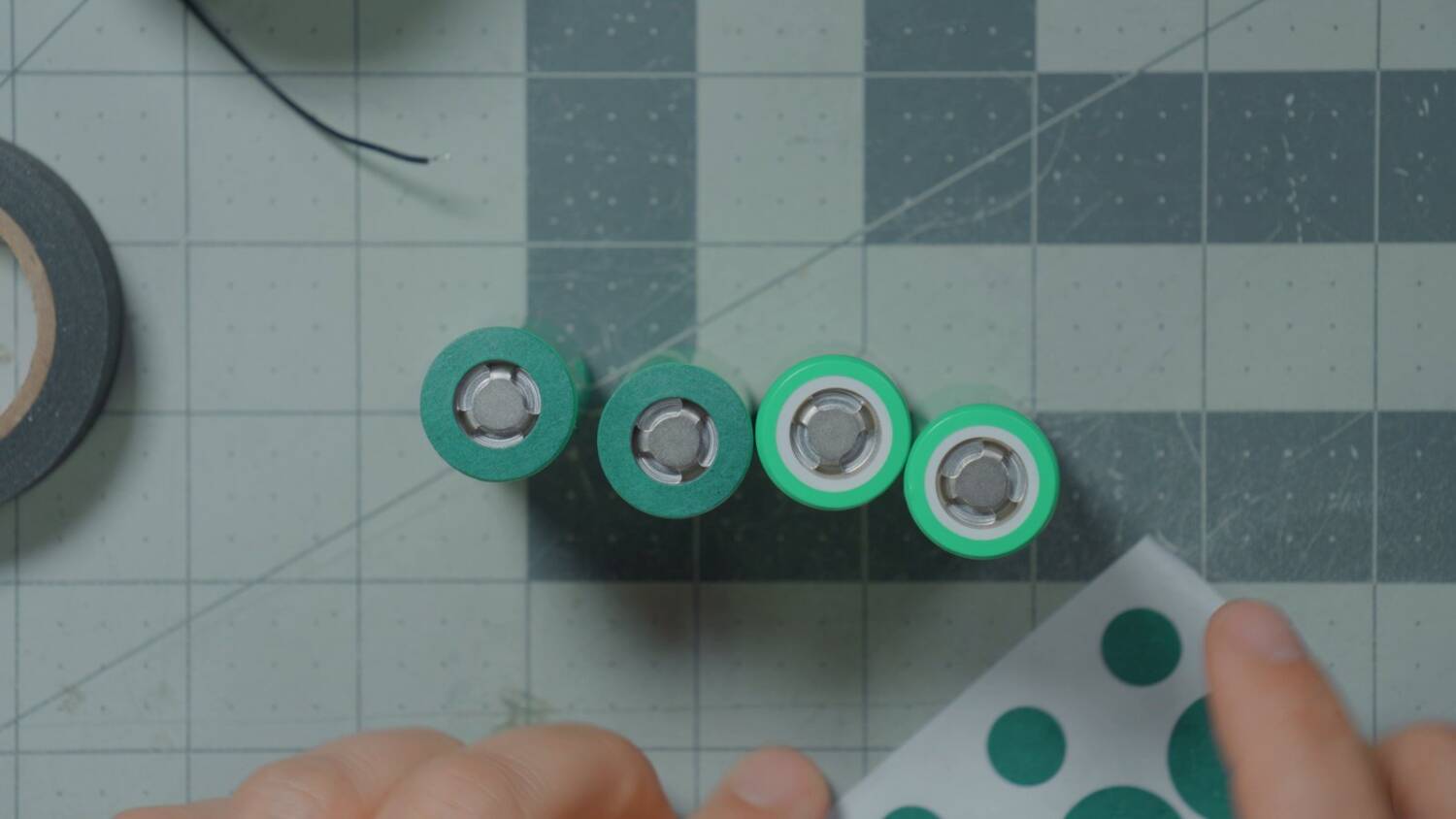
But the cells already have a wrap, right? That wrap is PVC. It can melt, and it’s easily abraded or cut. When you build battery packs, never rely on the PVC alone.
Next, cut three strips of adhesive fish paper, about a centimeter wide and as tall as a cell. Stick one on the side of three of the cells. In series, each cell’s can sits at a higher voltage than its neighbor’s. If the wrap between them wears through and the cans touch, you get a short circuit. I tore the wrap on one cell while filming, so it does happen.
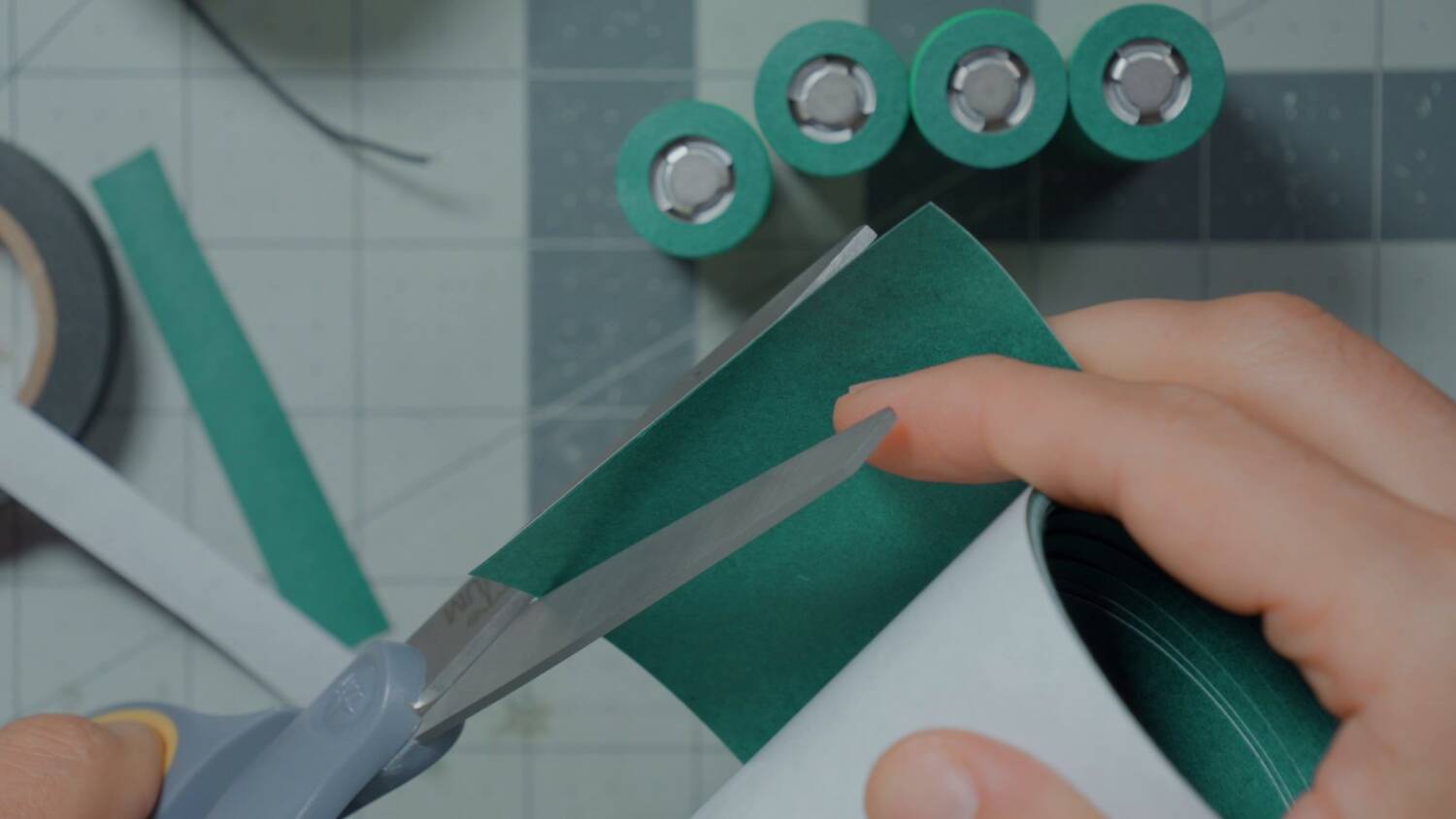
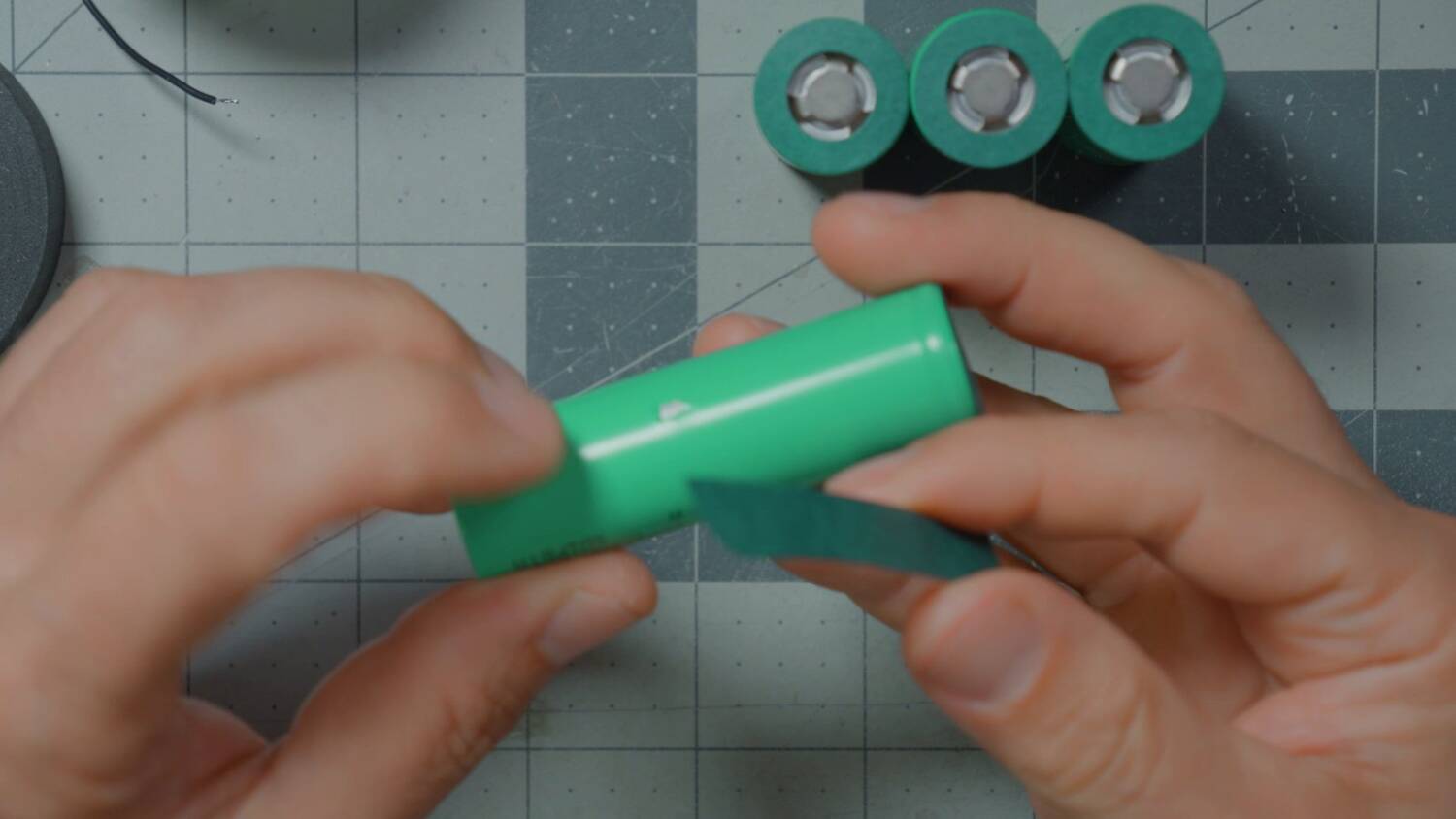
Arrange the cells in 4S1P
Arrange the cells one up, one down, one up, one down. That’s 4S1P. Keep the fish paper strips on the inside, between neighboring cells. Then slide the cells into the case to hold them while you work. Check that the fish paper is still between them, because once they’re spot welded, they’re not going to move.
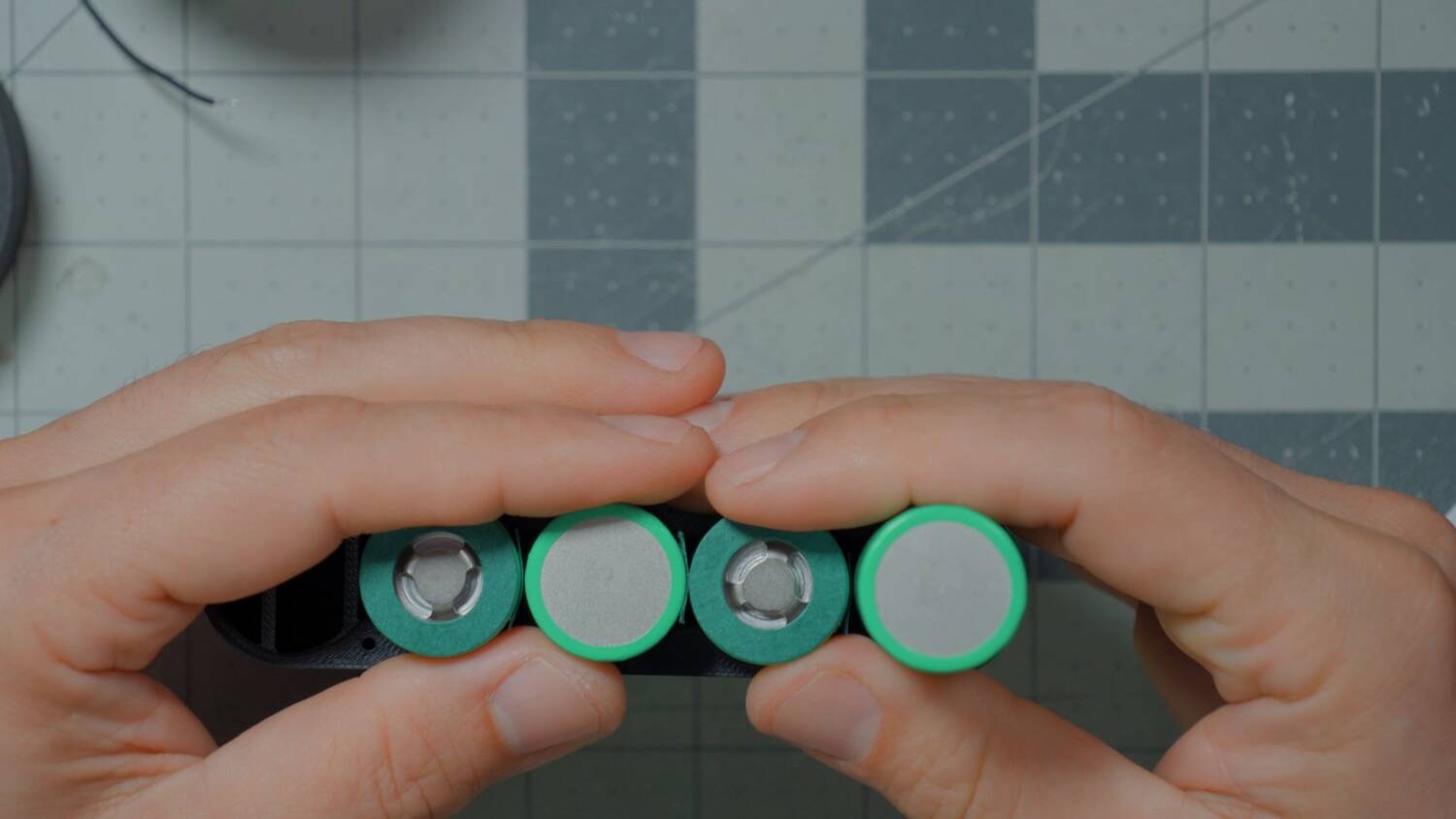
Cut lengths of nickel strip
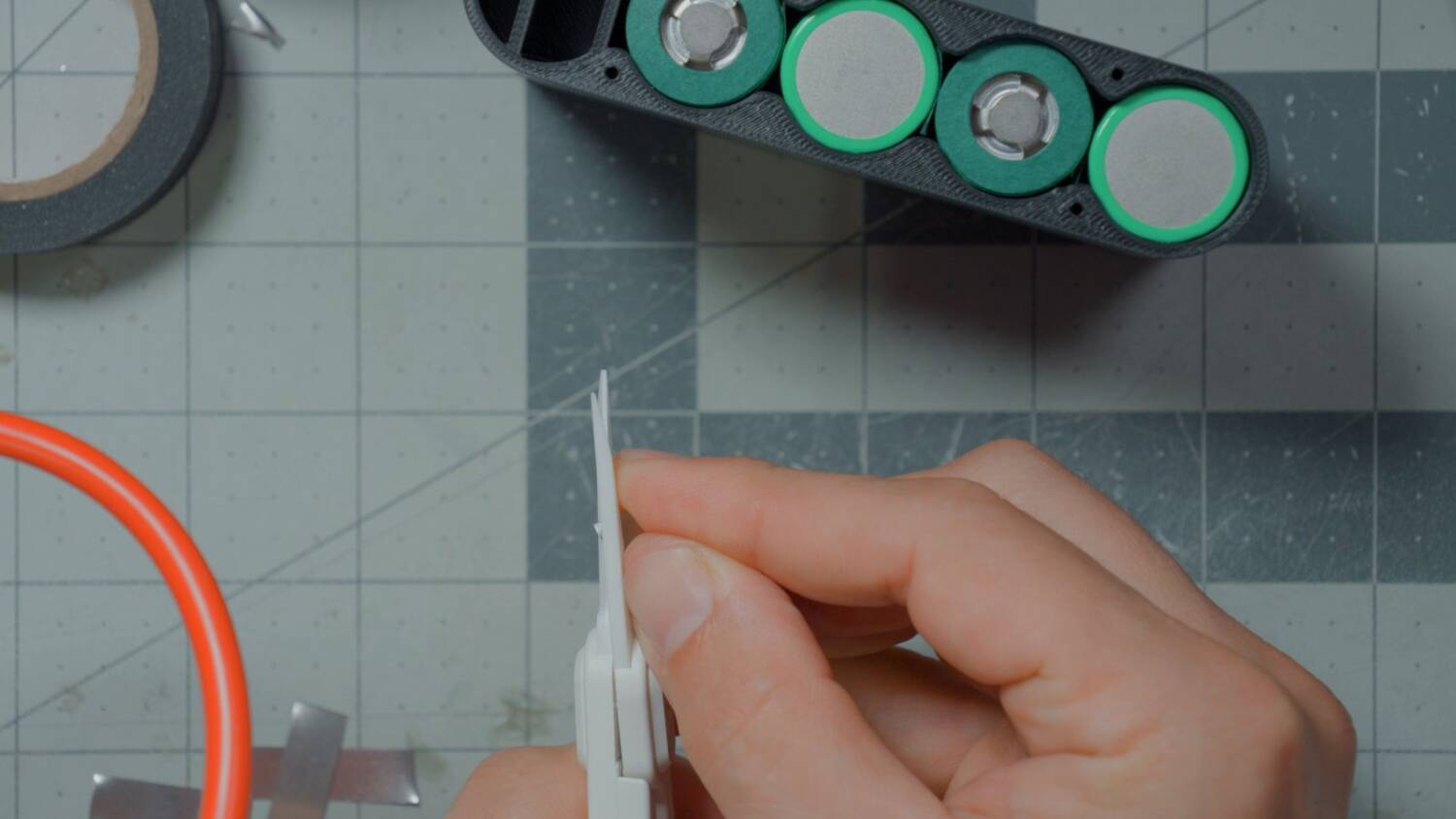
Measure across the cells and cut five pieces of nickel strip, a little more than an inch (about 2.5cm) each. Laying strip across the cells is safe right now, because they aren’t connected yet. Once they are, a short between cells means sparks or a fire.
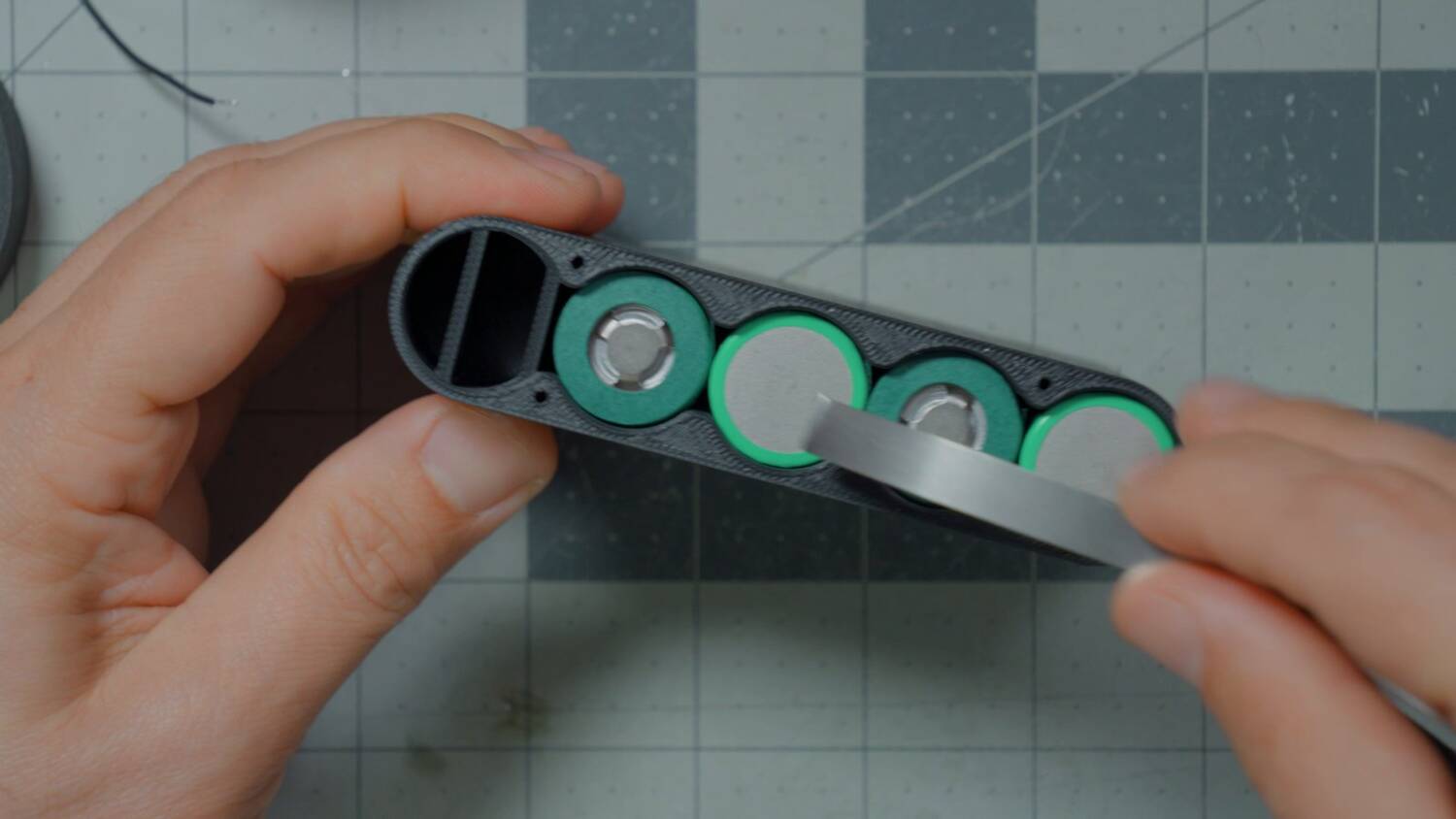
I use ceramic scissors made for battery building, because they don’t conduct. You don’t have to. But once the pack is connected, a metal tool in there can short something, and that’s really bad.
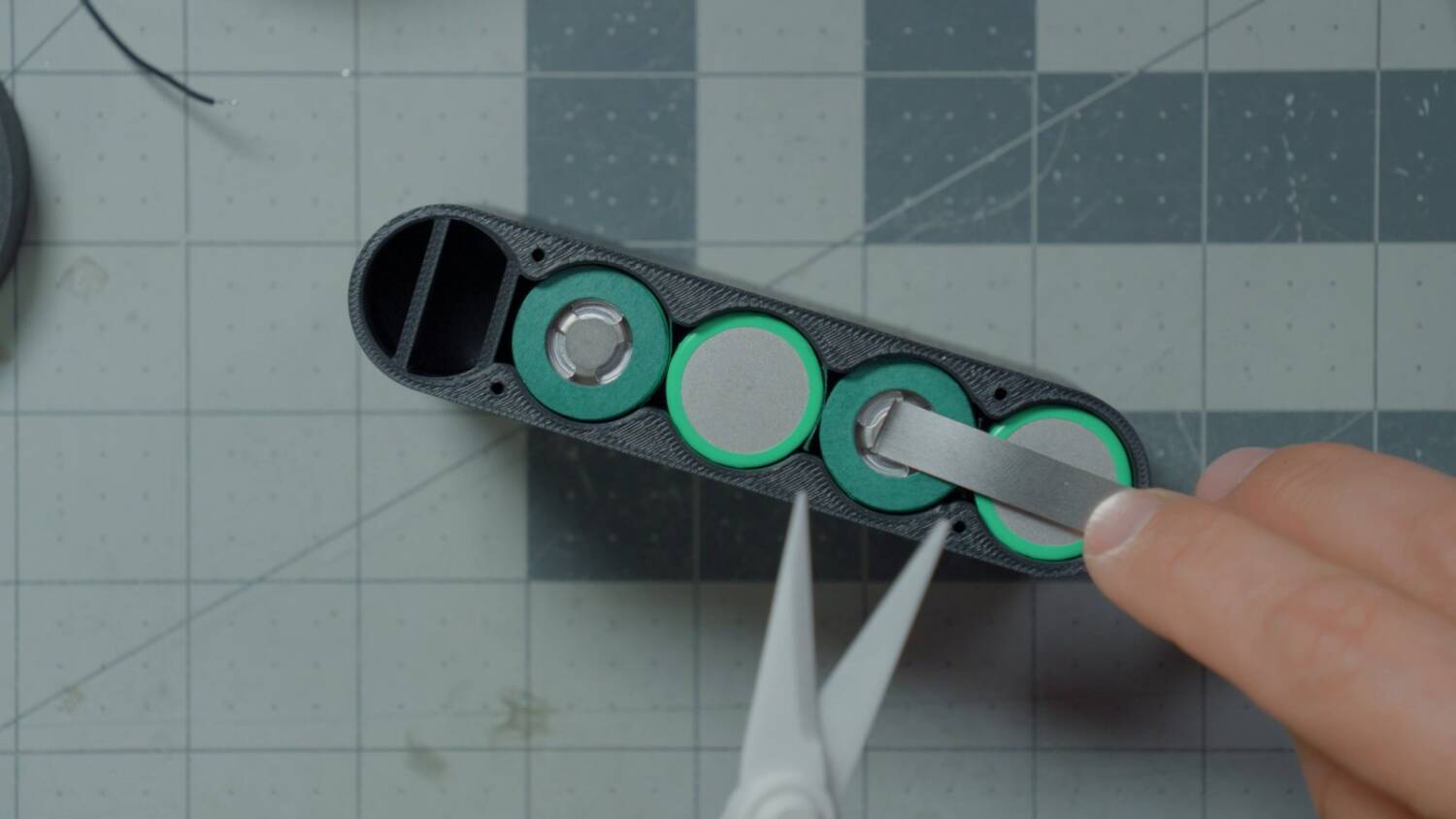
Solder to the strips first? Or after?
You can’t spot weld a wire. So the discharge and balance wires get soldered to the nickel strip, not the cell. Some people solder the wire to the strip first, then weld the strip on. The problem is that if you haven’t built a bunch of these, you don’t know where the wires will go or how long they need to be.
So I spot weld first, then solder to the middle of the strip, between the welds, so I’m not soldering directly on the cell. I think that’s a pretty good trade-off. If you’re experienced and can plan where the wires go, pre-soldering is better.
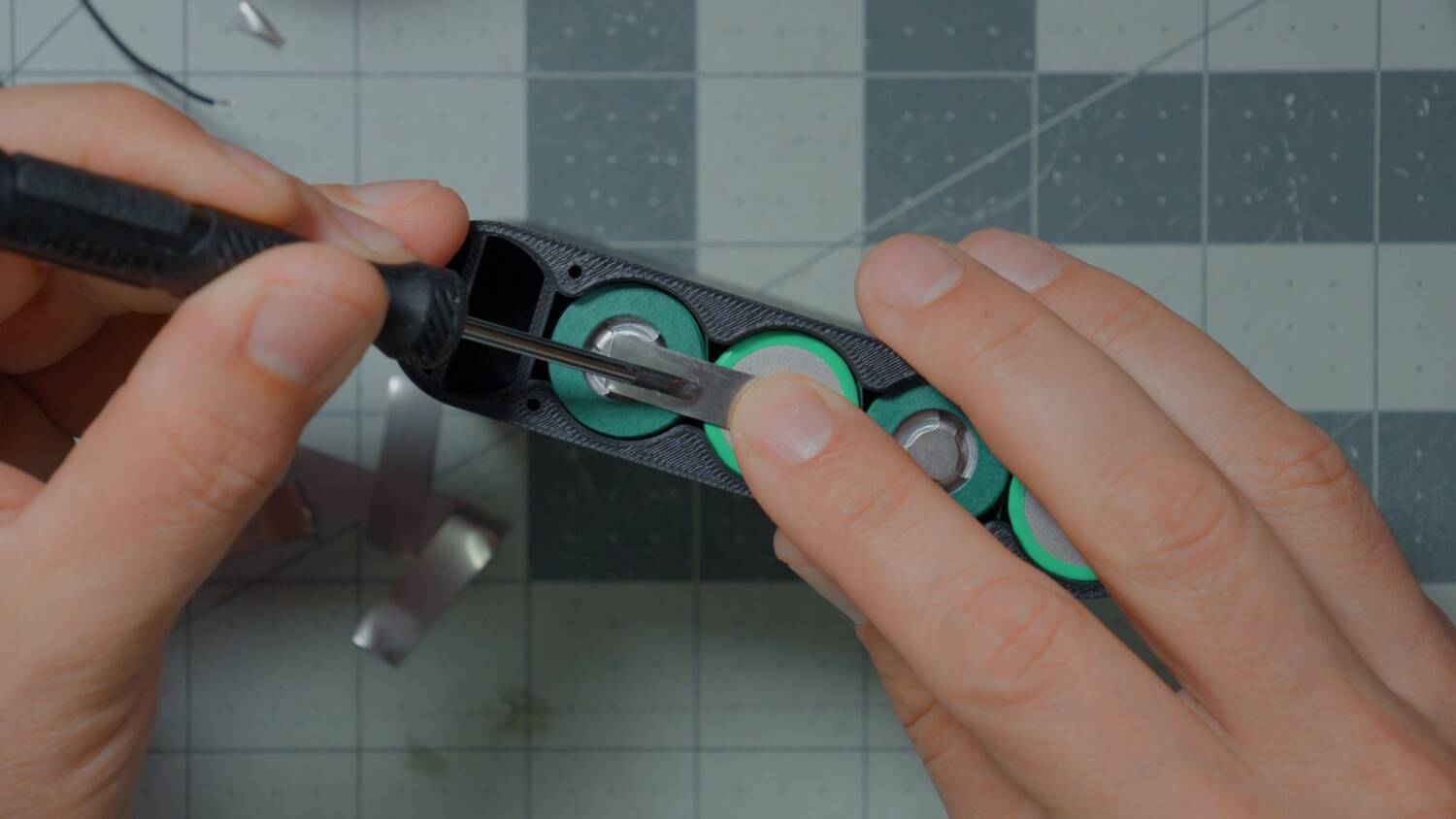
Be careful from here!
This is where you very much have to engage your brain. Put a nickel strip in the wrong place and you can cause sparks or a fire. Spot weld one in a shorted position and there’s really no way to fix it. Know where every strip goes for 4S1P before you start. My cells are at storage voltage: lower voltage, less risk of drama.
I also round off the corners of each strip, so a sharp edge can’t cut a wire or puncture a cell’s wrap.
Spot-welding the strips
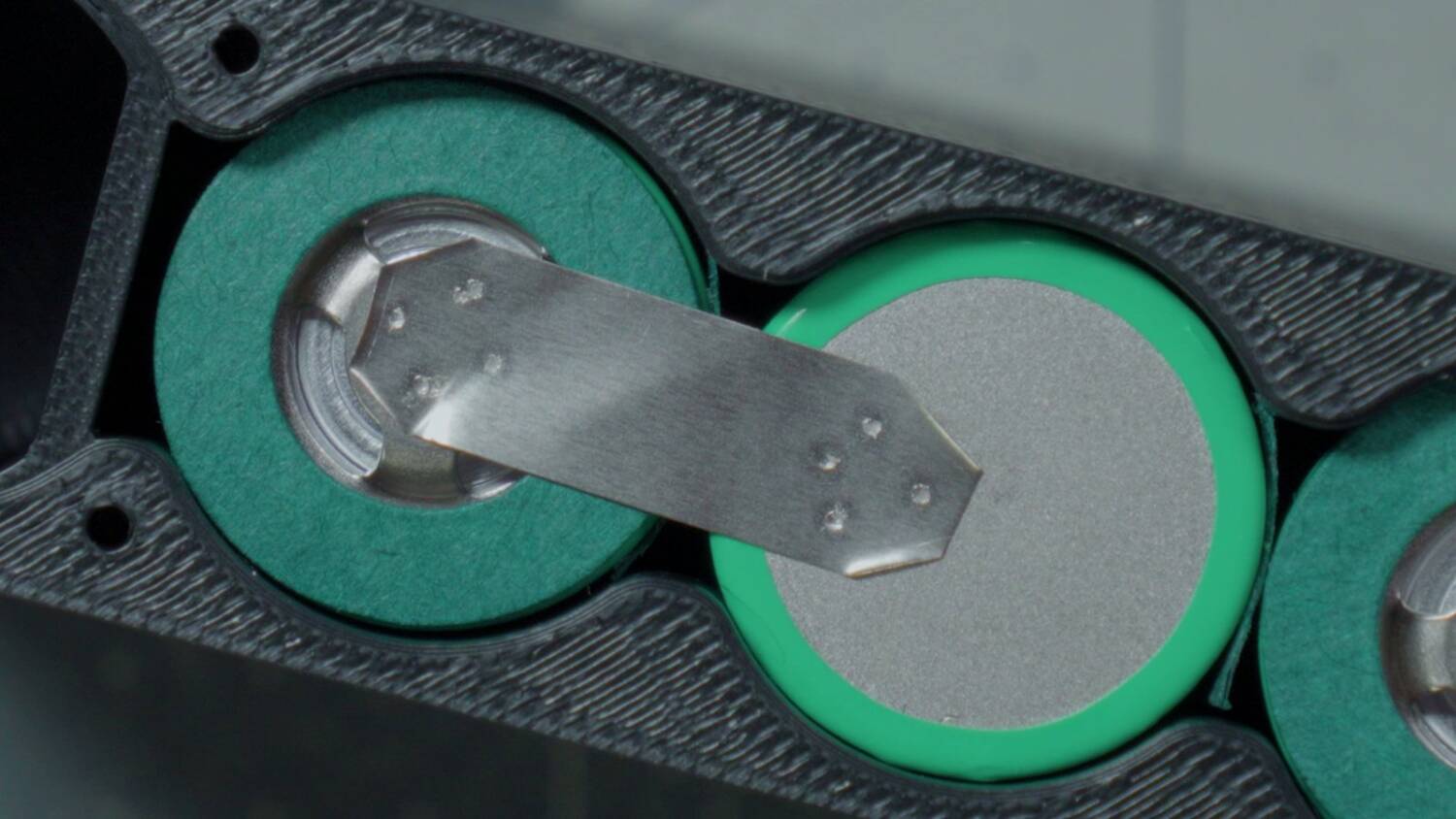
On the first side, weld one strip between cells 1 and 2, and one between cells 3 and 4. Stay away from the “bullseye”, the center 3mm or so of the negative terminal, which you’re not supposed to weld on. I don’t know if that applies to every cell, but I avoid it. On the positive terminal, stay out near the edge of the ring.
No, really, be careful
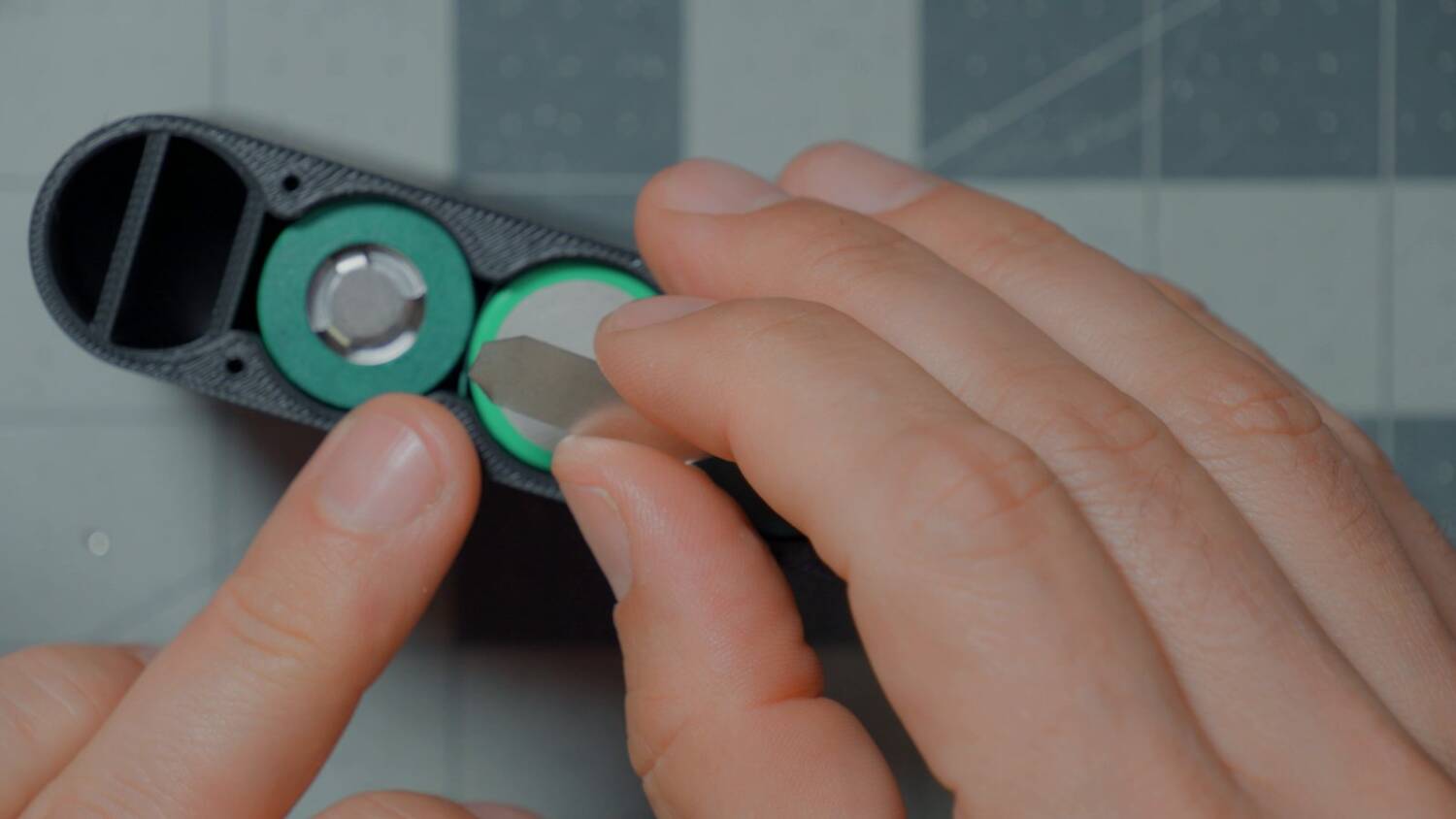
Now it gets dangerous. One end is already connected, so shorting the other end means a dead short, sparks and maybe a fire. Flip the pack over, slide the cells out and put them back in upside down to hold them. Weld one strip across the middle, between cells 2 and 3. That’s the final series connection. Don’t drop it across the wrong terminals.
Install the positive and negative strips
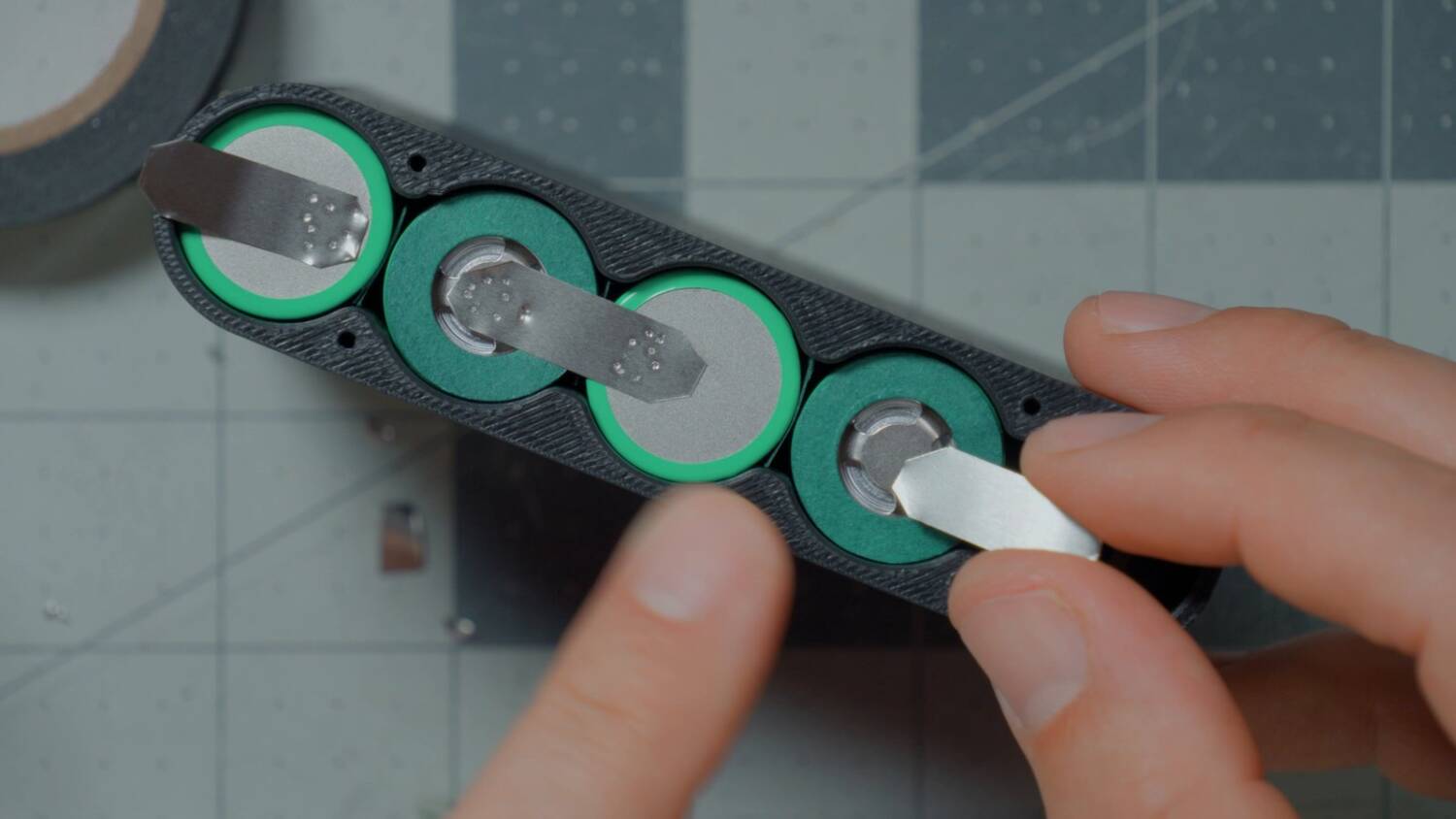
Weld a piece of nickel strip to the pack’s main positive and negative terminals too. It doesn’t join anything. It’s just somewhere to solder the wires. Lay each one so it can fold back over itself later. And be careful: if the positive strip slides over and touches the next cell, you get sparks or a fire. That’s it for the spot welder.
Solder the wires
First, work out the wire lengths. The positive wire runs from the positive terminal out to the gap in the lid. That’s the baseline, and everything else works off it.
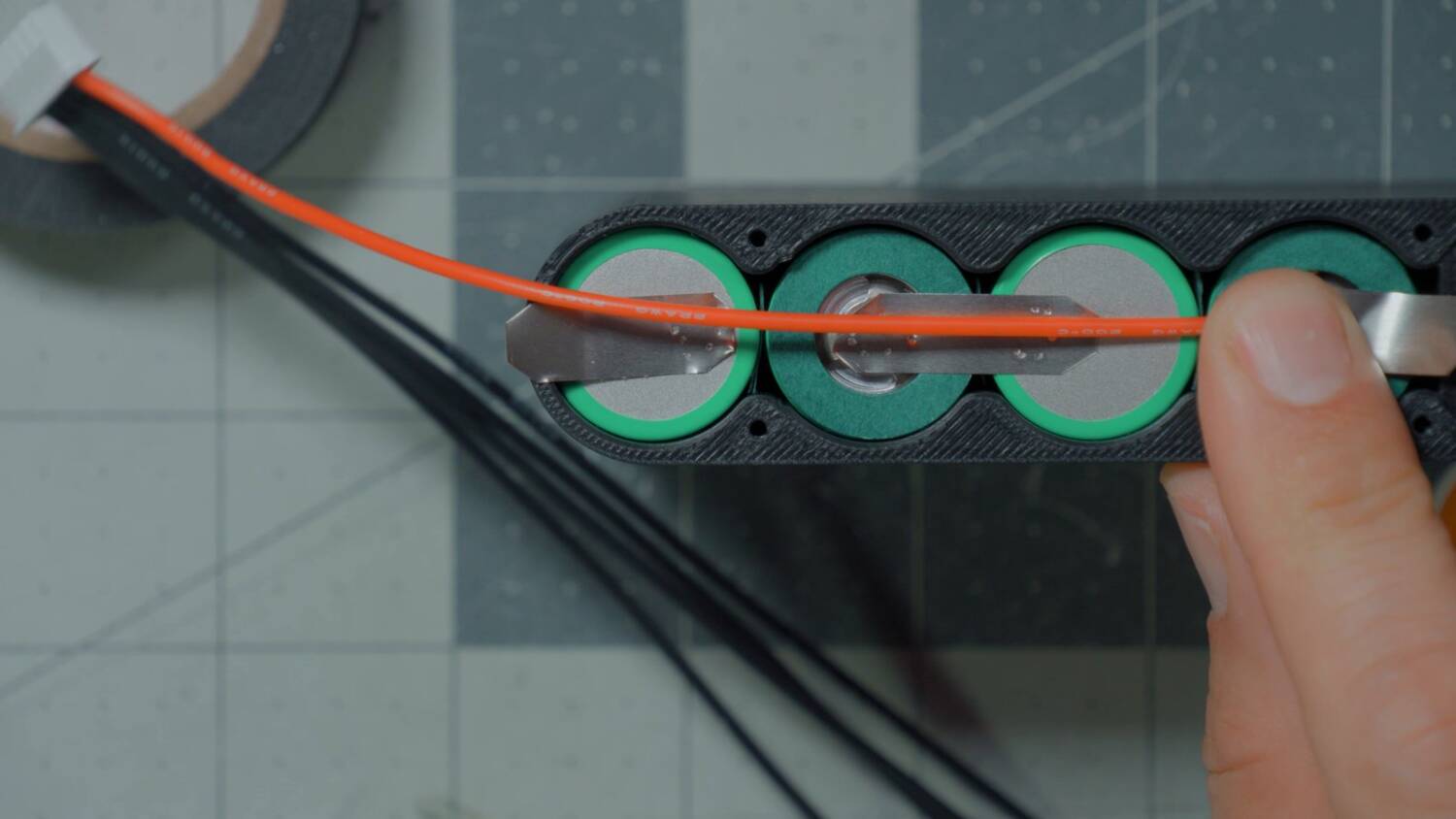
Don’t solder while the cells are up against the plastic case, or it’ll melt. You can slide them partway out and work on the bench. Just never set the pack down on anything metal, like a tool or a scrap of solder.
Fold the terminal strip over and press it down. I twist the two 18 gauge wires together and solder them to each other before soldering them down. Then the balance lead’s positive wire goes on top. Soldering onto a joint without melting it takes control of your heat. This is not a beginner project.
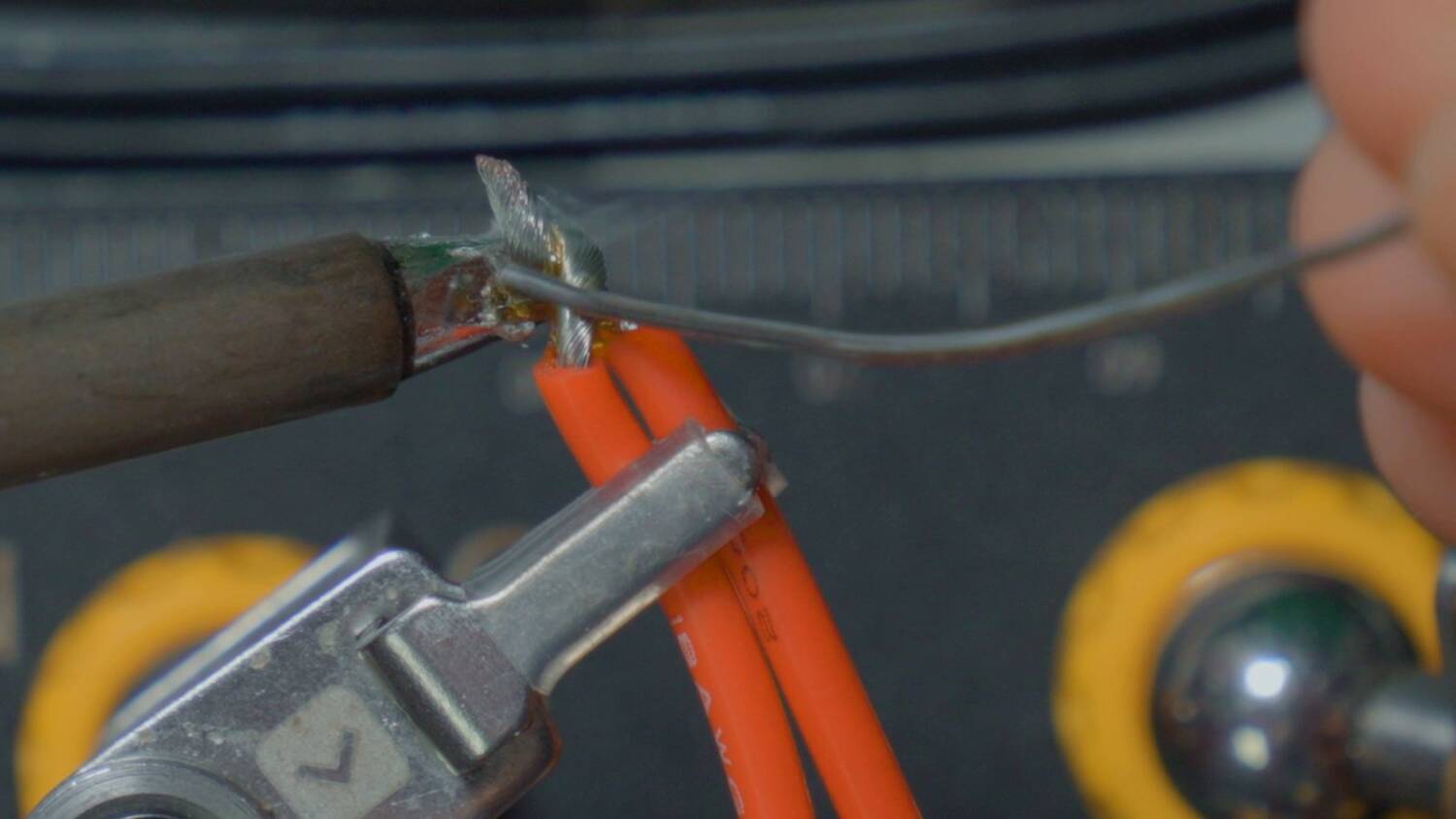
From there, work across the pack. The balance wires go 1, 2, 3, 4, 5 in order, so you don’t have to think about which cell is which. If your lead doesn’t mark the positive wire in red, it probably marks the negative in black.
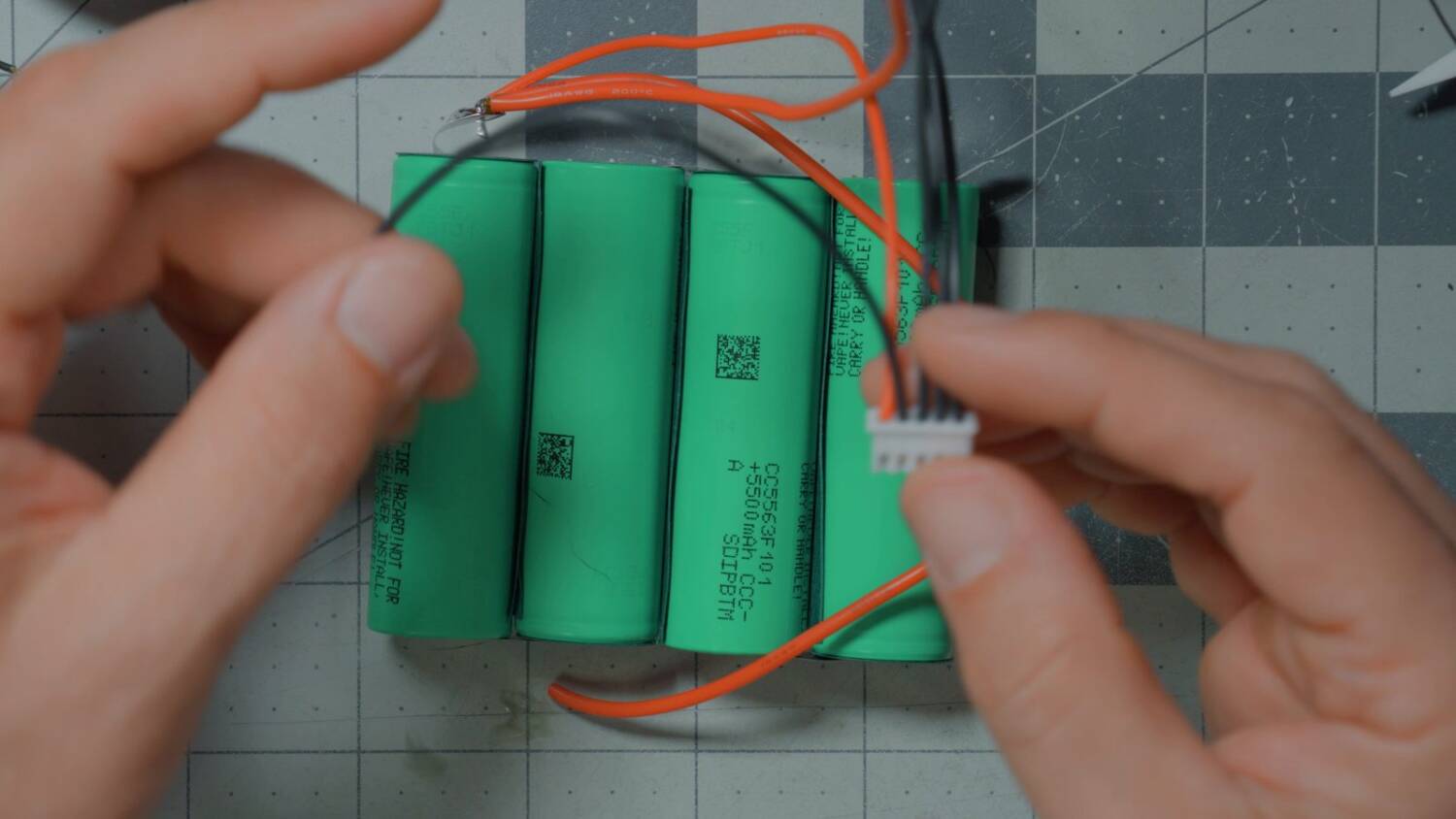
My balance lead’s wires weren’t long enough, so I soldered on extensions of thinner wire, around 26 gauge. Shorten the lead instead and it doesn’t stick out far enough to charge. Technically, hiding thinner wire behind a 20 or 22 gauge lead isn’t good practice. But are you going to pull 5 amps off a balance lead? I don’t think so. It’s up to you.
Use heat shrink on every joint, not electrical tape. This is not a janky DIY project. And keep track of which wire is which. It’s easy to solder one in the wrong place. We’ll check that at the end.
Slide the cells into the case
The negative terminal gets two 18 gauge black wires: a long one back to the USB power board, and a shorter one for the XT60. Where a balance wire reached without an extension, I didn’t use one.
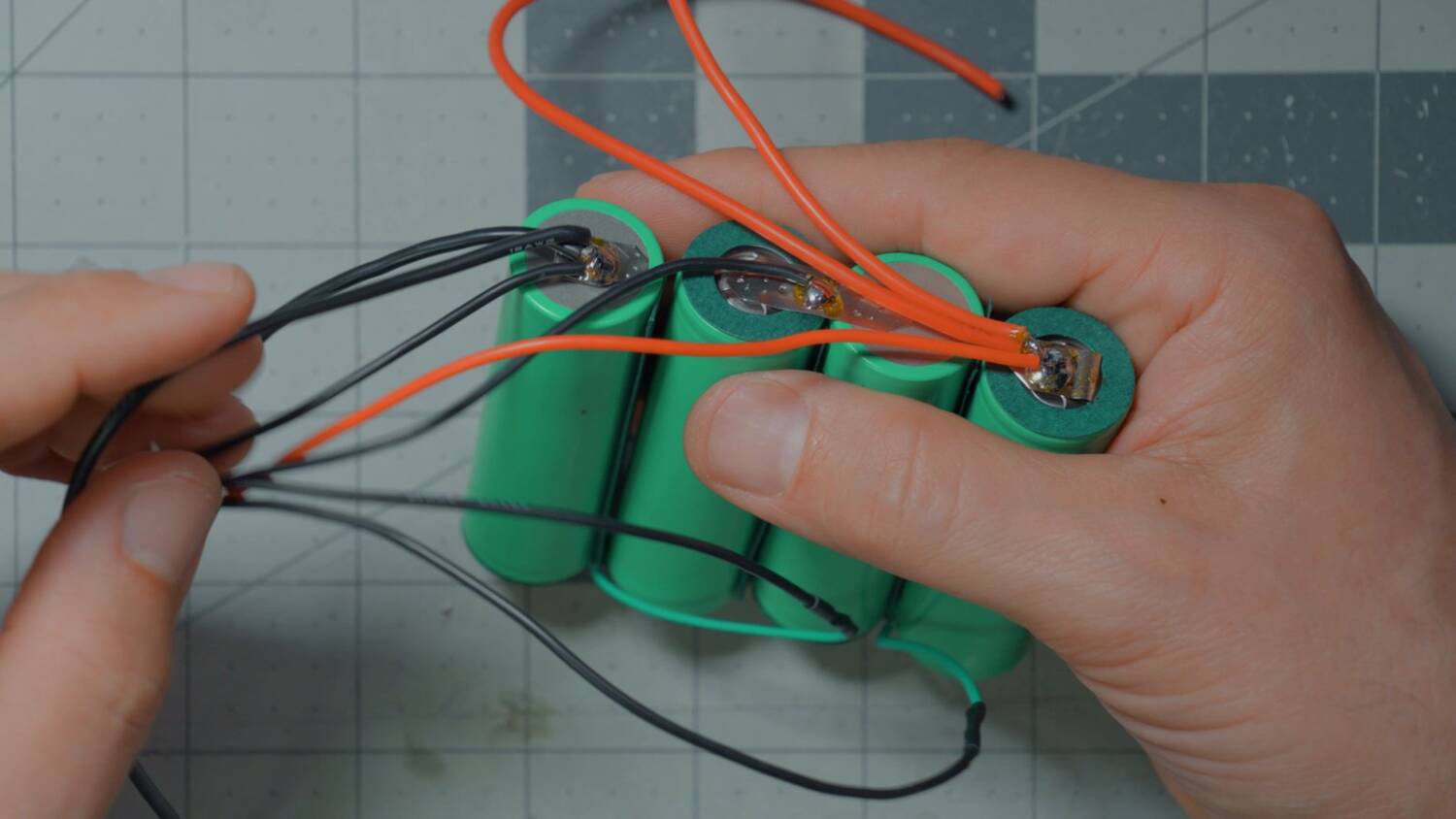
Now slide the pack back into the case, which makes it easier to handle. The USB board goes at the back, so the positive terminal goes there and the negative goes near the exit. Tuck the wires down into the channel so they don’t get pinched. The cell wrap can snag on the way in, so squeeze everything together and press gently.
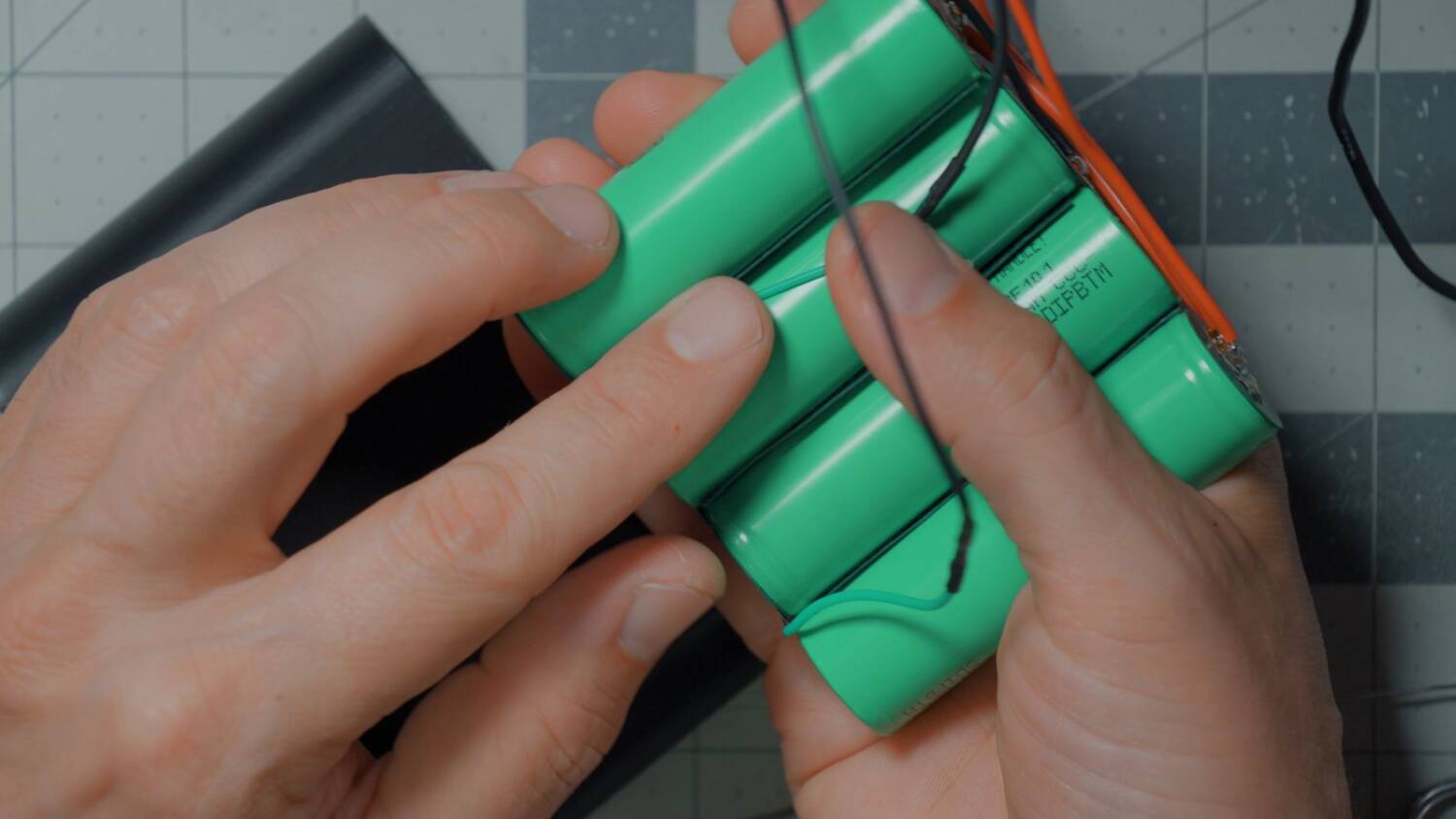
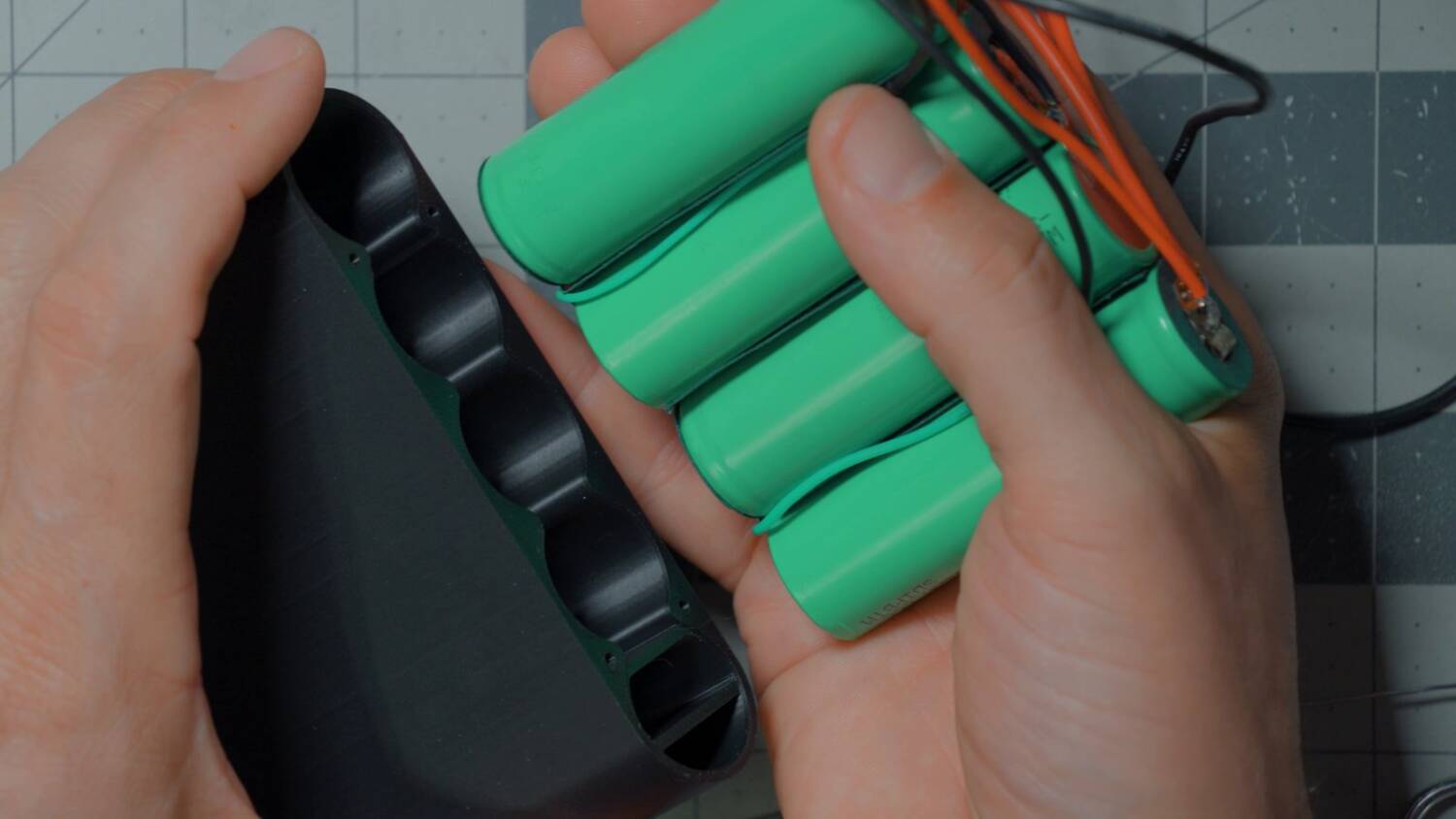
Second thoughts: lock it down
Handling the wires made the folded terminal strips move. So I spot welded them down to the cells, positive and negative. It means less separation from the cell if I ever have to rework the joint, but I think it’s the best thing for long-term success.
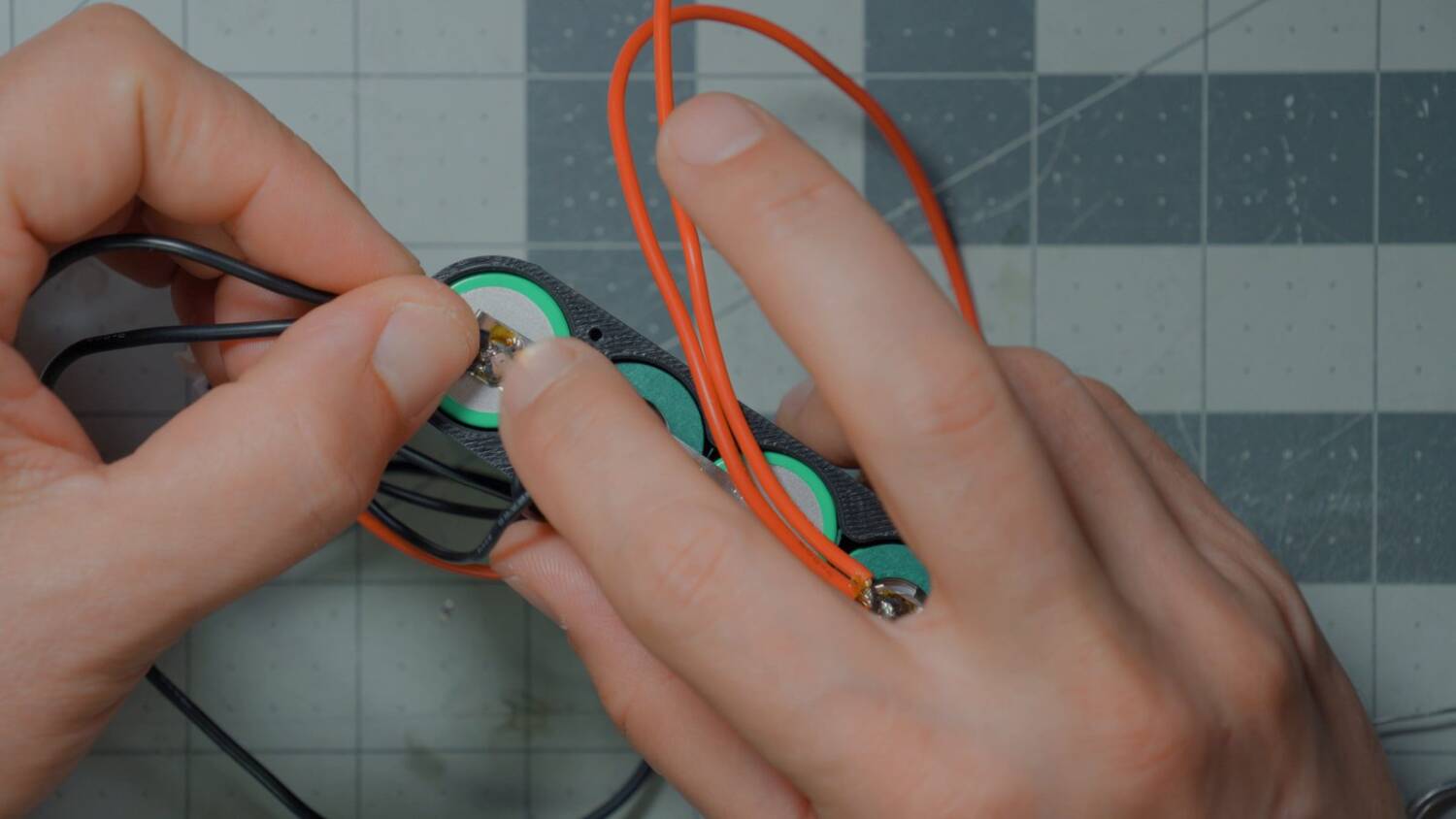
Then I zip tied the wires that exit the front into a bundle, right where they leave the case. If they get pulled, they get pulled as a bundle instead of one at a time. It also gives strain relief against the underside of the lid.
Adjust the wire lengths
If a wire in the bundle is too long, pull its slack back up into the case so the bundle is even and neat.
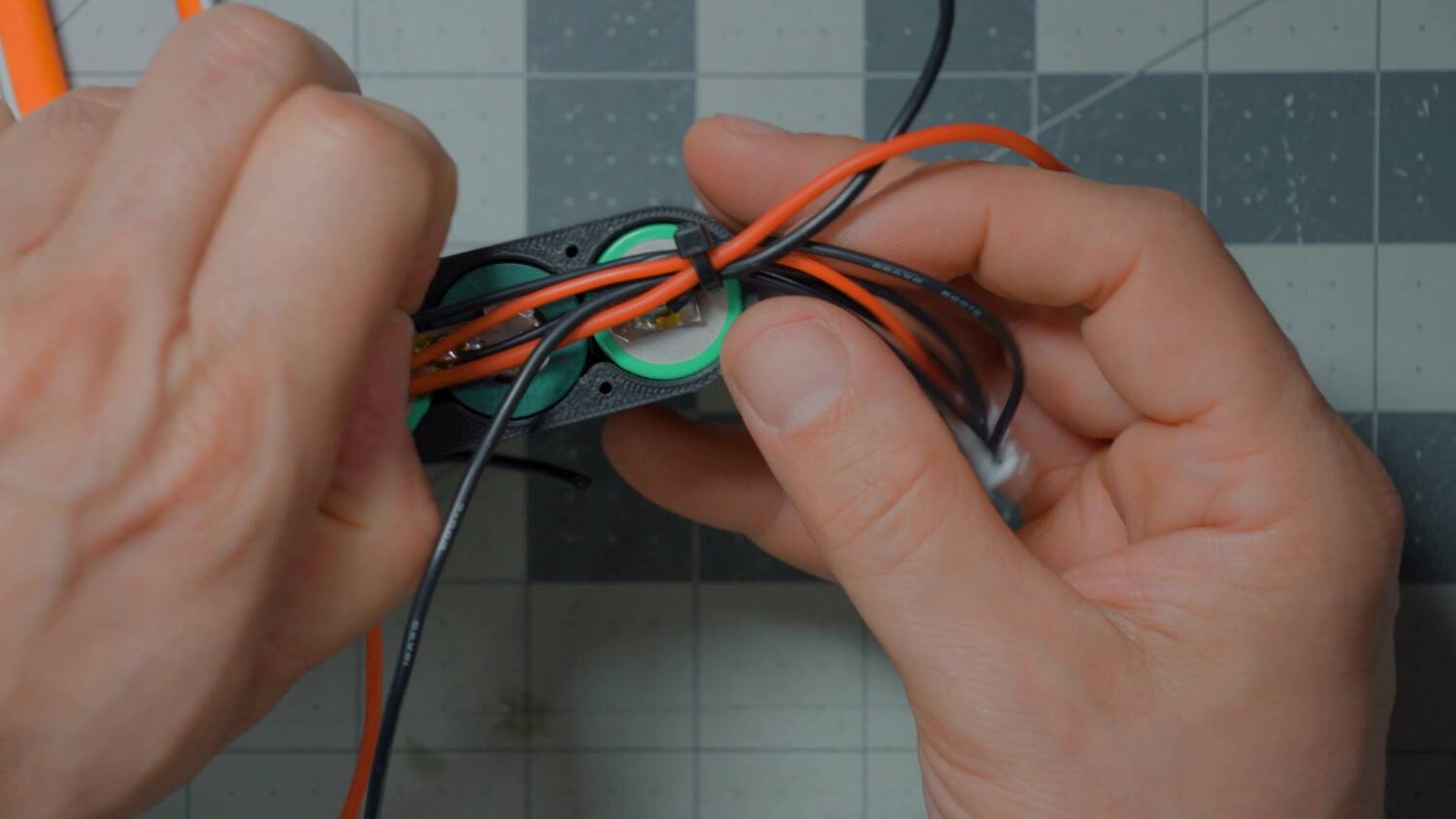
Install the USB power board
The wires solder to the pads on the board and run straight down into the case, so you only need enough to reach the bottom. Do one wire at a time — they’re live. I shorted them by accident and got a little sparky spark. Fun.
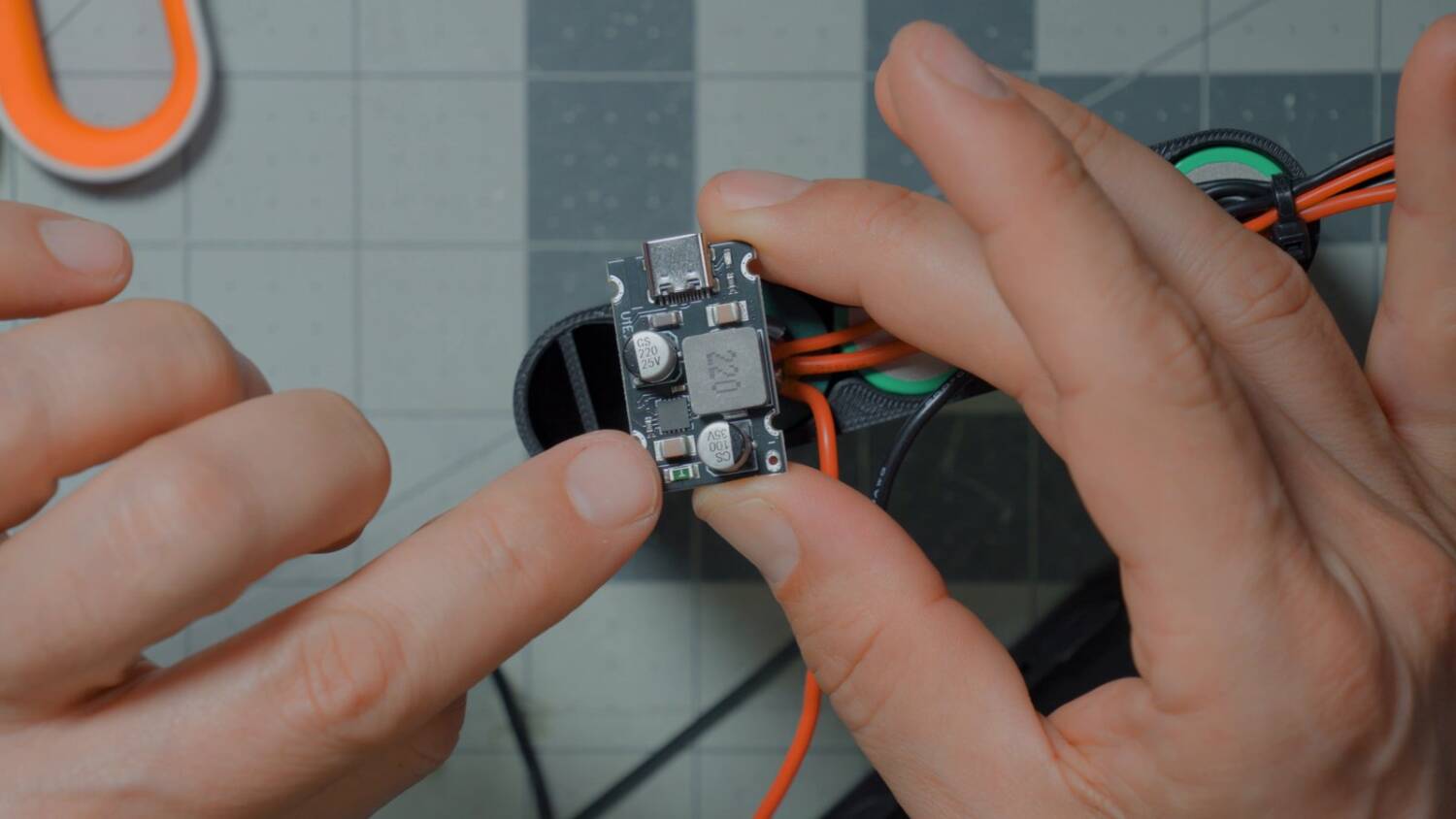
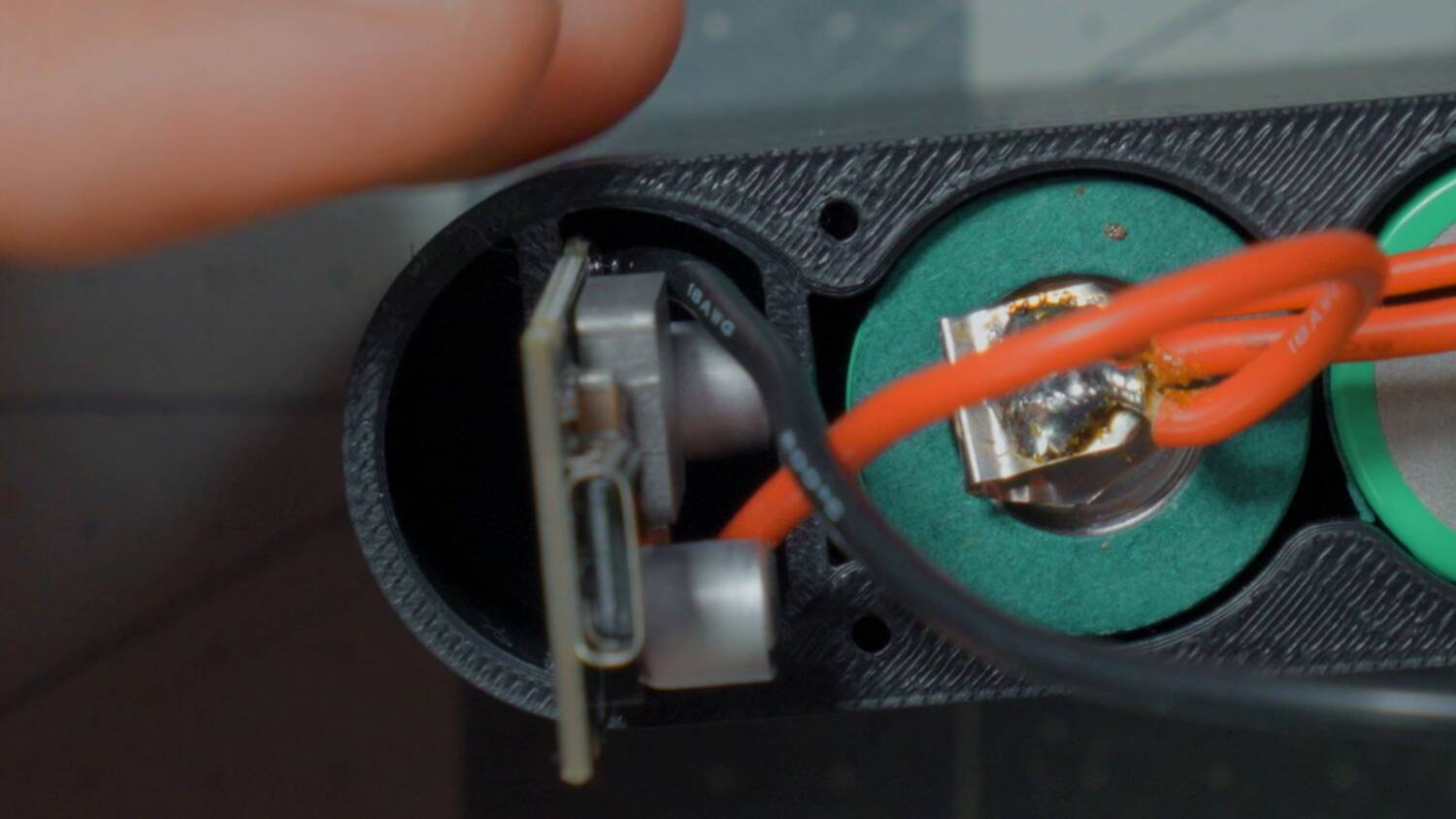
In the case, the board’s inductor sits flush against the wall, so the wire can’t run over the top of it. Run it around the outside instead. Clean off any solder blob on the underside of the board, or it won’t slide in. The fit is that precise. Then slide the board down without pinching the wires.
Test the wiring
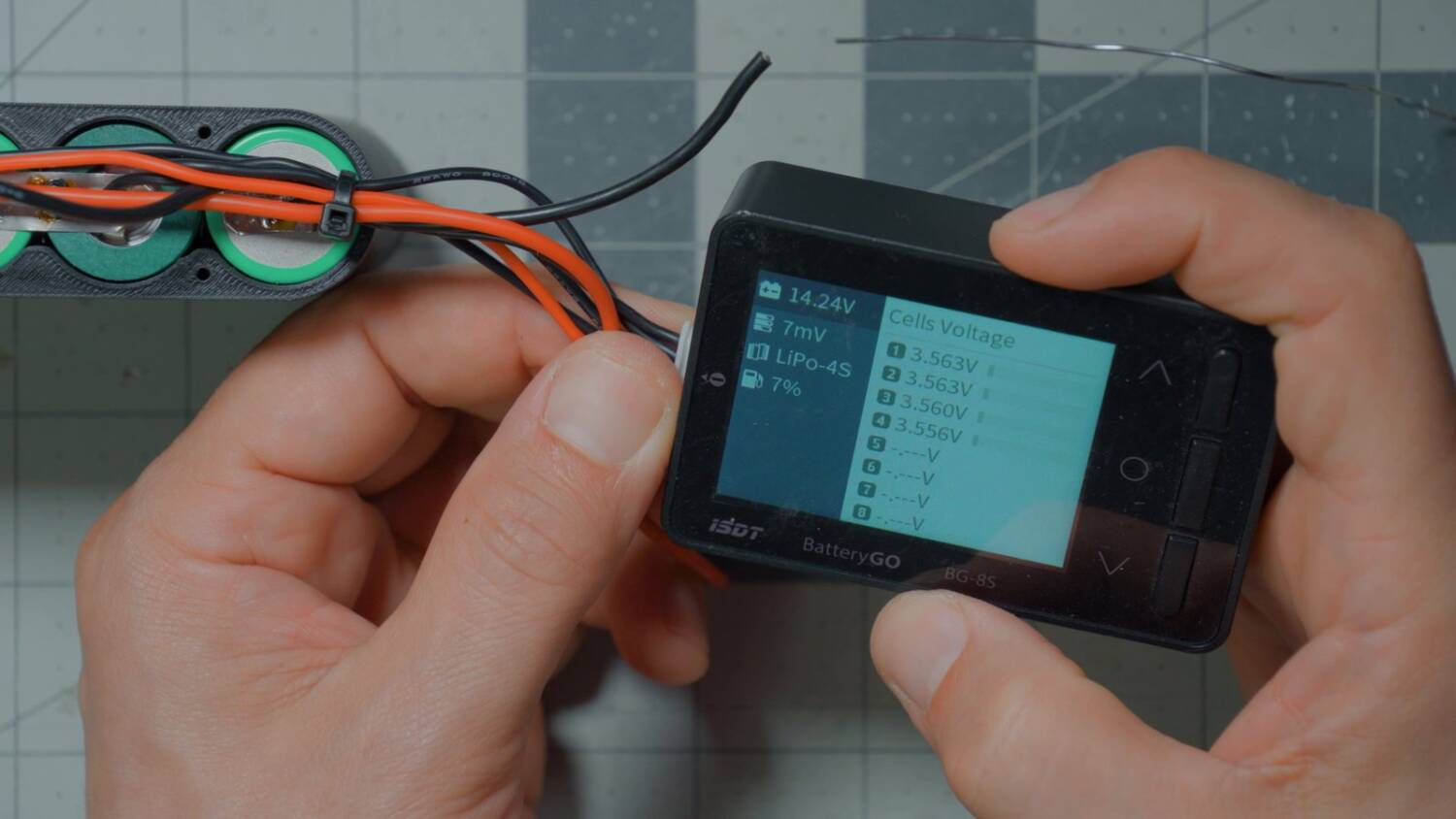
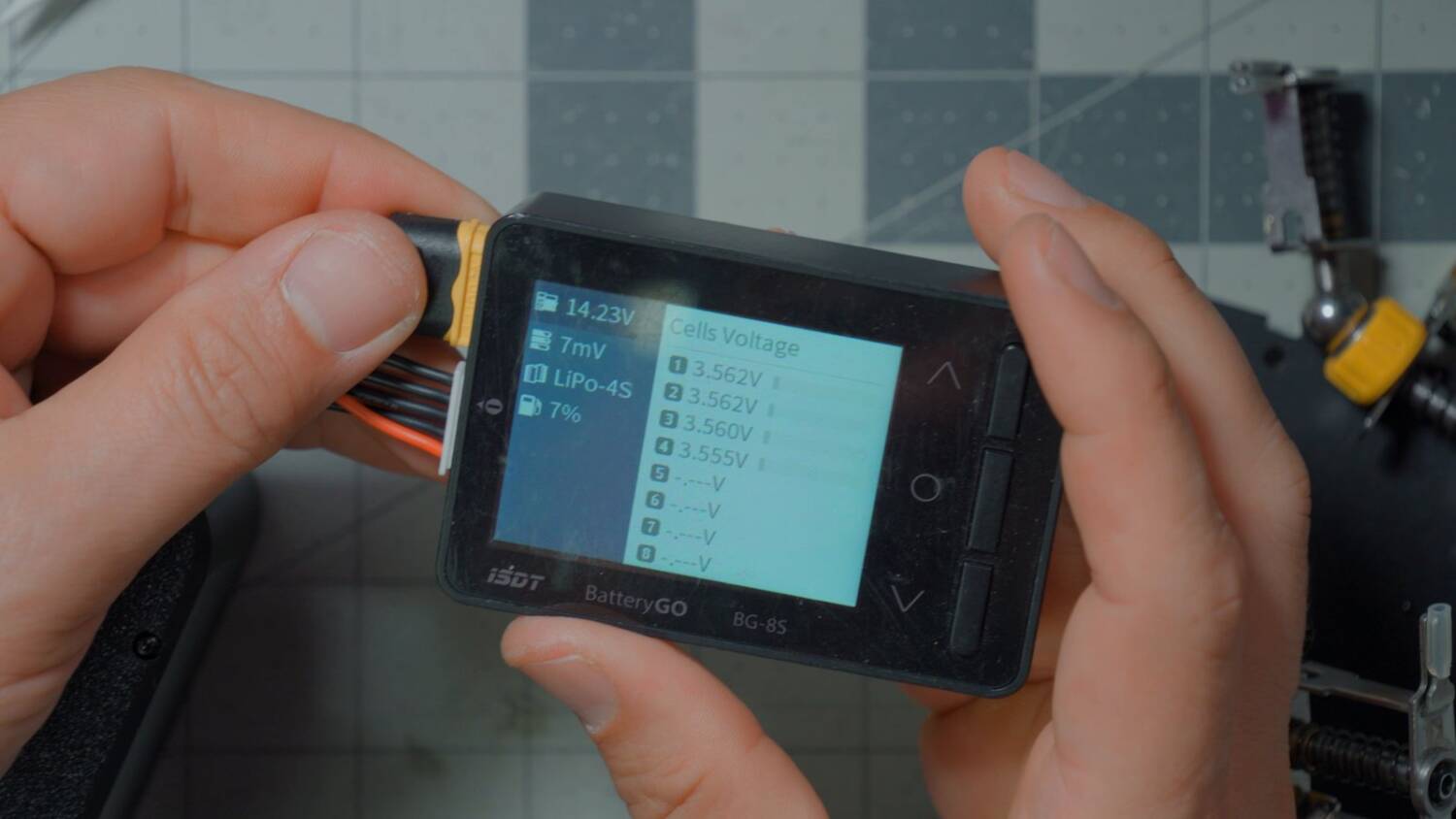
Before closing up, plug a cell checker into the balance lead. Getting the main positive and negative backwards is unlikely. Messing up the balance lead is likely. An error or wacky cell voltages probably means a wiring mistake.
Then put the lid on and add the XT60, or do the XT60 first. It’s up to you. The lid takes four M2 x 12mm screws.
Close up the case
Tuck the wires up into the center channel so nothing gets pinched in the opening. Press one side of the lid flush first, then work the wires in along the other side. Use something non-conductive if you can, and not sharp.
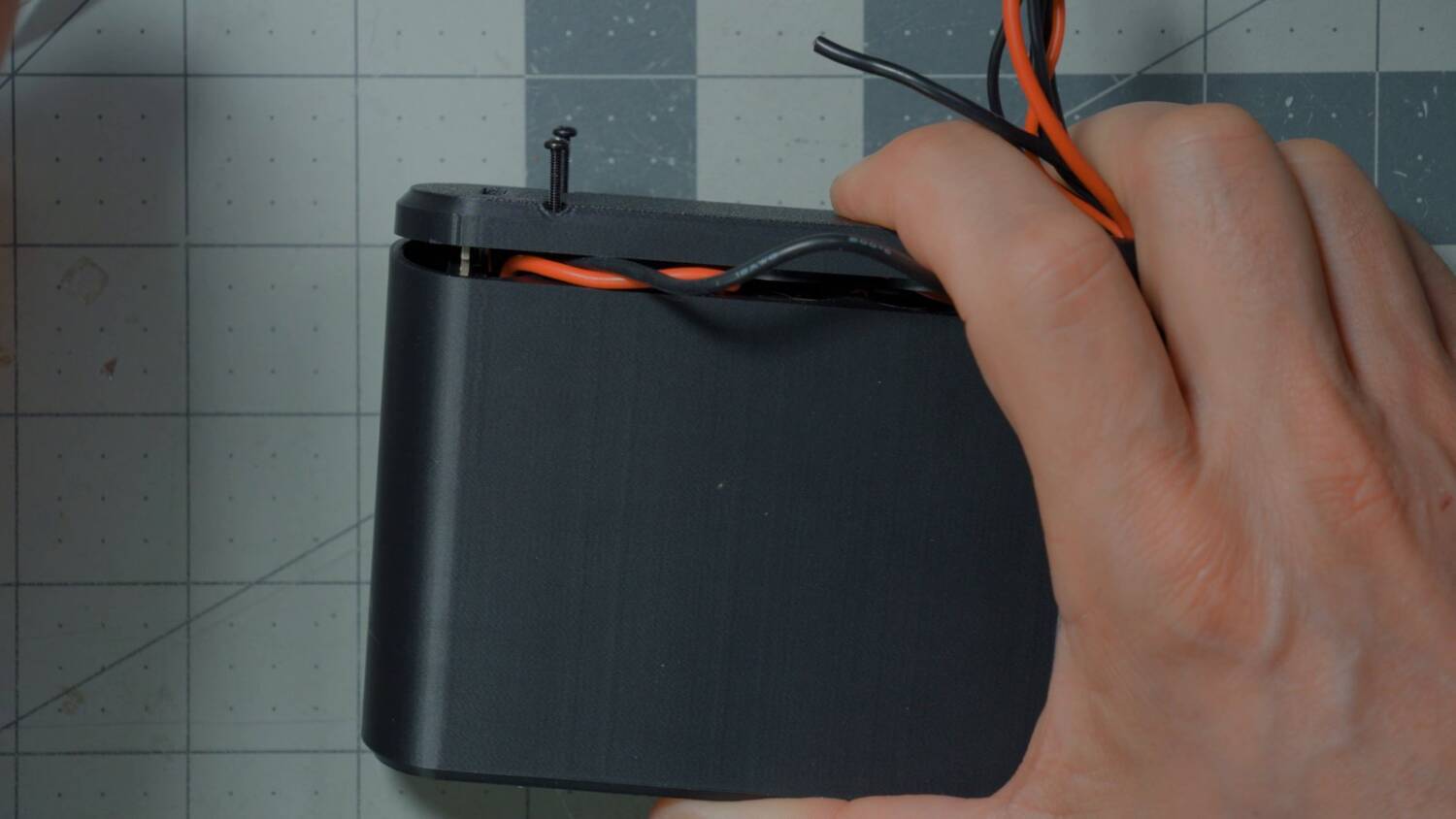
Only tighten the screws once you’re sure nothing is pinched. They go straight into plastic, with no threaded inserts. Even on its lowest torque setting, my power driver will over-torque them. Run them in by hand, or finish by hand, so you don’t strip them out.
Install the XT60
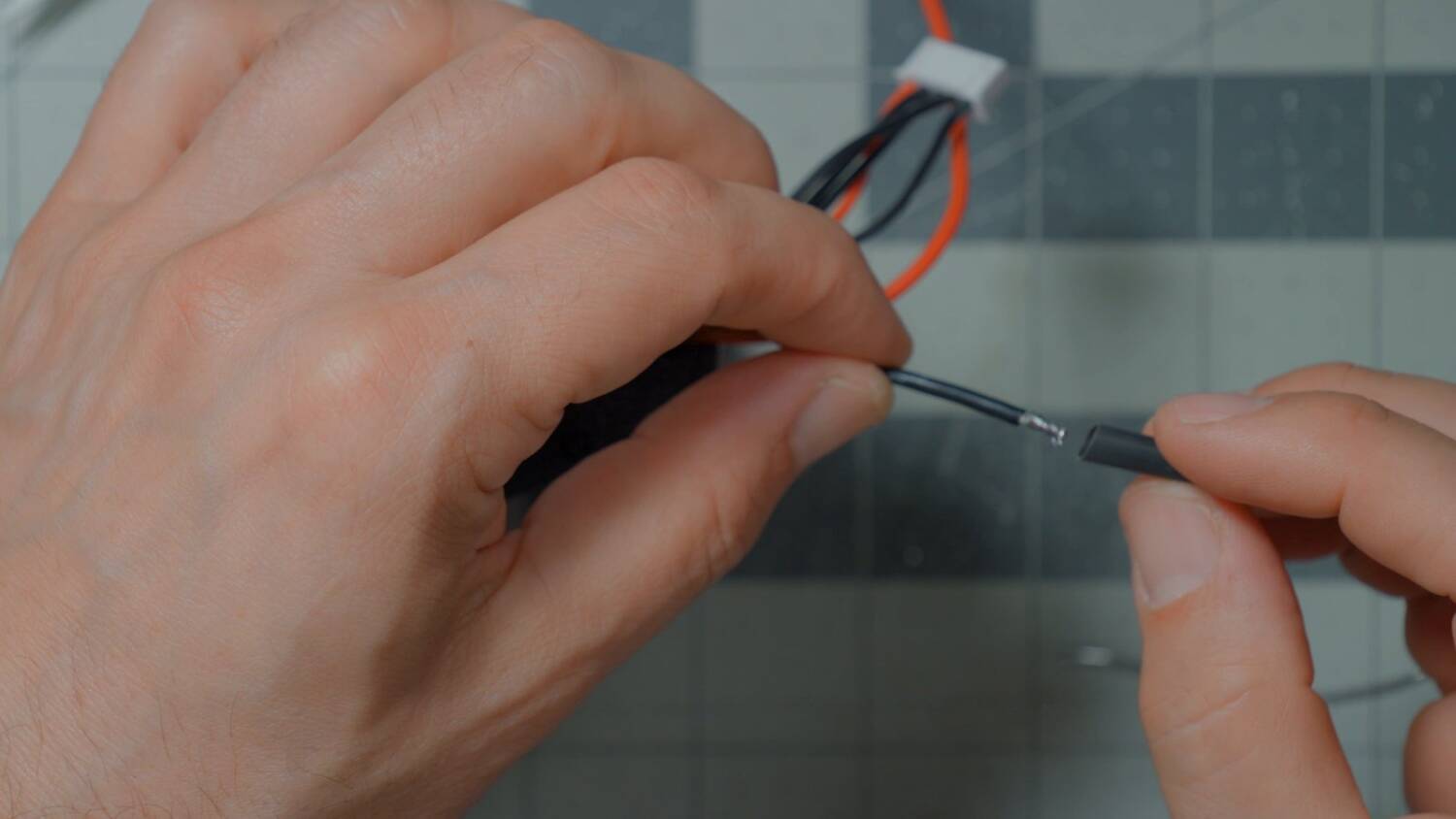
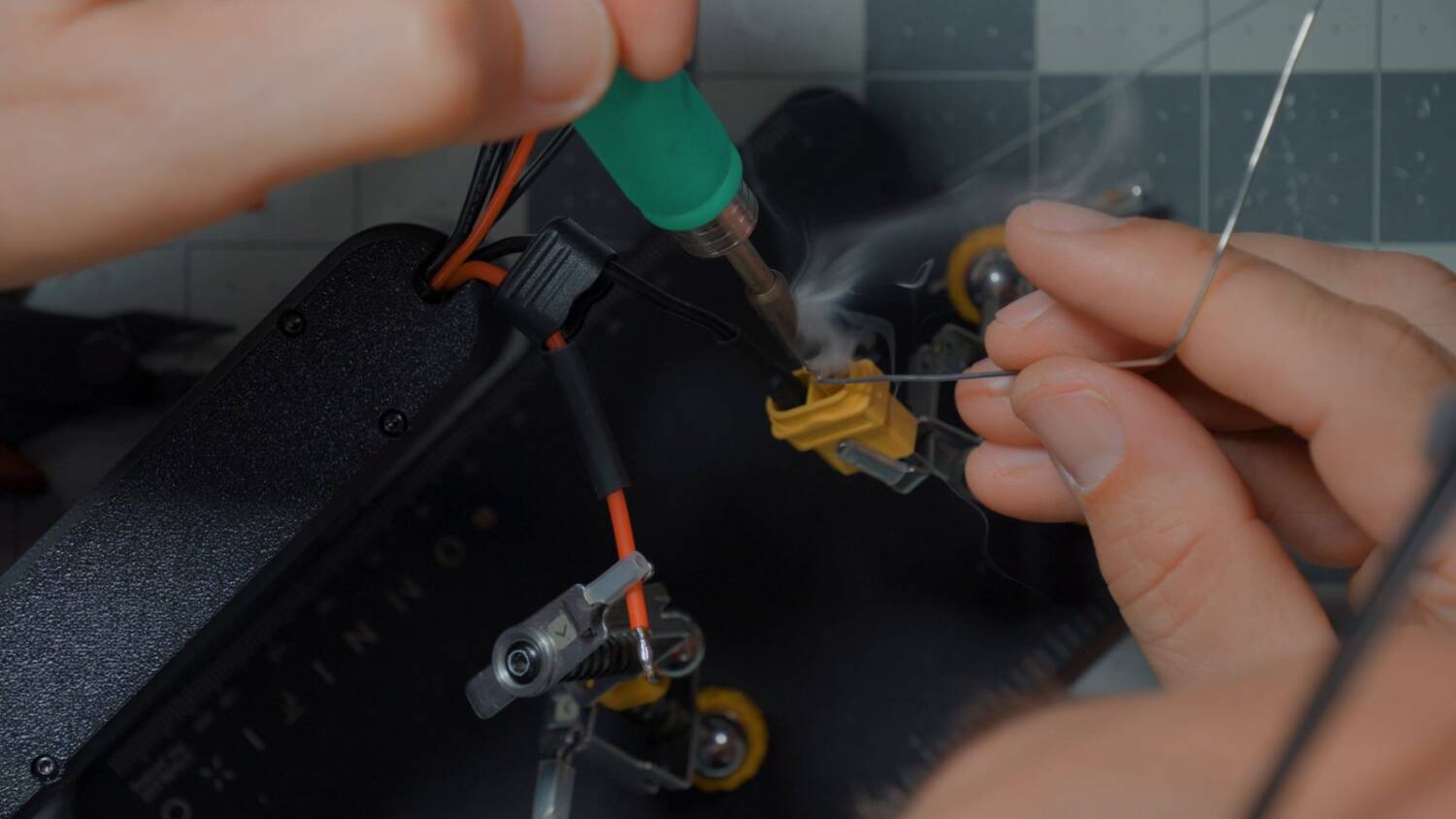
Do one wire at a time so you can’t short them: the negative first, then the positive, instead of stripping and tinning both at once. Put heat shrink on the negative so it can’t possibly touch the positive.
One last check with the cell checker. Mine read 14.2 volts, which is what’s expected. With the XT60 and the balance lead both plugged in, it didn’t complain about anything. Amazing.
You’re done!
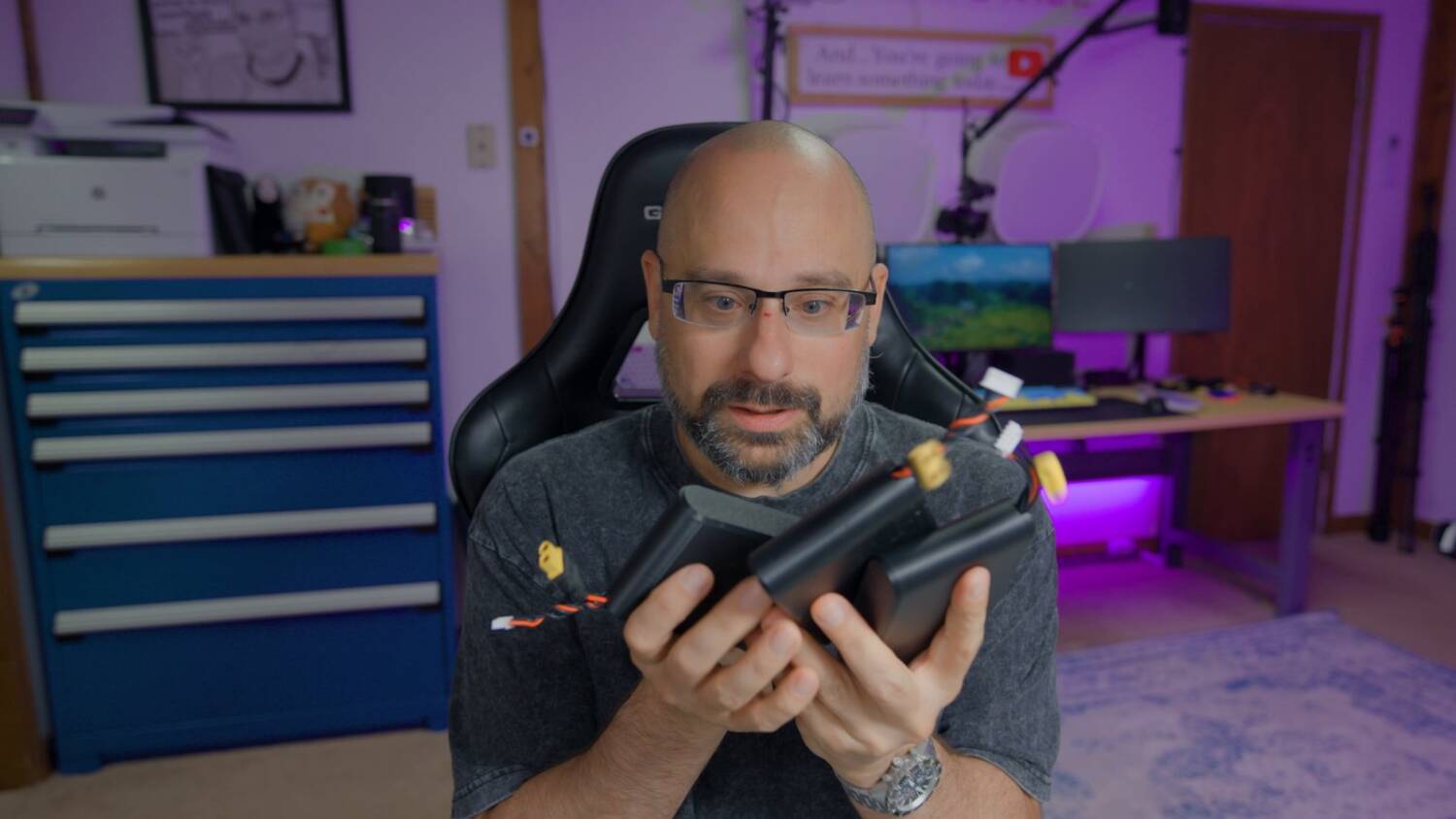
There you go: a 4S1P pack with 65W USB PD charging that looks like a game cartridge. Hey Bardwell, where’d you get those? I made them.
I’ve made other videos on building batteries and spot welders, and they’re worth a look.